Solved

Report Designer does not open the PDF

  • Sep 16, 2025 4:17 PM UTC
  • 6 replies
  • 169 views

ZTC ZTC JGOTA
Hero (Customer)
Forum|alt.badge.img+14

Hello IFS Community,

I exported a layout from the IFS CFG environment on the Report Definition page. It’s a working layout that I previously modified and now need to update. However, when I try to open it in IFS Report Designer (connected to the CFG environment), the PDF does not open.

I haven’t made any changes yet. Even when I try to open layouts that I had successfully modified before, the PDF still does not open.

Has anyone experienced this behavior or know what might be causing it?

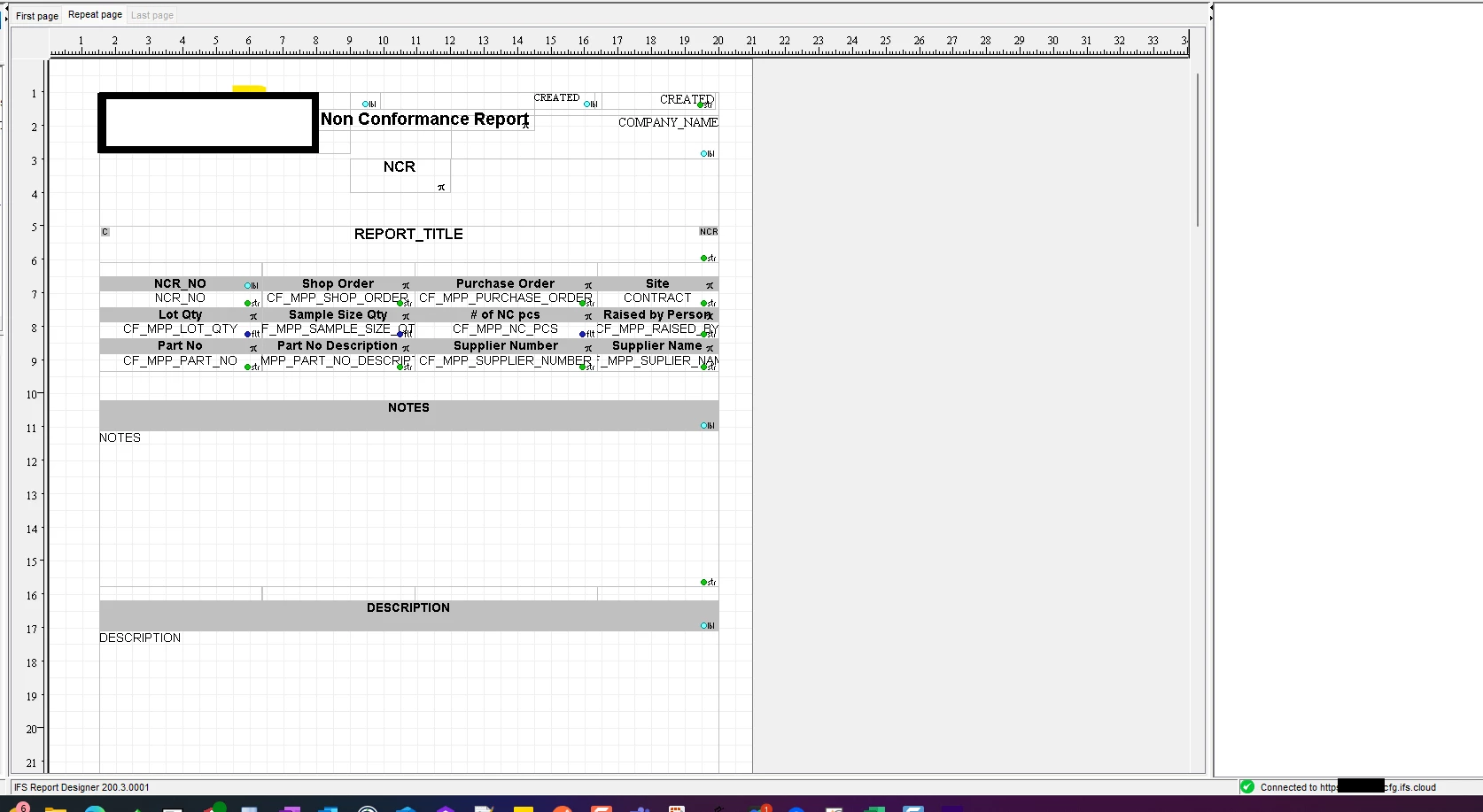
As shown in the screenshot below, I am connected to the CFG environment.
 

Best answer by dsj

Hi ​@ZTC ZTC JGOTA 


To check if the problem is with the report designer tool, or the layout (..\IFSReportDesigner\sample), please load one of the sample layouts comes with the report designer and preview with a sample XML included in the same location.

If it works to preview the sample report, most probably the problem could be with your layout. 

Hope it helps!

Damith


View original

6 replies

dsj
Ultimate Hero (Partner)
Forum|alt.badge.img+22
  • Ultimate Hero (Partner)
  • Answer
  • Sep 19, 2025 8:58 PM UTC

Hi ​@ZTC ZTC JGOTA 


To check if the problem is with the report designer tool, or the layout (..\IFSReportDesigner\sample), please load one of the sample layouts comes with the report designer and preview with a sample XML included in the same location.

If it works to preview the sample report, most probably the problem could be with your layout. 

Hope it helps!

Damith


Forum|alt.badge.img+6
  • Sidekick (Partner)
  • Jun 14, 2026 10:42 AM UTC

When I preview report from IFS it works, when I preview from IFS Report Designer I get error in Print Manager: The print job could not be printed due to an error in the rendering service. Any idea why?


Forum|alt.badge.img+6
  • Sidekick (Partner)
  • Jun 14, 2026 10:56 AM UTC

I notice that in Print Manager, when printing from Report Designer online preview, in XML <MATERIAL_REQUIS_PRINT_REP> won't wrap up in <MATERIAL_REQUIS_PRINT_REP_REQUEST> element. Processing data is missing.


Forum|alt.badge.img+17
  • Superhero (Partner)
  • Jun 15, 2026 7:18 AM UTC

Hi ​@CgiTomasG 

Read this:


Forum|alt.badge.img+1
  • Do Gooder (Customer)
  • Jun 15, 2026 7:36 AM UTC

Hi ​@CgiTomasG 

Read this:


I don’t want to manually load XML data, I know that XML need to be taken from Print Manager.

Problem is that XML files in Print Manager don’t have ‘header’ data if print was invoked from Report Designer:


Then you can see error in Print Manager: The print job could not be printed due to an error in the rendering service and XML without header.


Forum|alt.badge.img+17
  • Superhero (Partner)
  • Jun 15, 2026 1:36 PM UTC

So You need to create ticket to support