Question

Report Component Scrap - Page - Page Designer

  • January 2, 2026
  • 4 replies
  • 48 views

ZTC ZTC JGOTA
Hero (Customer)
Forum|alt.badge.img+14

Hello IFS Community,


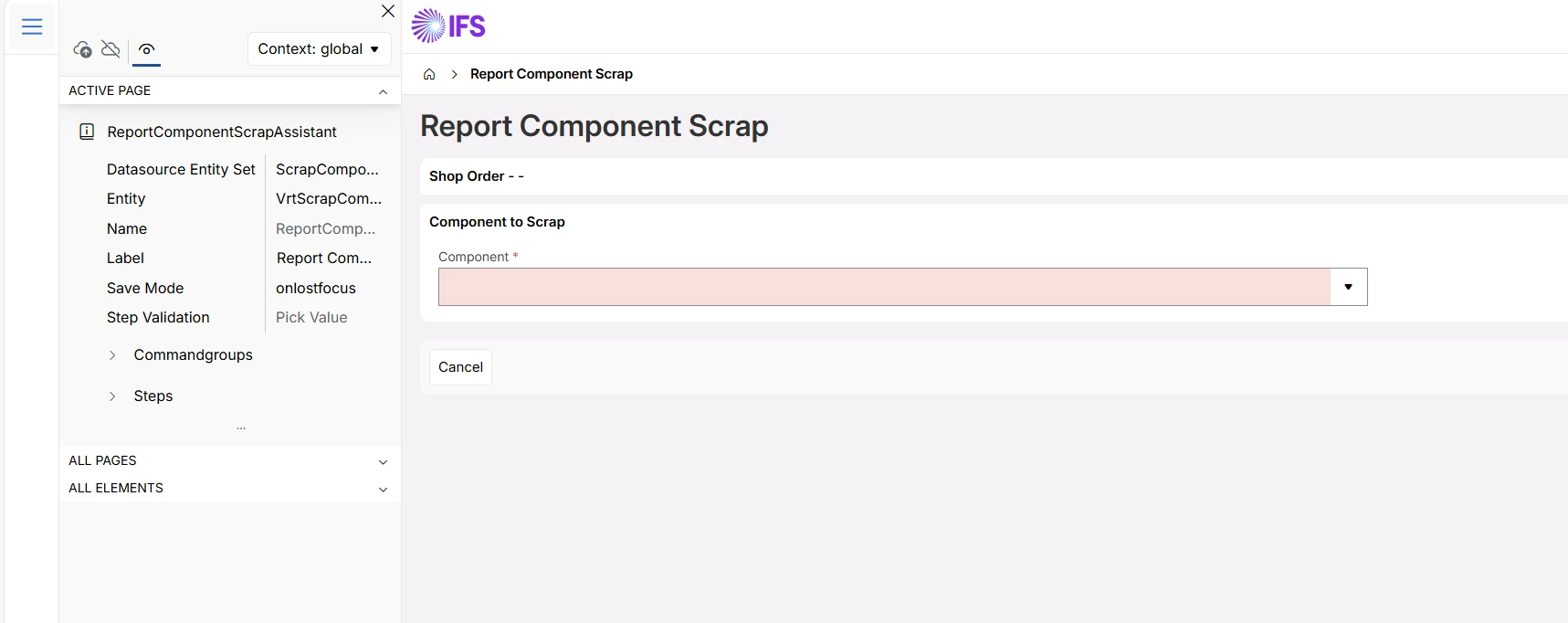
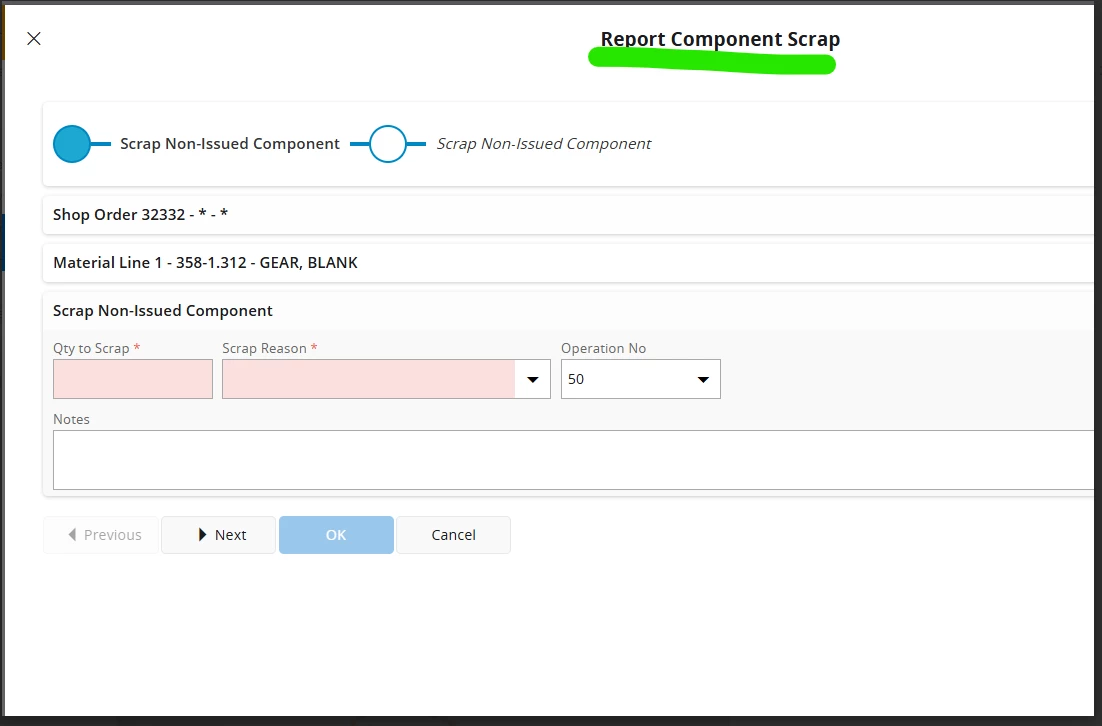
 I am trying to locate the Report Component Scrap page in Page Designer. See screenshot 2 below.

Would you mind sharing a screenshot or guidance on how to locate it in Page Designer?

Thank you very much for your help.


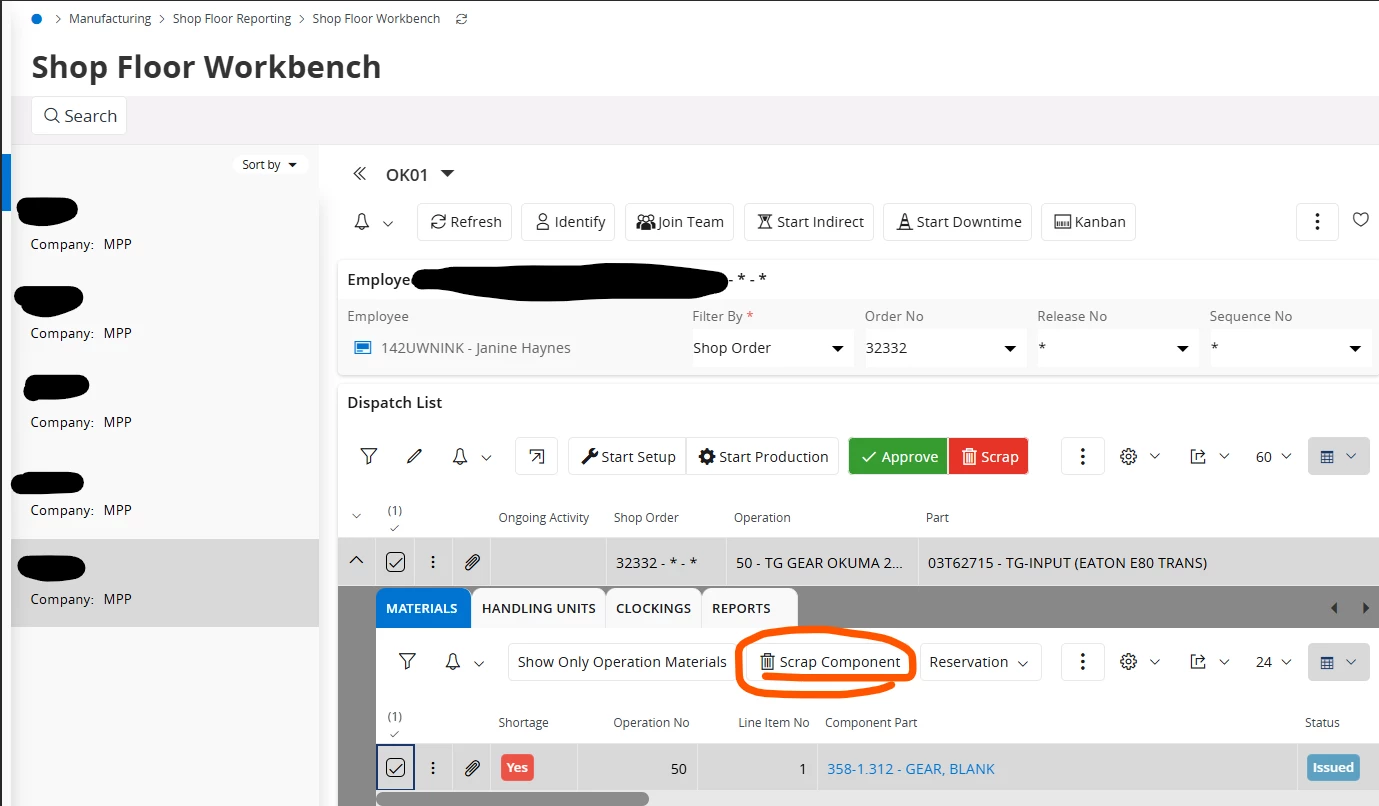
You can access the page by clicking on the Scrap Component - command See the screenshot below.

Screenshot 1
Screenshot 2 - This is the page I want to locate via Page Designer.
 

4 replies

ZTC ZTC JGOTA
Hero (Customer)
Forum|alt.badge.img+14
  • Author
  • Hero (Customer)
  • February 26, 2026

The only way will be via backend - using IFS studio developer. 


Björn Hultgren
Hero (Employee)
Forum|alt.badge.img+25

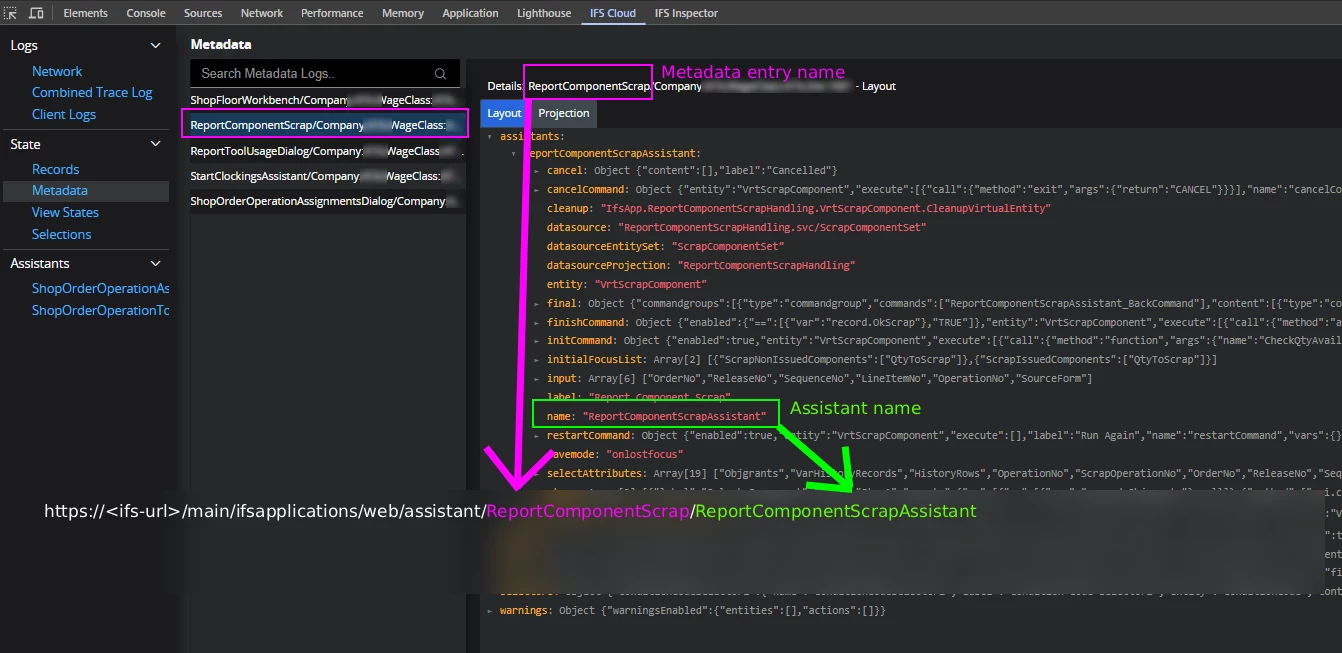
Might work if you manually type “assistant/ReportComponentScrap/ReportComponentScrapAssistant” in the URL


Forum|alt.badge.img+5
  • Do Gooder (Customer)
  • May 18, 2026

Might work if you manually type “assistant/ReportComponentScrap/ReportComponentScrapAssistant” in the URL


Hello Björn, i stumble your response here, very very useful and i have a general question knowledge, how were you able to figure out what the URL would look like for an assistant? this was is very useful and thank you for your comment!


  • May 19, 2026

Hello Björn, i stumble your response here, very very useful and i have a general question knowledge, how were you able to figure out what the URL would look like for an assistant? this was is very useful and thank you for your comment!

You can identify the direct assistant URL using IFS Cloud Web DevTools, see image below.