

Hi ,
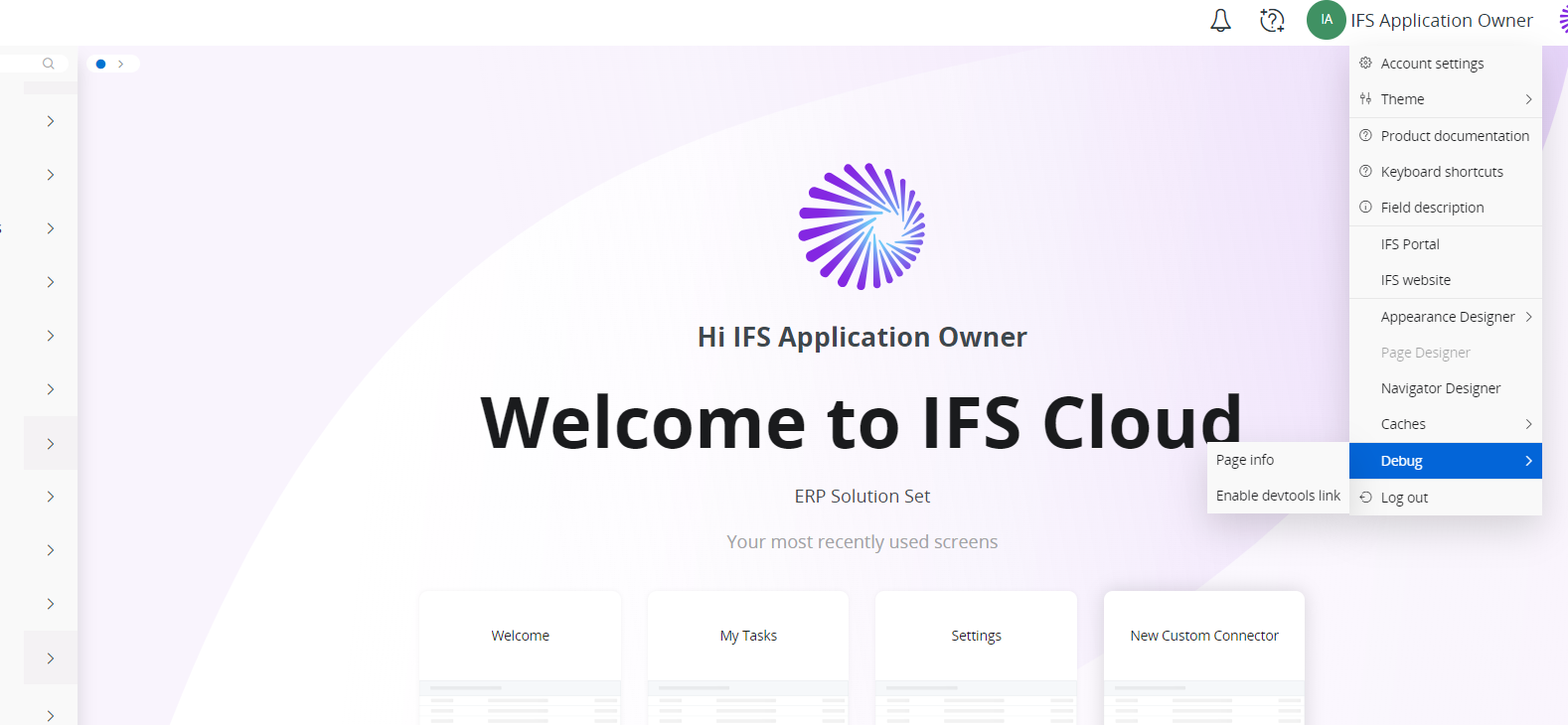
We recently upgraded to IFS Cloud 24R1. Could you please advise how to open debug console and the log window? I do not see those options in the dropdown anymore.
Many Thanks
LK

Hi ,
We recently upgraded to IFS Cloud 24R1. Could you please advise how to open debug console and the log window? I do not see those options in the dropdown anymore.
Many Thanks
LK
Best answer by matt.watters
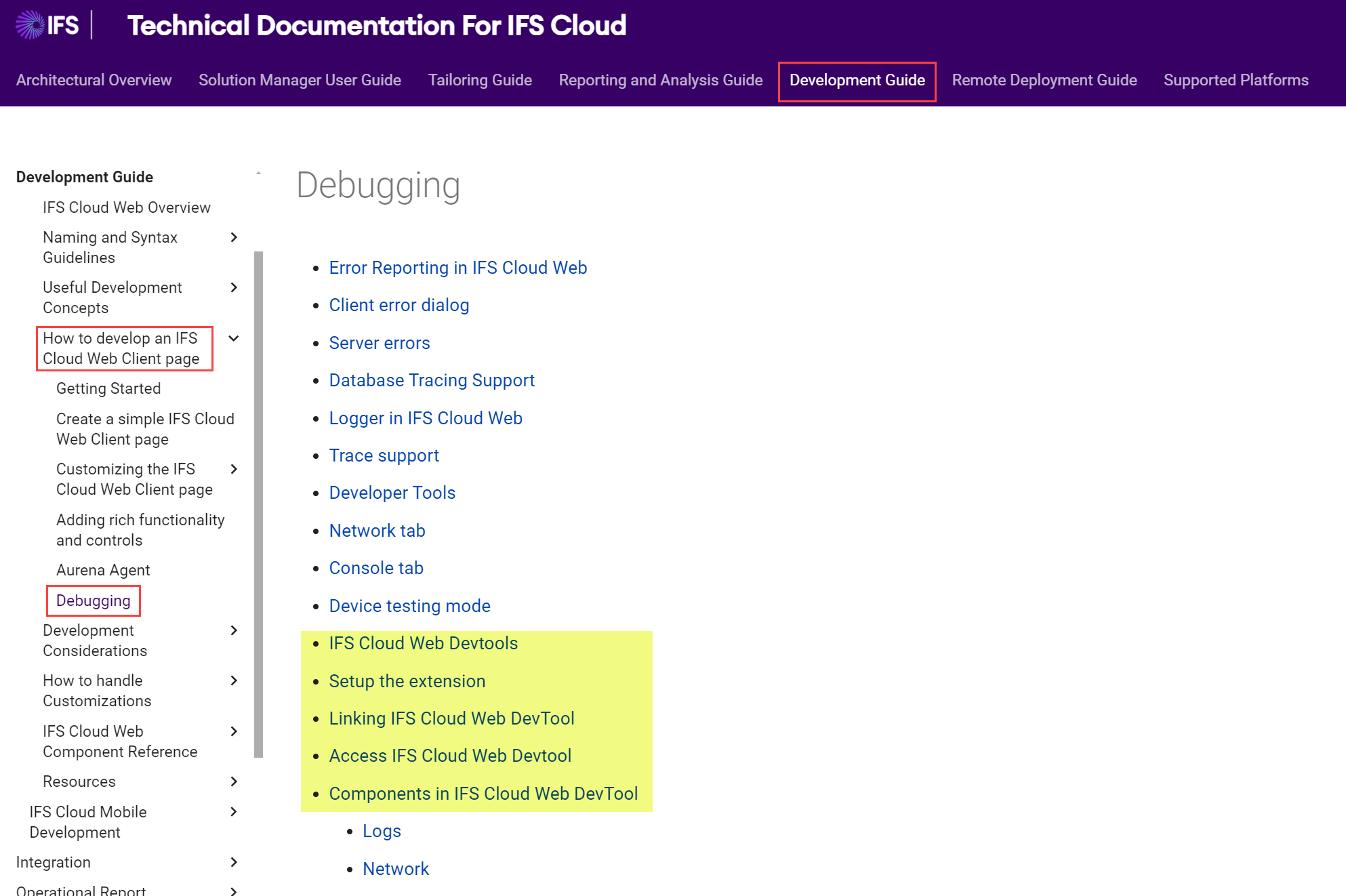
in 24R1 the debug console and log window have been removed and users are now to use the IFS Cloud Web Dev Tools.
You can read about this in the technical documentation in the Development Guide.
Enter your E-mail address. We'll send you an e-mail with instructions to reset your password.


