24.2.6.
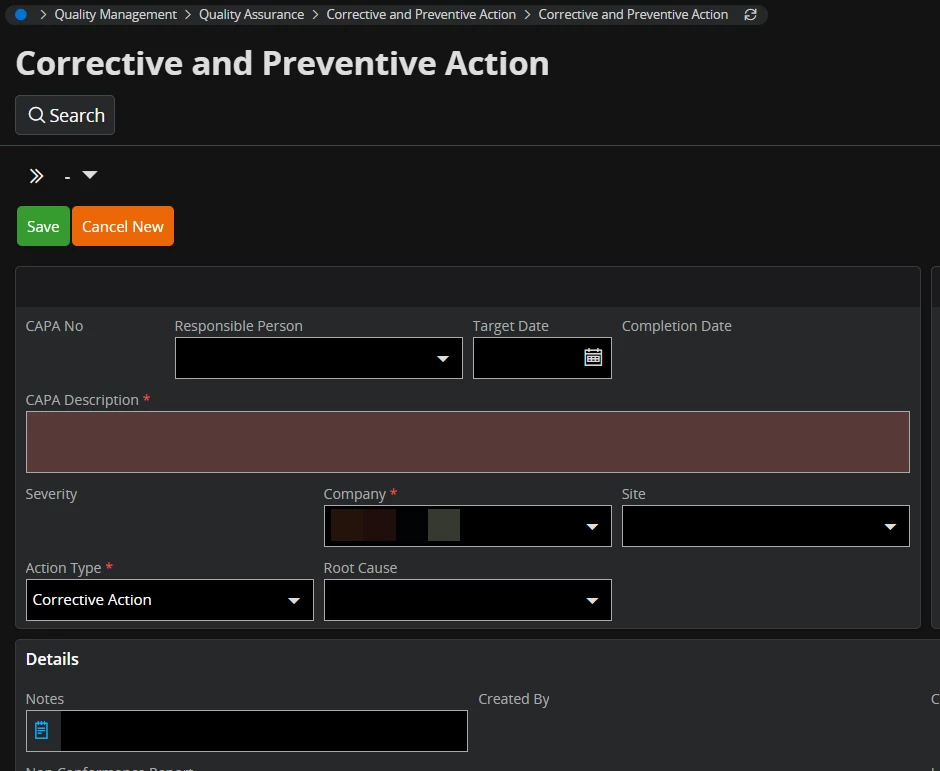
When creating a new record in a page such as Corrective and Preventive Action, the fields CAPA Description, Company, and Action Type are mandatory; these must be completed to save the record. The Description field is colored to stand out as mandatory, and the other fields are noted with an asterisk to aid the user.
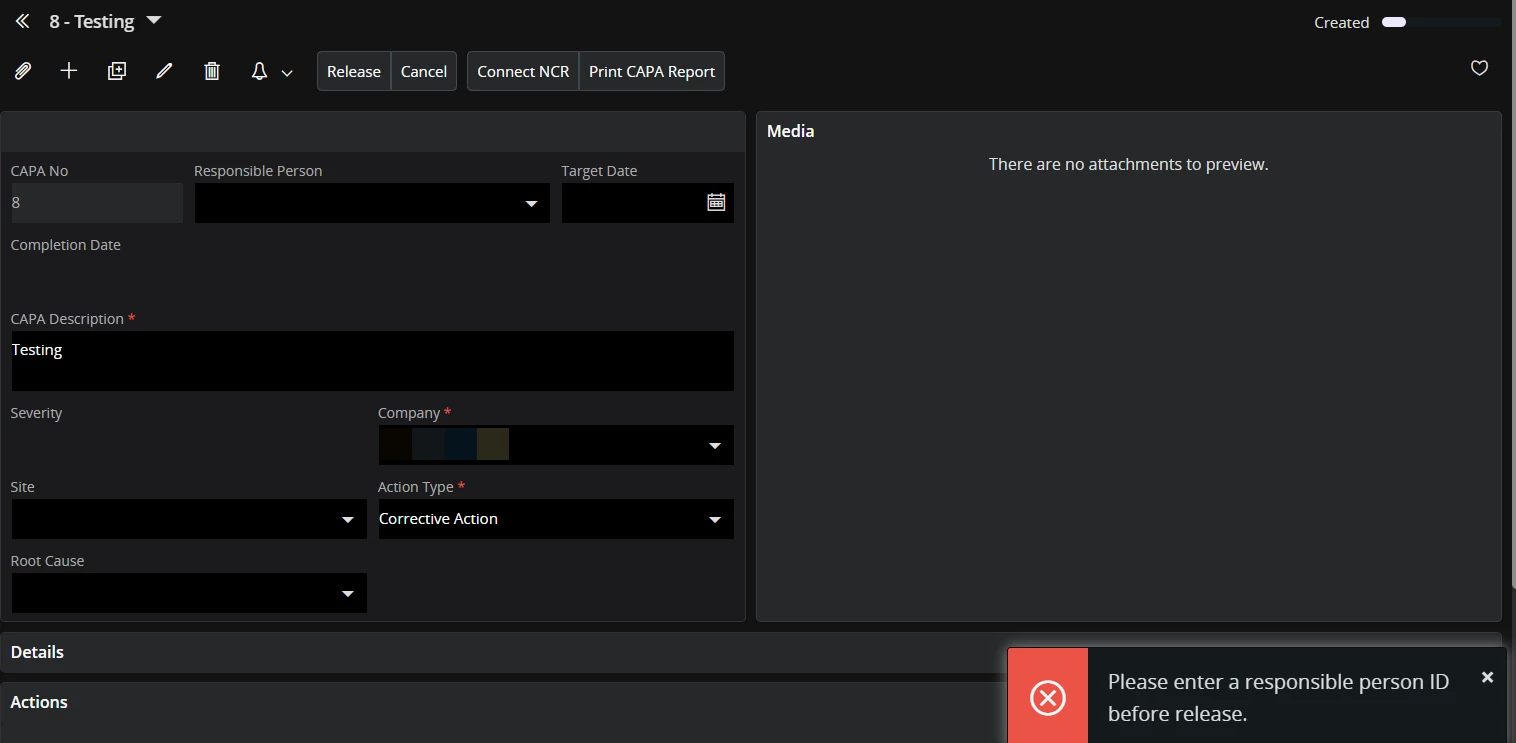
To release the CAPA, though, values must be provided for the Responsible Person and Target Date. So, these are not mandatory to create the record, but they are mandatory to promote the status.
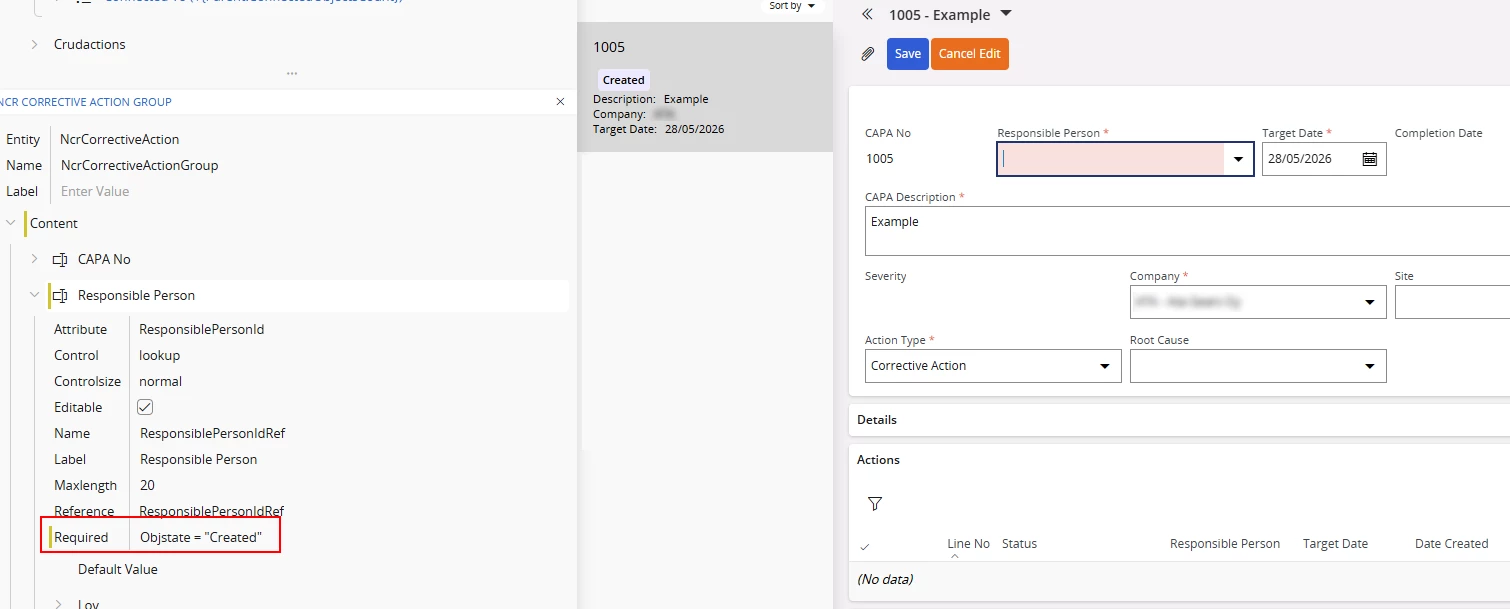
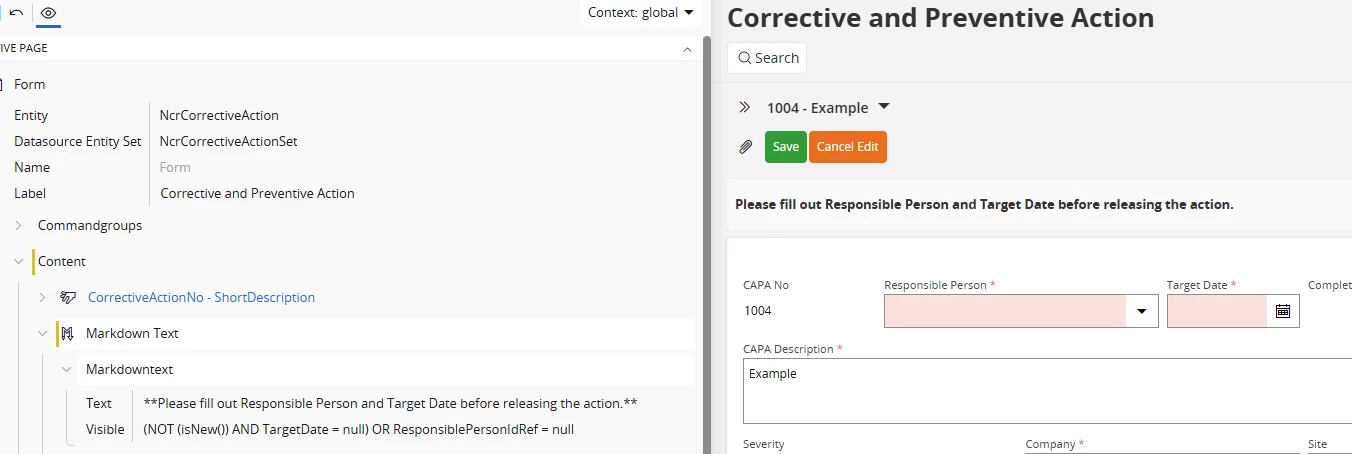
Using the Page Designer, is it possible to have the background of these fields colored to indicate they are "eventually" mandatory?