


Question

Import CAMT File Application Message Error

  • June 30, 2026
  • 1 reply
  • 7 views

Furkan Zengin
Ultimate Hero (Partner)
Forum|alt.badge.img+21

Hello community,


CAMT version 

<?xml version="1.0" encoding="UTF-8"?>

<Document xmlns="urn:iso:std:iso:20022:tech:xsd:camt.053.001.08" xmlns:xsi="http://www.w3.org/2001/XMLSchema-instance">


IFS Version 24R2
 

I have placed the CATM file on server IN folder. Here is the IFS provided routing rule with routing address.
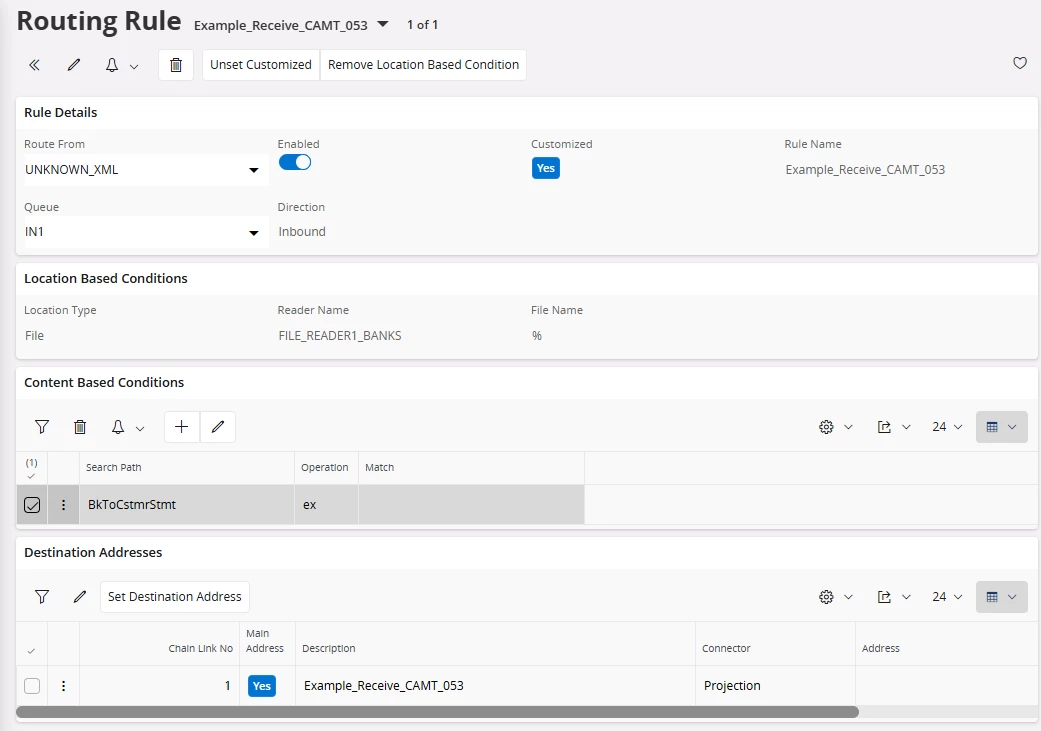
 

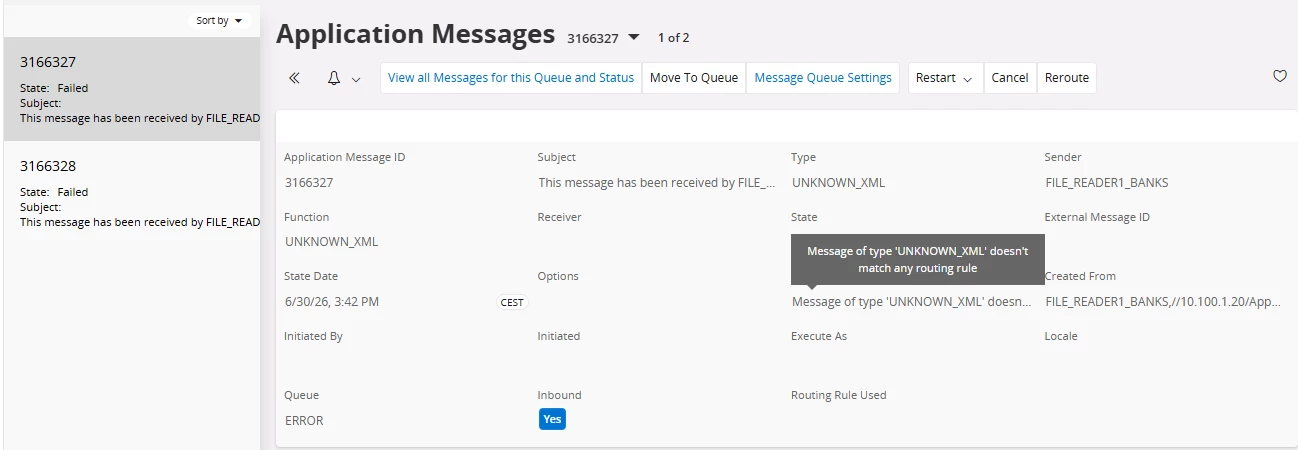
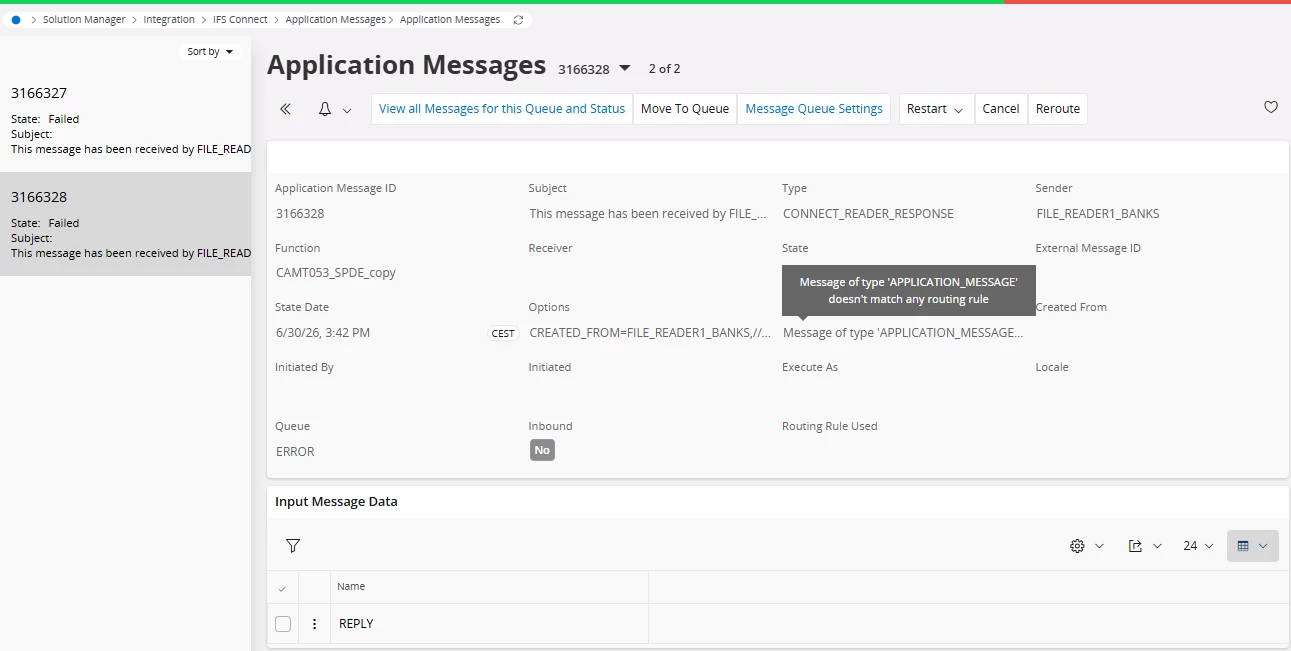
2 application messages are generated for a single file and both are in Error. Can anyone help what is the issue with import?


Thank you
1 reply

dsj
Ultimate Hero (Partner)
Forum|alt.badge.img+22
  • Ultimate Hero (Partner)
  • July 1, 2026

Hi ​@Furkan Zengin 


In the routing rule, remove the file name(%) and see if the first application message finish properly.

If you don’t have specific need (use of different transformer to transform the bank file into CAMT format or use different queues), you can simplify the routing setup by removing the location based routing and use one routing rule with content based condition.


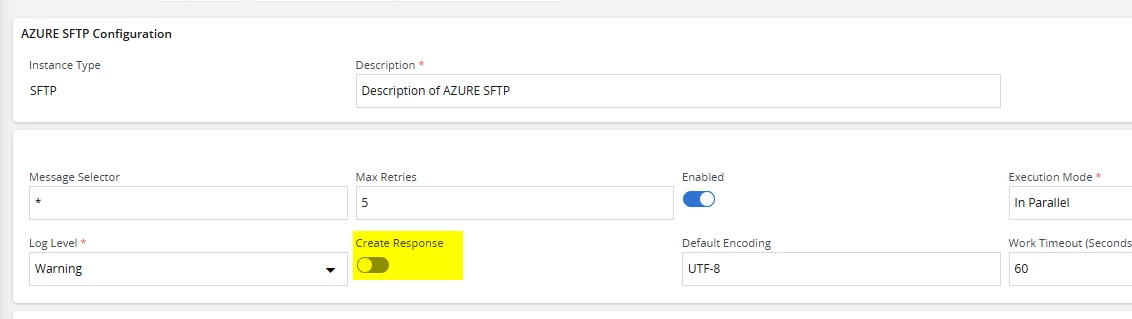
Second application message is the response message after reading into IFS. This can be turned off by disabling Cerate Response setting in the SFTP reader.

Cheers!

Damith