


Hi there folks!
I’m working with a customer who has an IFS 2004 FLEX version that they are running. I dug up some old notes that I would like to share with the IFS Community in case I (or anyone else) needs this question answered in the future.
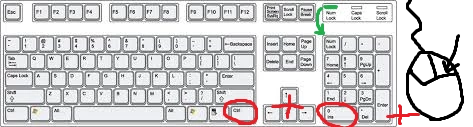
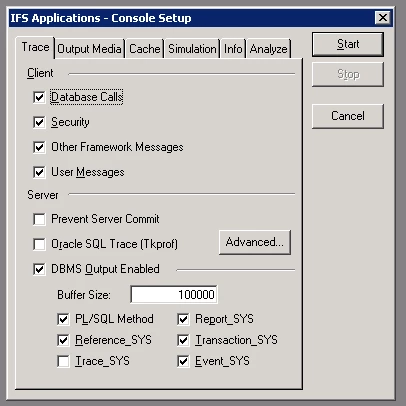
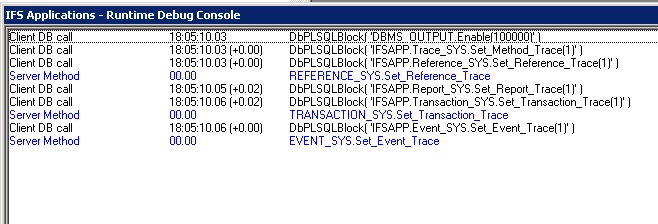
First prerequisite is that you will need a full-sized keyboard, with a number pad embedded inside of it. Make sure that Num-Lock is enabled. Enter the key combination of the right-side Ctrl (not the “normal” one on the left-hand side) + 0 (INS) Key on the numpad + Right-mouse in the grey area behind any open window in a running IFS session. This will open up the IFS debug console for that version, likely others as well that run the Centura-based IFS client.
Hope this helps someone else down the line!
Regards,
Randy