



In a Nutshell: IFS Cloud Web DevTools was working fine last week for me, but out of the blue I logged into my computer today to do some debugging and the “Network” pane (in Logs) is not producing ANY output. And YES, I have selected “Debug DevTools link” in my IFS instance.
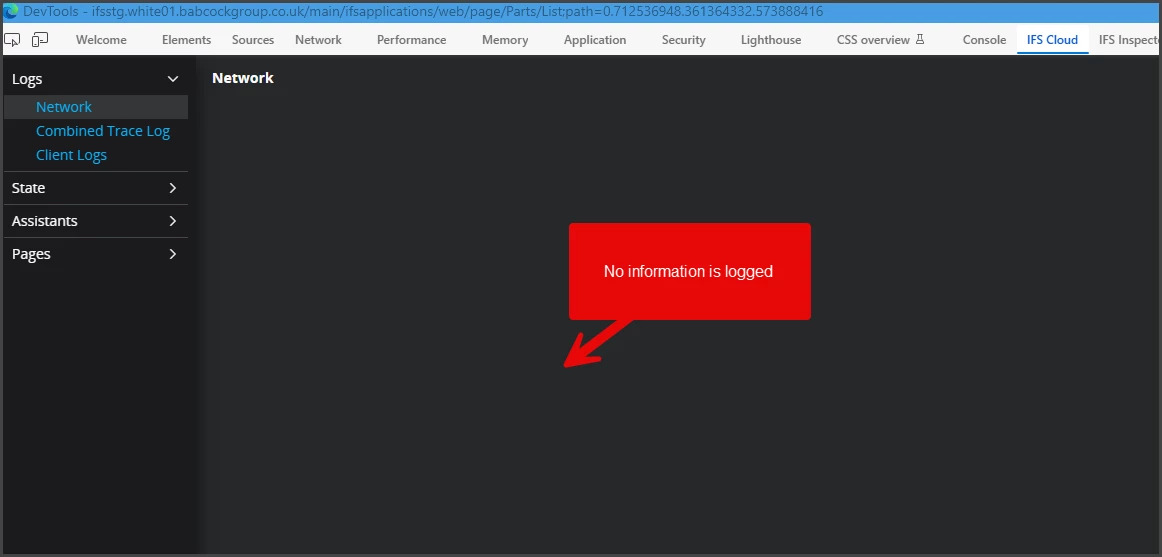
How do you normally troubleshoot this? any ideas other than un-install/re-install the extension?
I’m running Web DevTools 1.2.8
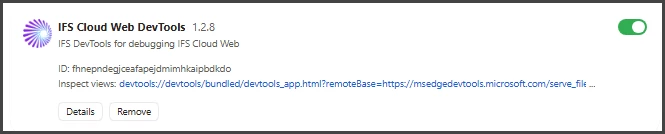
I am pretty sure this is not the Web DevTools, there must be something wrong between my data collection and the browser because the IFS Inspector (another add-on used for similar purpose) is also NOT collecting Server side Network activity.
I’m running Edge Version 153.0.4234.48
Thanks for your ideas… I have explored everything I thought could cause it to no avail so far!