


Solved

IFS Cloud 24R2 Azure Authentication

  • June 10, 2025
  • 2 replies
  • 76 views

Forum|alt.badge.img+11

Hope one of you might be able to direct me on where to configure Azure Authentication prompt instead of SSO.
Currently IAM Identity Provider the configured and IFS Cloud is registered in Azure as an App for authentication.
When a user goes to the landing page the following options are visible. 
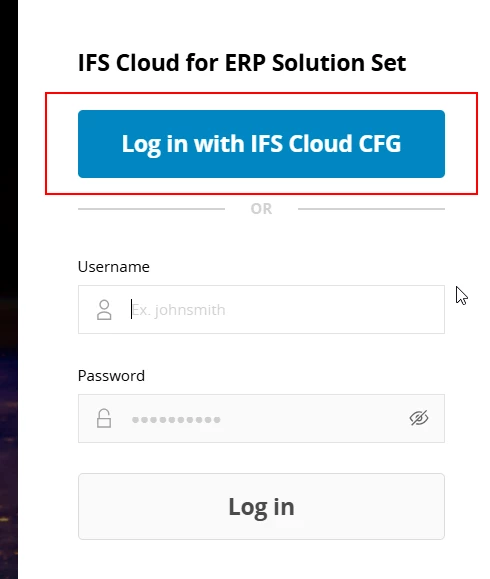


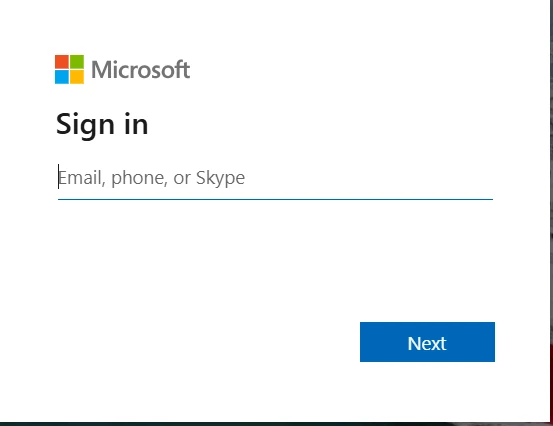
When the user clicks “Log In with IFS Cloud CFG” (the above highlighted) the system automatically logs in. Is there a way to enable the prompt so that user can select the Microsoft365 account to use… such as the one shown below…



Best answer by knepiosko

Hi


You rather need to focus on web browser setting to not to store password, etc.

2 replies

Forum|alt.badge.img+17
  • Superhero (Partner)
  • Answer
  • June 10, 2025

Hi


You rather need to focus on web browser setting to not to store password, etc.


Forum|alt.badge.img+11
  • Author
  • Hero (Partner)
  • June 10, 2025

Thanks for your response. Yes, that makes sense now. Unlike any thin client application IFS Cloud runs on web browser and settings of the browser makes certain decisions.
