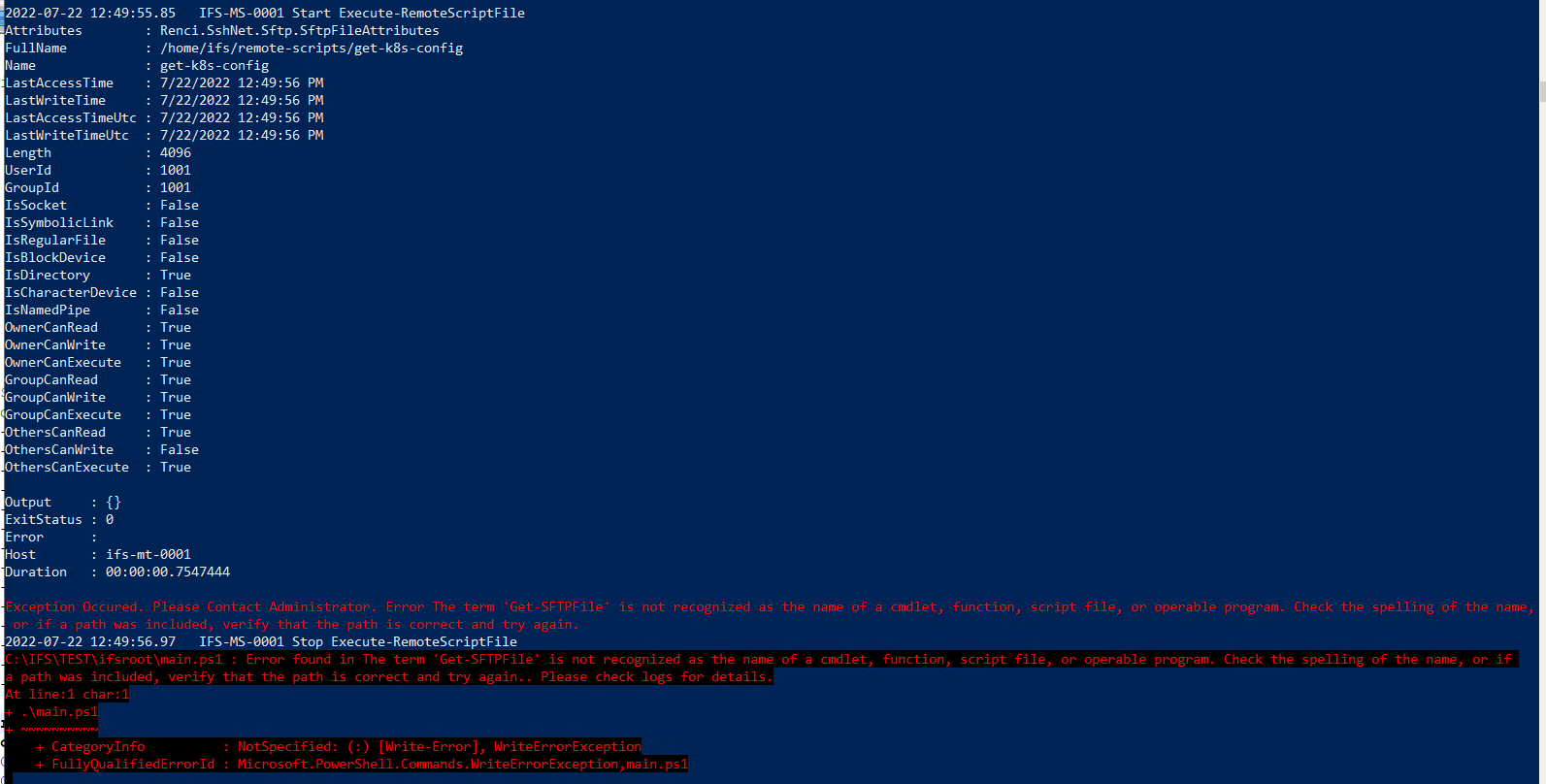
We were able to install the Kubernetes on the Linux box but receiving the below error when executing get the kube config file step.
Also I have attached the main script log file to understand more on which step it is getting this error.
Mentioned error is not in the Main.ps1 file as well, I tried doing a search on the “Get-sftpFile” as well to troubleshoot on this, but no luck. I’m looking for a quick solution on this folks.
Thanks in advance.
Best answer by HGTDAVIDS
It is a IFS bug where the IFS remote scripts install the latest POSH-SSH module (v3.0) where the GET-SFTPFile has been replaced by GET-SFTPItem but the installation scripts still use GET-SFTPFile function. Due to this it has been throwing errors when running the main.ps1
IFS Cloud version: 21R2 Service Update 6 Through scripts it is installing POSH-SSH module version 3.0 to the location C:\Users\<userid>\Documents\WindowsPowerShell\Modules
It is a IFS bug where the IFS remote scripts install the latest POSH-SSH module (v3.0) where the GET-SFTPFile has been replaced by GET-SFTPItem but the installation scripts still use GET-SFTPFile function. Due to this it has been throwing errors when running the main.ps1
IFS Cloud version: 21R2 Service Update 6 Through scripts it is installing POSH-SSH module version 3.0 to the location C:\Users\<userid>\Documents\WindowsPowerShell\Modules
This issue happens to me every once in a while for a custom install I help manage. Getting the correct version of Posh-SSH can be achieved in your Powershell session with: