Solved

How to navigate from IFS cloud lobby to data

  • Jun 13, 2024 7:34 AM UTC
  • 9 replies
  • 691 views

Forum|alt.badge.img+7

Hi 

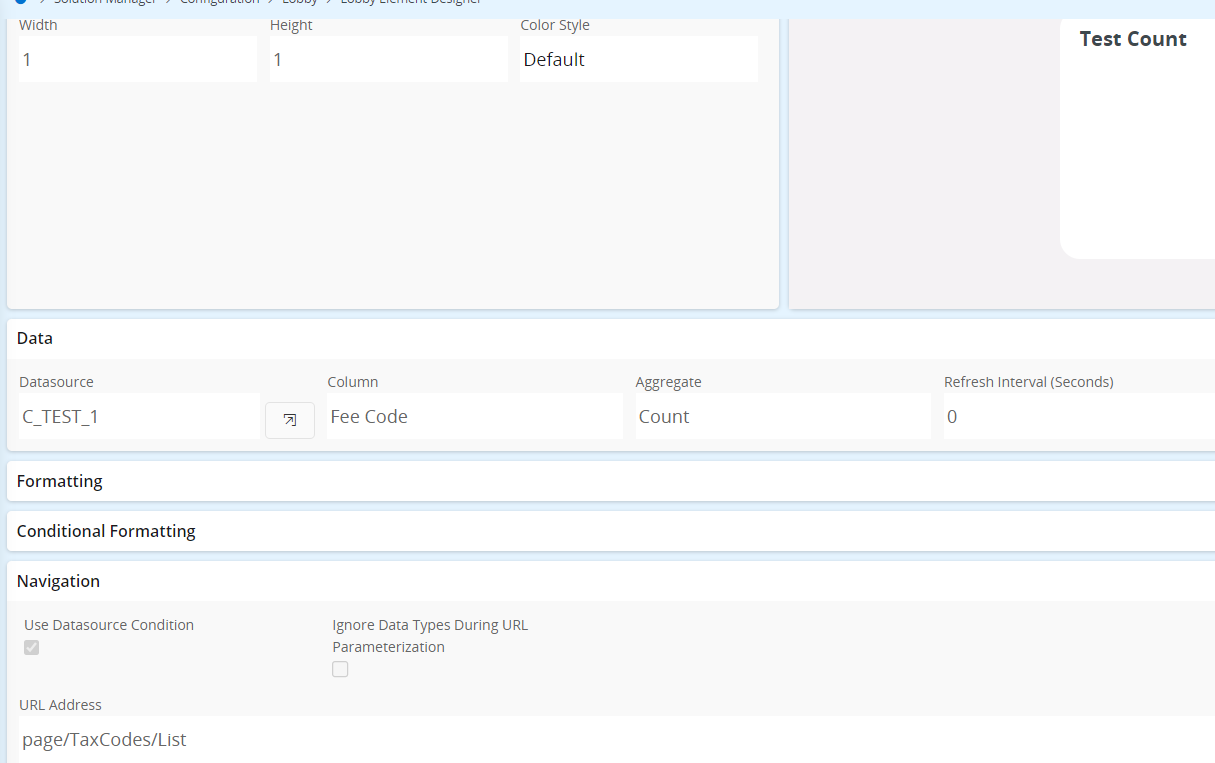
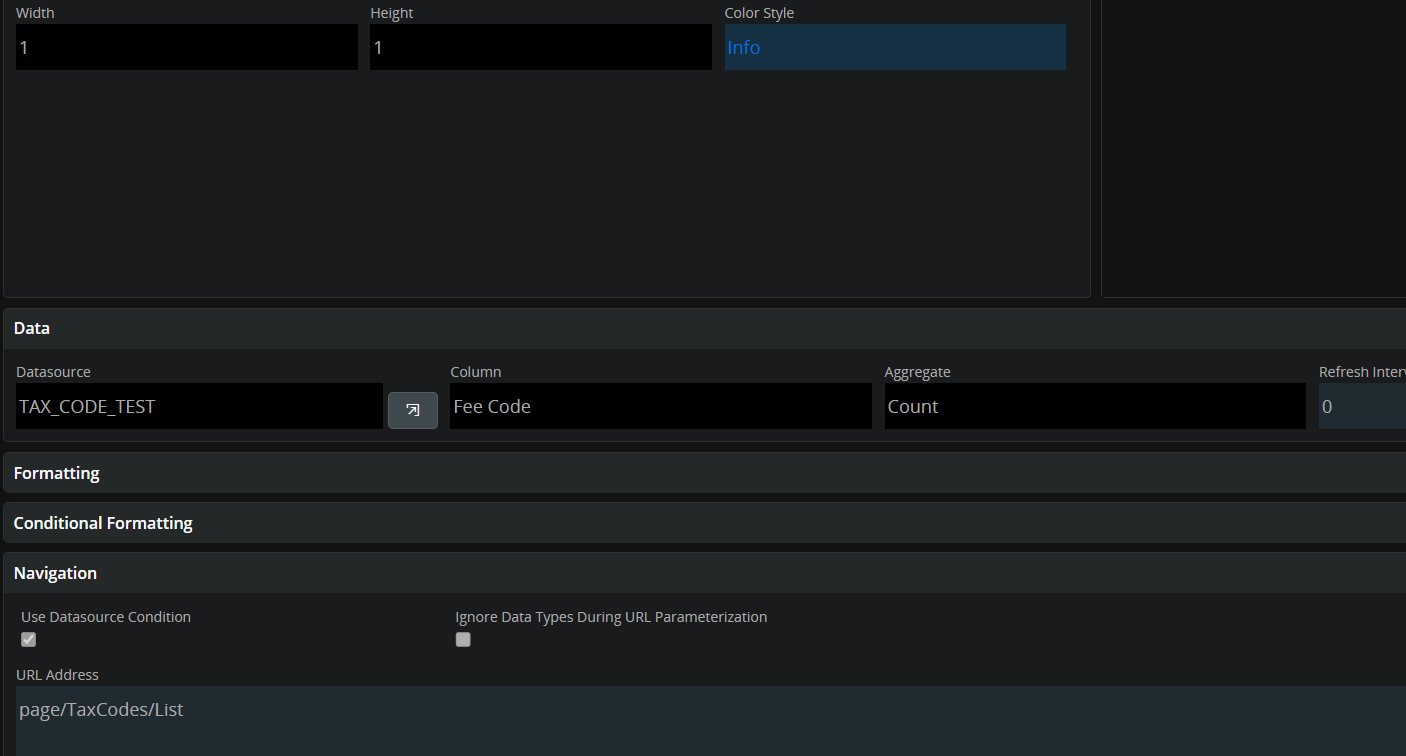
We are beginning our project to upgrade to IFS cloud, and are currently working a bit with the lobbies in IFS cloud (Our build place is at 23R2). In APPS10 we would create counter elements and then navigate to the data by simply providing a page, and checking “Use Datasource Condition”. 

But this does not appear to work, in the build place at least. Do we need to provide additional parameters in IFS cloud? We are selecting from the same page/entity that we are navigating to, so that should line up. 

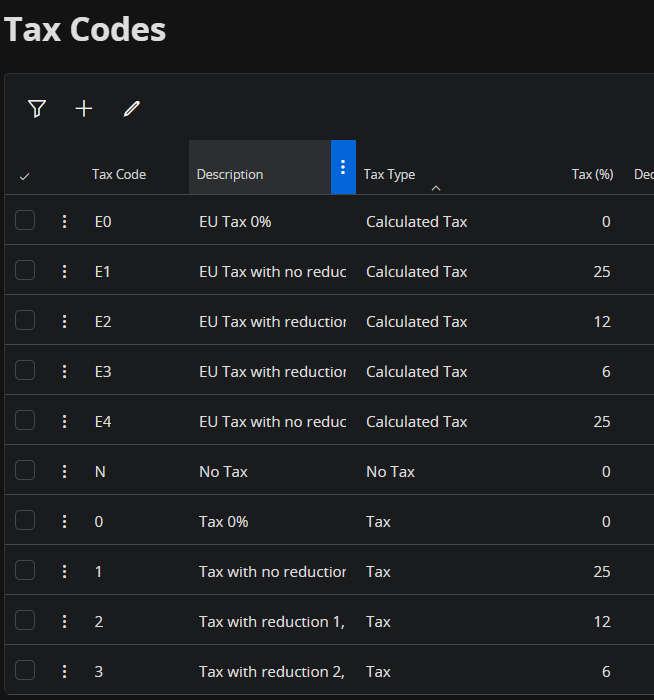
An example is navigating to Tax Codes. we have tried navigating to URL: page/TaxCodes/List and to https://>hostname>/main/ifsapplications/web/page/TaxCodes/List. Both URLs have gotten us to the page, but neither seem to use the datasource condition

Best Regards

Best answer by NicklasMadsen

After clearing the lobby cache and removing and adding my element to the lobby, it now works correctly


View original

9 replies

wahelk
Hero (Former Employee)
Forum|alt.badge.img+11
  • Hero (Former Employee)
  • Jun 13, 2024 8:33 AM UTC

what is the where clause in your data source?


Forum|alt.badge.img+7
  • Author
  • Sidekick (Customer)
  • Jun 13, 2024 8:53 AM UTC

@wahelk 

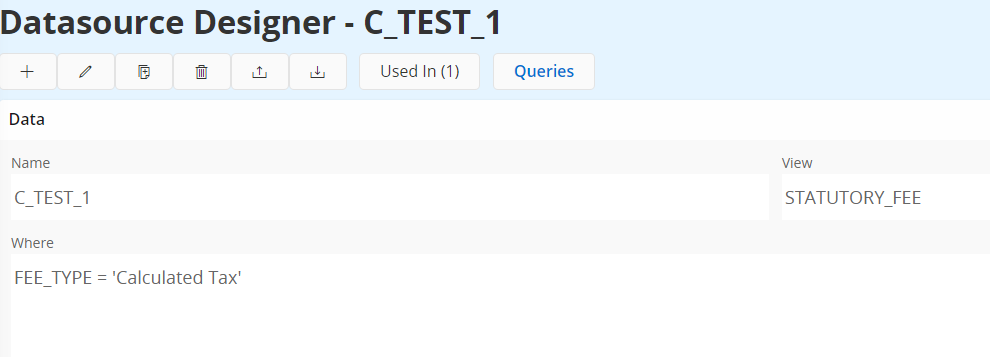
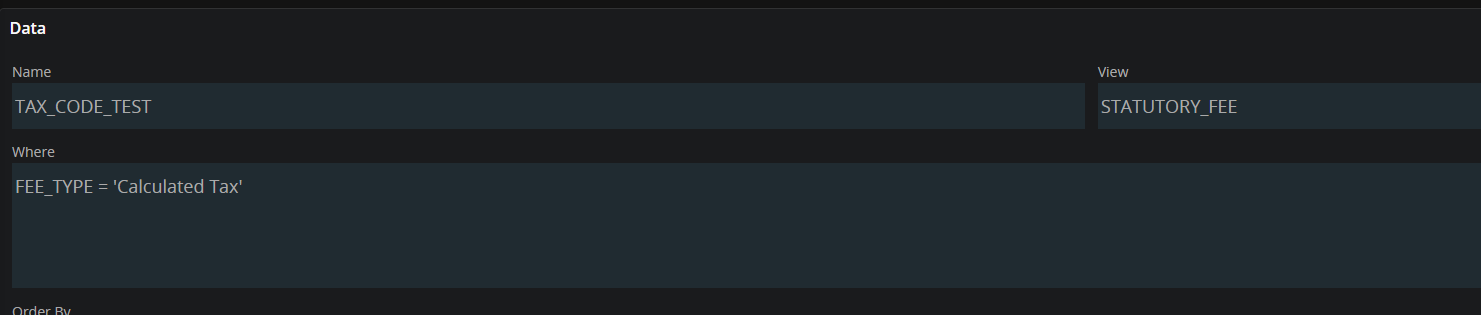
It is an SQL data source with view STATUTORY_FEE
and the condition: FEE_TYPE = 'Calculated Tax'


wahelk
Hero (Former Employee)
Forum|alt.badge.img+11
  • Hero (Former Employee)
  • Jun 13, 2024 8:57 AM UTC

have you logged in English or a different language? I am not sure if this is due to FEE_TYPE client value


Forum|alt.badge.img+7
  • Author
  • Sidekick (Customer)
  • Jun 13, 2024 10:02 AM UTC

We only have English installed as far as i know. Thats a general policy that is also in place on our current APPS10 installation


wahelk
Hero (Former Employee)
Forum|alt.badge.img+11
  • Hero (Former Employee)
  • Jun 13, 2024 12:51 PM UTC

This should work. can you try creating from scratch and see?


Element Designer

tax codes only with fee type given


Forum|alt.badge.img+7
  • Author
  • Sidekick (Customer)
  • Jun 14, 2024 6:59 AM UTC

Datasource:


Element:


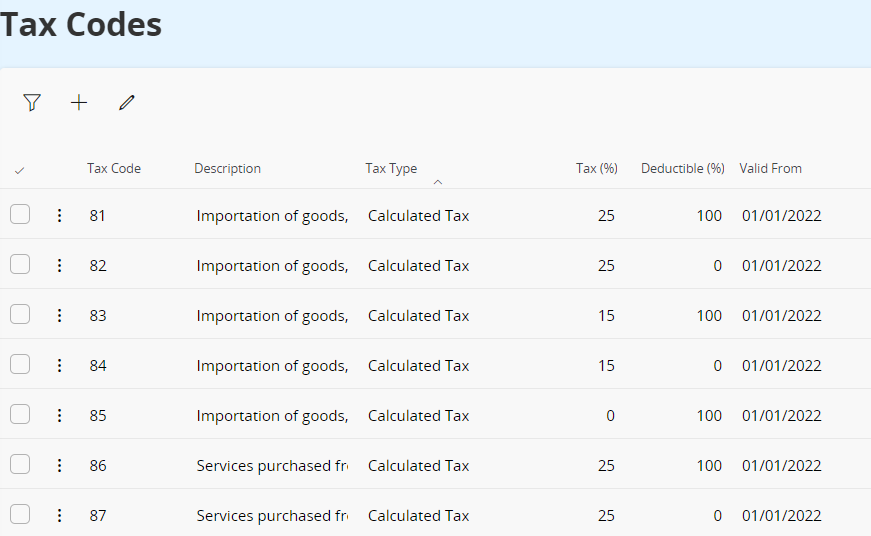
Same result, i navigate to a fully populated Tax Codes page with seemingly no filter:


If you spot any differences in setup, i am very interested in hearing about it

Best Regards


Forum|alt.badge.img+7
  • Author
  • Sidekick (Customer)
  • Jun 14, 2024 7:21 AM UTC

Hi 

A colleague tried creating a new lobby element, doing the exact same thing, and his element navigates correctly. We cant see a difference, but i guess we have a functioning element now.


@wahelk  Thanks for your time and effort


Forum|alt.badge.img+7
  • Author
  • Sidekick (Customer)
  • Answer
  • Jun 14, 2024 7:25 AM UTC

After clearing the lobby cache and removing and adding my element to the lobby, it now works correctly



wahelk
Hero (Former Employee)
Forum|alt.badge.img+11
  • Hero (Former Employee)
  • Jun 14, 2024 7:41 AM UTC

yes exactly the point. sometimes you need to refresh the lobby cache also the meta data cache