Question

How to find an API within a given projection

  • August 17, 2026
  • 8 replies
  • 73 views

Link
Superhero (Customer)
Forum|alt.badge.img+23
  • Superhero (Customer)

Dear experts,

is there a way to find out which APIs has a certain projection in IFS Cloud?


For example:

Projection: personnelfileemployementperiodshandling

List of APIs: ?

8 replies

PhillBronson
Hero (Customer)
Forum|alt.badge.img+13
  • Hero (Customer)
  • August 17, 2026

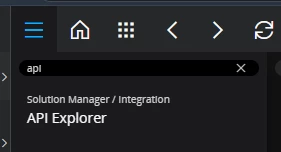
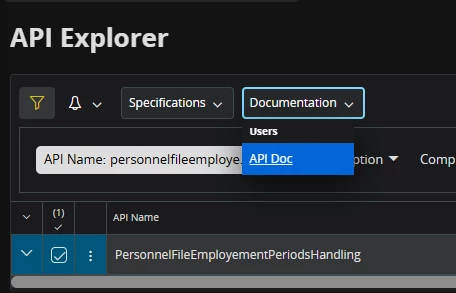
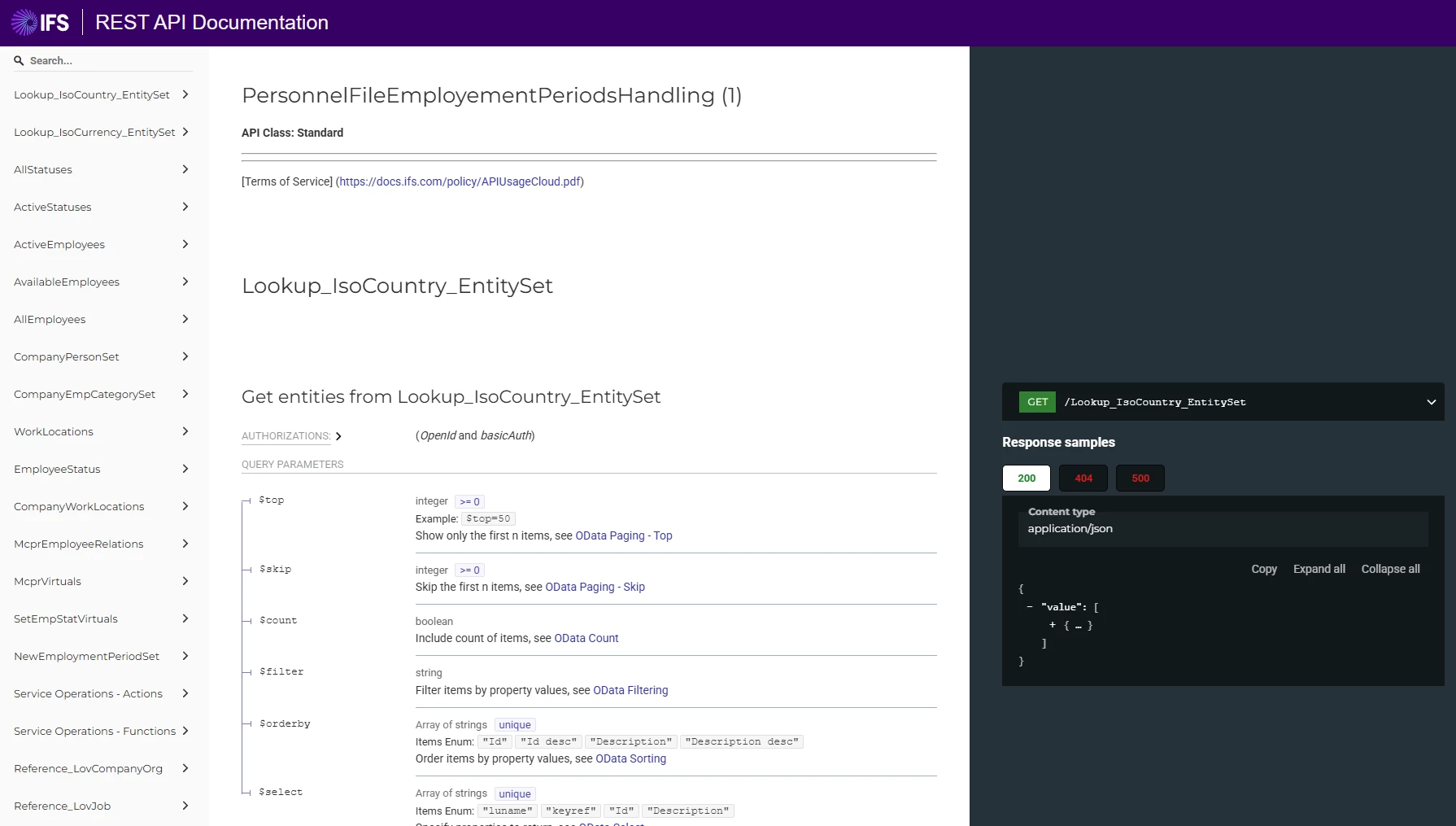
@Link You can use API explorer for this.


Link
Superhero (Customer)
Forum|alt.badge.img+23
  • Author
  • Superhero (Customer)
  • August 17, 2026

Hi ​@PhillBronson 

where can I see the api names?

For example:

company_person_api.Get_XXXX

etc.

Thank you in advance.


Abdul
Superhero (Partner)
Forum|alt.badge.img+20
  • Superhero (Partner)
  • August 17, 2026

Hi ​@Link,

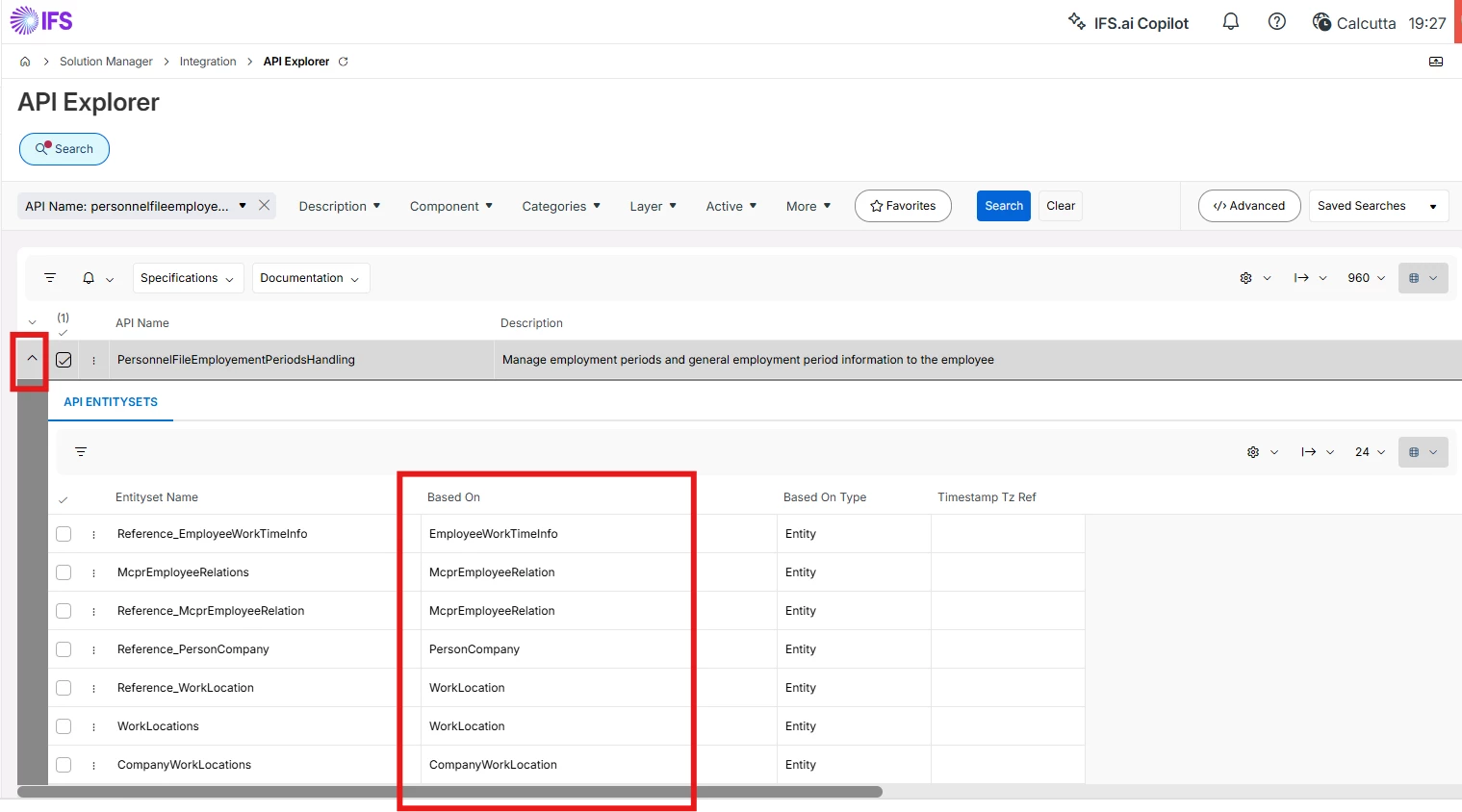
I will prefer below steps to find APIs details.

  1. API Explorer sub-section level gives all the linked Entities details.


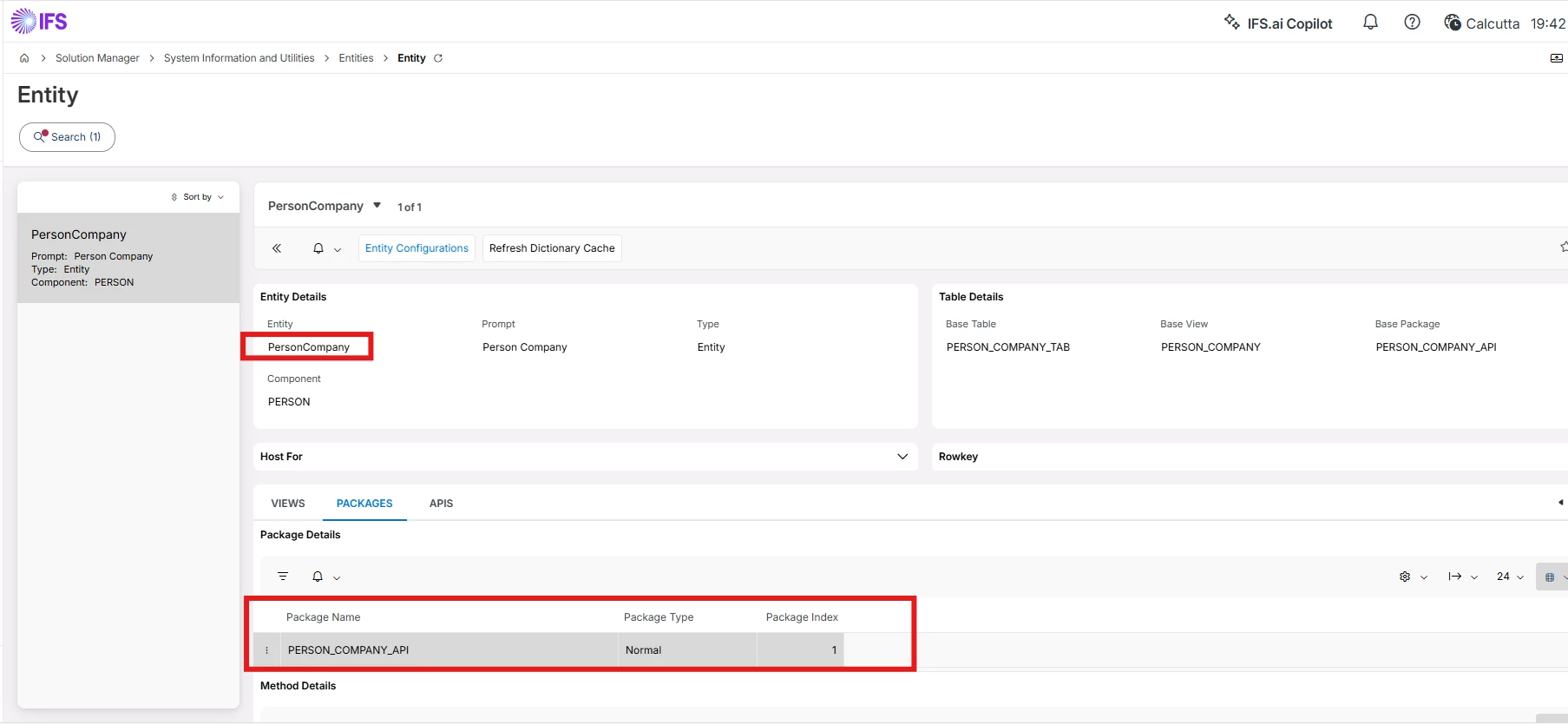
  1. Copy any desired Entity and open in Entity screen to get linked APIs detail with Getter functions and all. e.g. PersonCompany entity.


Additionally, quick report can also be configured to get API for Projection by simply passing linked entities.


PhillBronson
Hero (Customer)
Forum|alt.badge.img+13
  • Hero (Customer)
  • August 17, 2026

@Link Yes ​Abdul is correct. 
Both are API’s, your initial question was about projection API’s
 

Where are you intending to use these?


Link
Superhero (Customer)
Forum|alt.badge.img+23
  • Author
  • Superhero (Customer)
  • August 17, 2026

@Link Yes ​Abdul is correct. 
Both are API’s, your initial question was about projection API’s
 

Where are you intending to use these?

Hi ​@PhillBronson 

I want to use it in a custom event with PL/SQL.


PhillBronson
Hero (Customer)
Forum|alt.badge.img+13
  • Hero (Customer)
  • August 17, 2026

@Link gotcha, Abdul’s suggestion could get you what you need. It doesn’t show the signature of the methods that you intend to use...usually for simple getters it's just the keys of the entity but that isn’t always true. This is easier to view in the actual database via the packages but if this is your only recourse then

to see the specification of the package you can use something like this in a quick report maybe: SELECT * FROM all_source WHERE owner= 'IFSAPP' AND type='PACKAGE' AND name LIKE 'COMPANY_PERSON_API';

and the body of the package with this maybe:

SELECT * FROM all_source WHERE owner= 'IFSAPP' AND type='PACKAGE BODY' AND name LIKE 'COMPANY_PERSON_API';


I say maybe because I’m not sure you won’t hit permission issues


Link
Superhero (Customer)
Forum|alt.badge.img+23
  • Author
  • Superhero (Customer)
  • August 18, 2026

Hello ​@PhillBronson 

thank you again. I shouldn't have any permission issues.

However, I will test your approach using PL/SQL Developer.

Thank you ​@Abdul , I will check that as well.


Link
Superhero (Customer)
Forum|alt.badge.img+23
  • Author
  • Superhero (Customer)
  • August 18, 2026

Hi ​@Link,

I will prefer below steps to find APIs details.

  1. API Explorer sub-section level gives all the linked Entities details.


  1. Copy any desired Entity and open in Entity screen to get linked APIs detail with Getter functions and all. e.g. PersonCompany entity.


Additionally, quick report can also be configured to get API for Projection by simply passing linked entities.

Hi ​@Abdul 

what is the difference between an API such as 'CompanyPersonApi.Get_Fname()' and an API from the API Explorer?

When do I use which one?

Thank you in advance.