Question

How to create a new tabular model (custom) in the IFS cloud? I mean like to create a brand new model using a set of tables(data sources) of customer choice.

  • April 8, 2024
  • 7 replies
  • 404 views

Forum|alt.badge.img+3

How to create a new tabular model (custom) in the IFS cloud? I mean like to create a brand new model using a set of tables(data sources) of customer choice. That can be done using the IFS Application.

•            create a new model.

•            create a new data source connection.

•            create new tables.

•            create a new table partition.

•            create new table columns.

•            create new measures.

•            create new hierarchies.

•            create new relationships.


Can you please help with this?

7 replies

Mayura Wasantha
Superhero (Employee)
Forum|alt.badge.img+19

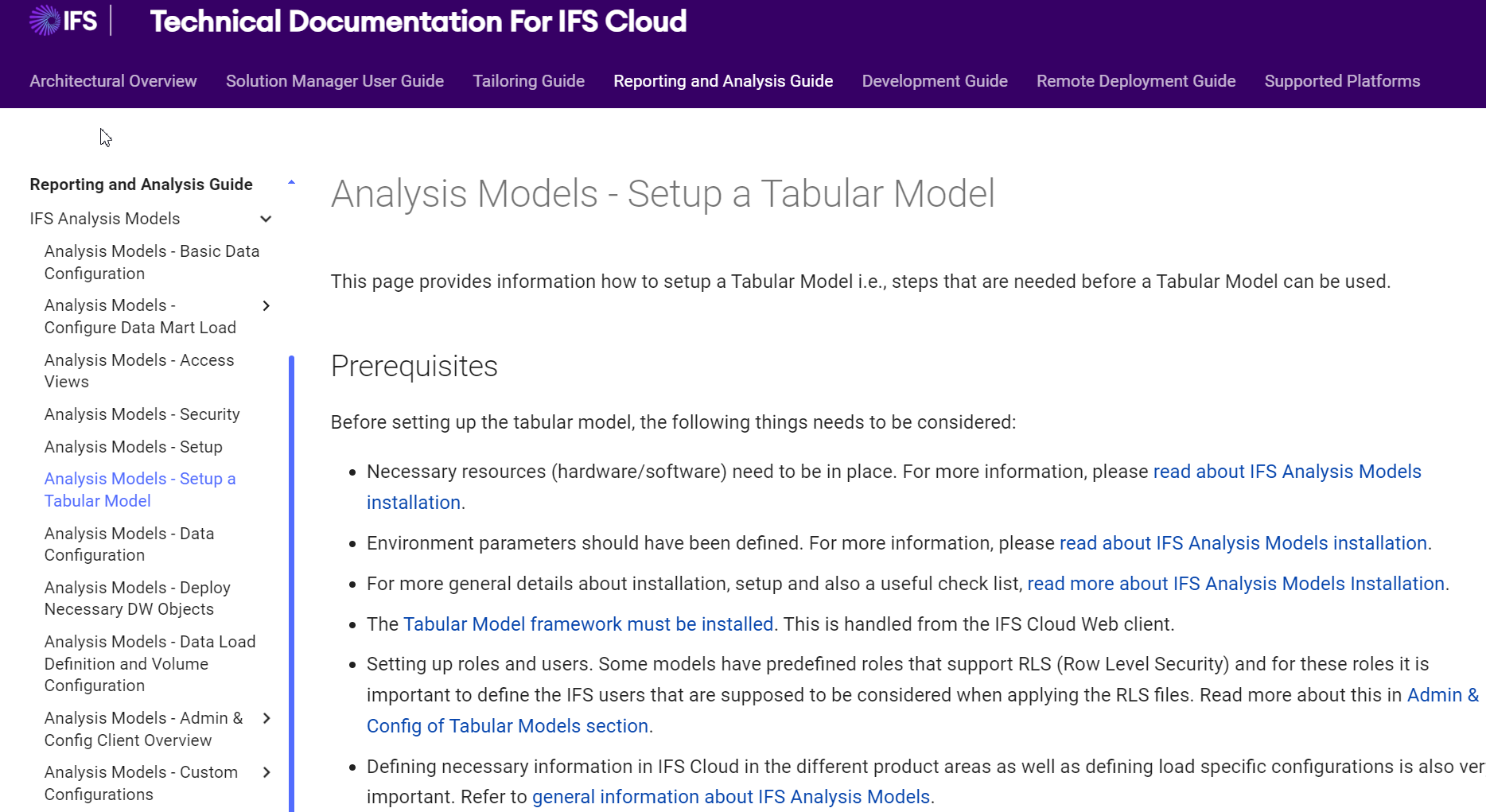
Hello, I’m not an expert of this area. But I can direct you to the related Technical Documentation, if you happen to have the access. 


I hope this would help. Happy reading.


Forum|alt.badge.img+11
  • Hero (Employee)
  • April 18, 2024

Hi @GangadharPitta,

The above only describes how you setup the existing Tabular Models.

Tabular Models is not an IFS technology, but a Microsoft one. IFS Cloud only contains ready made ‘shortcuts’ that the Cloud pushes to the SQL server so a traditional installation is not needed (as was the case with Cubes).

I just happened to have a similar customer case, so here’s some information from R&D:

https://docs.ifs.com/techdocs/23r2/050_reporting/600_analysis_models/080_customconfig/

we have the documentation around how to customize the model to add a new table, column etc. using the application itself.

If that is not enough, the customer can create a new model of their own by using the tables, views which are already in the SQL server DB using a visual studio project. There is no IFS documentation for that as this is not an IFS offering. Instead it is a standard Microsoft visual studio development and there are sources in the internet.

Once a new model is completed in visual studio it can be imported into IFS Cloud using

https://docs.ifs.com/techdocs/23r2/050_reporting/600_analysis_models/070_admconfclientovw/013_tabmodactions/#tabular_model_import_assistant


Forum|alt.badge.img+4
  • Do Gooder (Partner)
  • July 2, 2024

@GangadharPitta What did you end up doing in your scenario?


PhillBronson
Hero (Customer)
Forum|alt.badge.img+12
  • Hero (Customer)
  • July 8, 2024

@SamiL this is a decent example in the documentation on how to do this


docs.ifs.com/techdocs/23r2/050_reporting/600_analysis_models/080_customconfig/#about_configurationscustomizations


I’m pretty sure as far as all things dealing with measures with new or existing models, it has to be done in an external tool like Tabular Editor


@GangadharPitta I am just starting with this part of Cloud but that looks to answer the original question


PhillBronson
Hero (Customer)
Forum|alt.badge.img+12
  • Hero (Customer)
  • July 6, 2026

@Mayura Wasantha ​@SamiL is it possible to have more than one partition for a tabular table for a more standard incremental refreshing process?


Forum|alt.badge.img+7
  • Hero (Employee)
  • July 10, 2026

Hi ​@PhillBronson

We currently support only 1 partition for a table.

So you will not be able to import a tabular model with tables having multiple partitions into the IFS Cloud application.
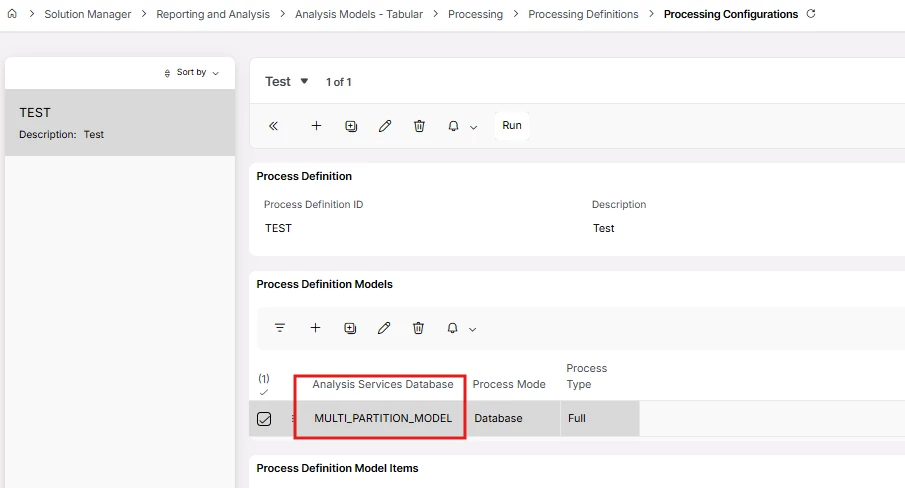
But you should be able to create a tabular model with multiple partitions and have it only in SSAS and use the process definition to process the model.

The “Analysis Services Database” LOV field by default lists the Tabular Models in the application. But that field supports free-input. So you can type any tabular model name residing in the SSAS/AAS.
 

You can;

  1. Create one or more data load definitions to load data into the SQL tables in the way you wish.
  2. Create a new tabular model using visual studio/tabular editor in the way you want.
  3. Deploy the model to SSAS/AAS.
  4. Create the process definition using the name of the deployed model.
  5. Schedule the runs of data load and process definitions.

I haven’t tested this myself, but it should work.


Best regards,

Subash


PhillBronson
Hero (Customer)
Forum|alt.badge.img+12
  • Hero (Customer)
  • July 10, 2026

@subashfestus is there a roadmap I can review for this area?


thanks for the response