Question

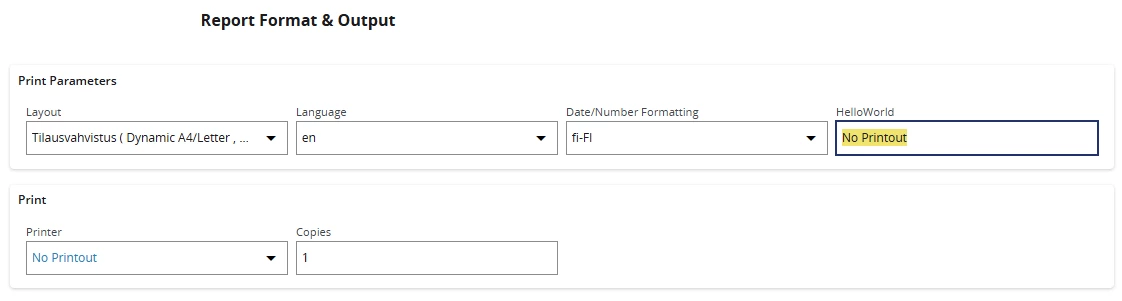
How do I configure the print dialog box with Page Designer?

  • August 23, 2024
  • 2 replies
  • 142 views

Forum|alt.badge.img+14

Hello,

Do you know the URL to access the IFS Cloud print dialog configuration?
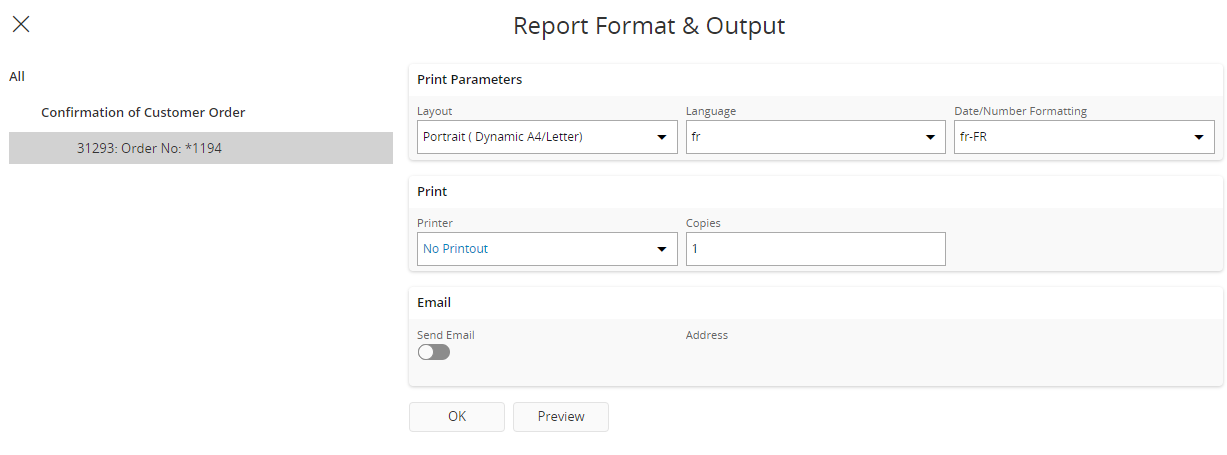

The aim is to make a few small adjustments...
Thanks 

2 replies

Forum|alt.badge.img+12
  • Hero (Customer)
  • August 23, 2024

I don’t think you can actually do that as page designer, now as a mod through studio developper, for sure, basically calling the print button calls


"https://<domain>.ifs.cloud/main/ifsapplications/projection/v1/PrintDialog.svc/PrintDialogInit?odata-debug=json"


So it’s its own dialog that has its own projection, and does not belong to a particular page, which is why I don’t think it can be modified in page designer.


  • May 19, 2026

Old(ish) topic, but if anyone has the same need/requirement, this is doable from this URL:

https://<domain>/main/ifsapplications/web/dialog/PrintDialog/PrintDialog


Note that the page says “404 Not Found”, but if you enter Page Designer, you will be able to edit the dialog. There is no preview available though.


I could be wrong, but I believe the support for editing these were added in 24RX-versions?