Hello IFS Community,
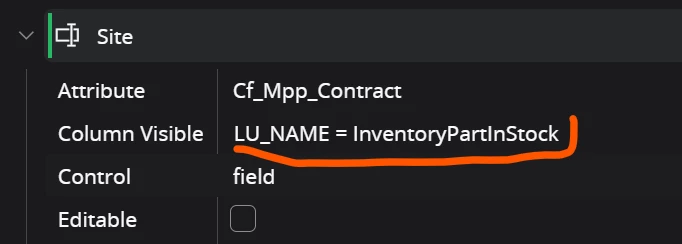
I have some custom fields created through Entity Configuration (not by customizing the client file or projection), and I would like to control their visibility based on a condition.
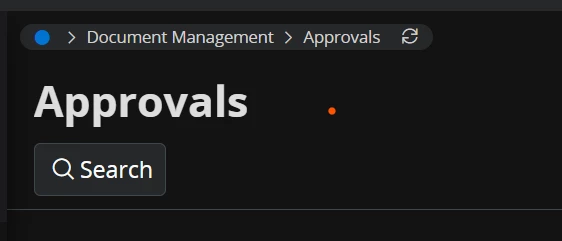
For example, I have a custom field named part_no on the Approval page, and I would like it to be visible only when LU_NAME = 'InventoryPartInStock'.
How can I achieve this using Page Designer?
Any examples — especially with screenshots — would be greatly appreciated.
Thank you in advance for your help.