


Question

Datasource Designer 25R2

  • August 28, 2026
  • 2 replies
  • 47 views

Forum|alt.badge.img+8

I feel like I am missing something.  I have created this data source, almost a copy of one of the in the box data sources.
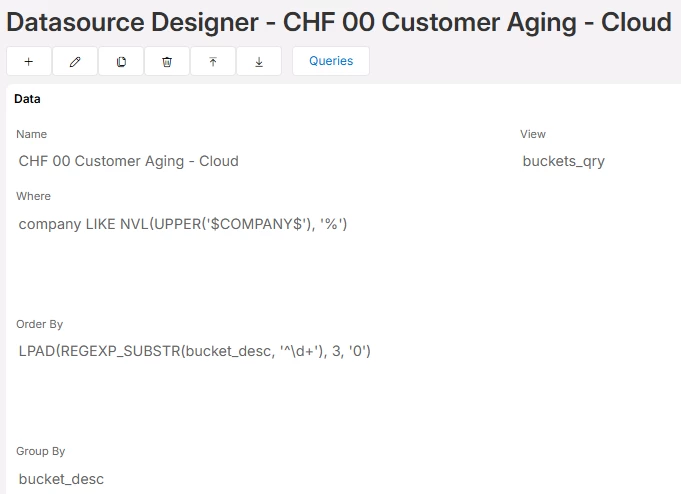


But when I try to go to the Element Designer the Datasource is not in this list (I’ve typed the whole thing out to show it isn’t in the drop down)
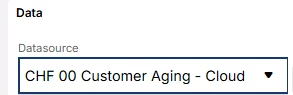
 

If I go to a permission set that I am in and click on the “Granted Lobby Data Sources” nothing shows up either.
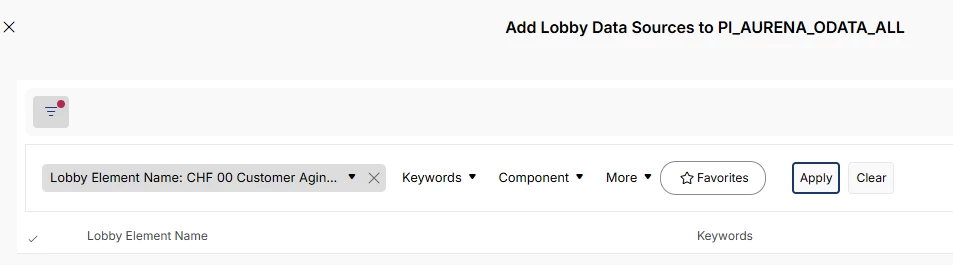
 

The really weird thing, is I can see the Datasource Designer I created on my initial browser tab.
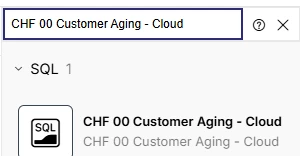


But if I open up a new tab and go to it, it is not there.


I am looking through the documentation to see what I am missing and just can’t seem to find anything.  Anyone have any ideas?

2 replies

ARNDUP
Do Gooder (Customer)
Forum|alt.badge.img+3
  • Do Gooder (Customer)
  • September 9, 2026

Hi, 


We have the same issue since we are in 25R2


Could someone help please ? 


Thanks 


Regards


Forum|alt.badge.img+8
  • Author
  • Do Gooder (Customer)
  • September 9, 2026

@ARNDUP 


We never did find a way to be able to do it manually.  We had to set the System Parameter to assign a default Permission Set.  It’s not ideal, as we had to create a specific Permission Set for them and we haven’t had a 100% proof of concept yet as we are in the middle of our Cloud implementation, but it is getting us by for now.  

Here is the System Parameter to look for:

