Question

Cloud R1 View overwritten accidentally

  • May 8, 2026
  • 2 replies
  • 20 views

Forum|alt.badge.img+11

We have a slight issue on our cloud environment; the Work Tasks screen is in accessible because the back-end view  ACTIVE_SEPARATE was replaced with a different version accidentally.  

The select statement within the original  view was saved down before the view was overwritten so we have that but the column headings of the view were not saved 

is there a codebase anywhere where this can be retrieved from?

Thank you

2 replies

Forum|alt.badge.img+12
  • Hero (Customer)
  • June 22, 2026

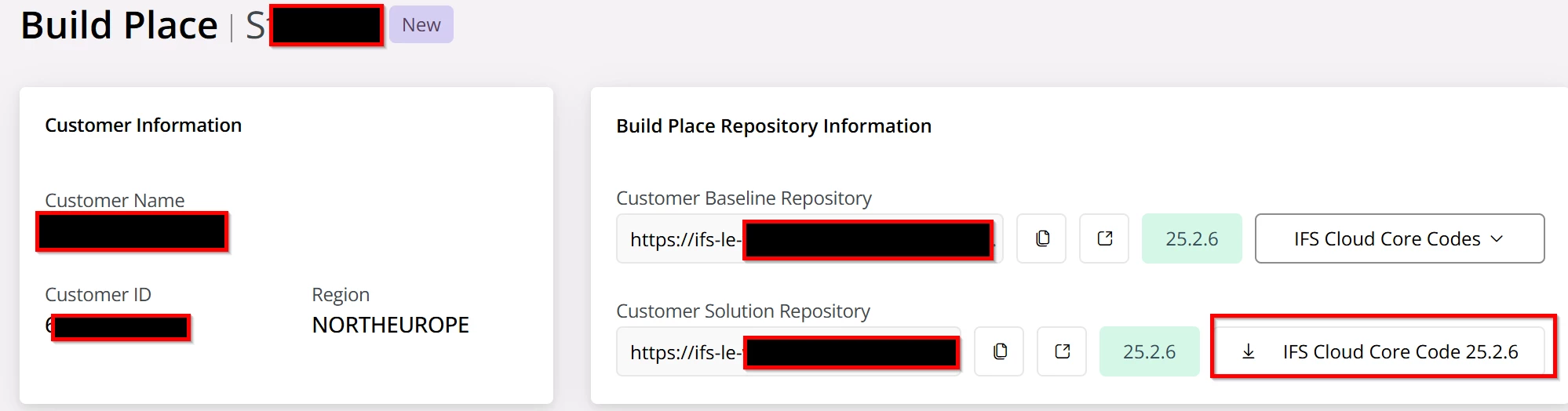
I mean if you’re on 25R1 and depending on the service update you’re on surely you can download the core files from your build place and regenerate the APV for Active Separate and rerun that? :)


Marcel.Ausan
Ultimate Hero (Partner)
Forum|alt.badge.img+22
  • Ultimate Hero (Partner)
  • June 22, 2026

Agree with ​@SimonTestard . In the buildplace you should be able to retrieve the core code.


Question is how did you manage to alter the view? Normally in IFS useplace environments you cannot alter the DB views unless you have ifsapp access which probably you don’t.