



Solved

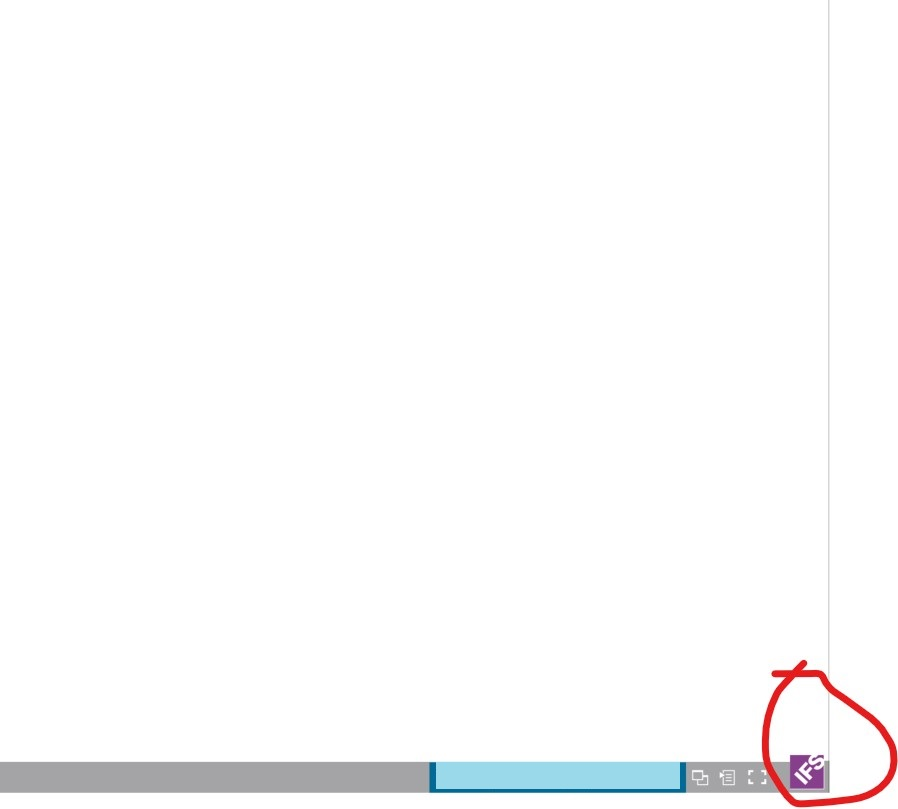
Change graphic in the lower right corner of a window

  • July 8, 2021
  • 1 reply
  • 92 views

Himasha Abeywickrama
Superhero (Customer)
Forum|alt.badge.img+18

Hi All,


I’ve come across with an issue where the customer needs to change the graphic that is displayed in the lower right corner of the IFS Applications window. I’ve tried the branding options available in the Admin Console but they seems to change only the login window. Does anyone have an idea how to do this?
 

Best answer by Himasha Abeywickrama

Found out that this logo cannot be changed using any setting that is available in the Admin Console. A modification/customization should be done.

1 reply

Himasha Abeywickrama
Superhero (Customer)
Forum|alt.badge.img+18

Found out that this logo cannot be changed using any setting that is available in the Admin Console. A modification/customization should be done.