


Question

Add only Page Groups to ACP

  • July 29, 2026
  • 2 replies
  • 6 views

Forum|alt.badge.img+9

Hello everyone,

To deliver a page from one environment to another after making modifications, I usually add the page to an ACP and then deliver the ACP.

When I do this, all the elements on the page are automatically included.

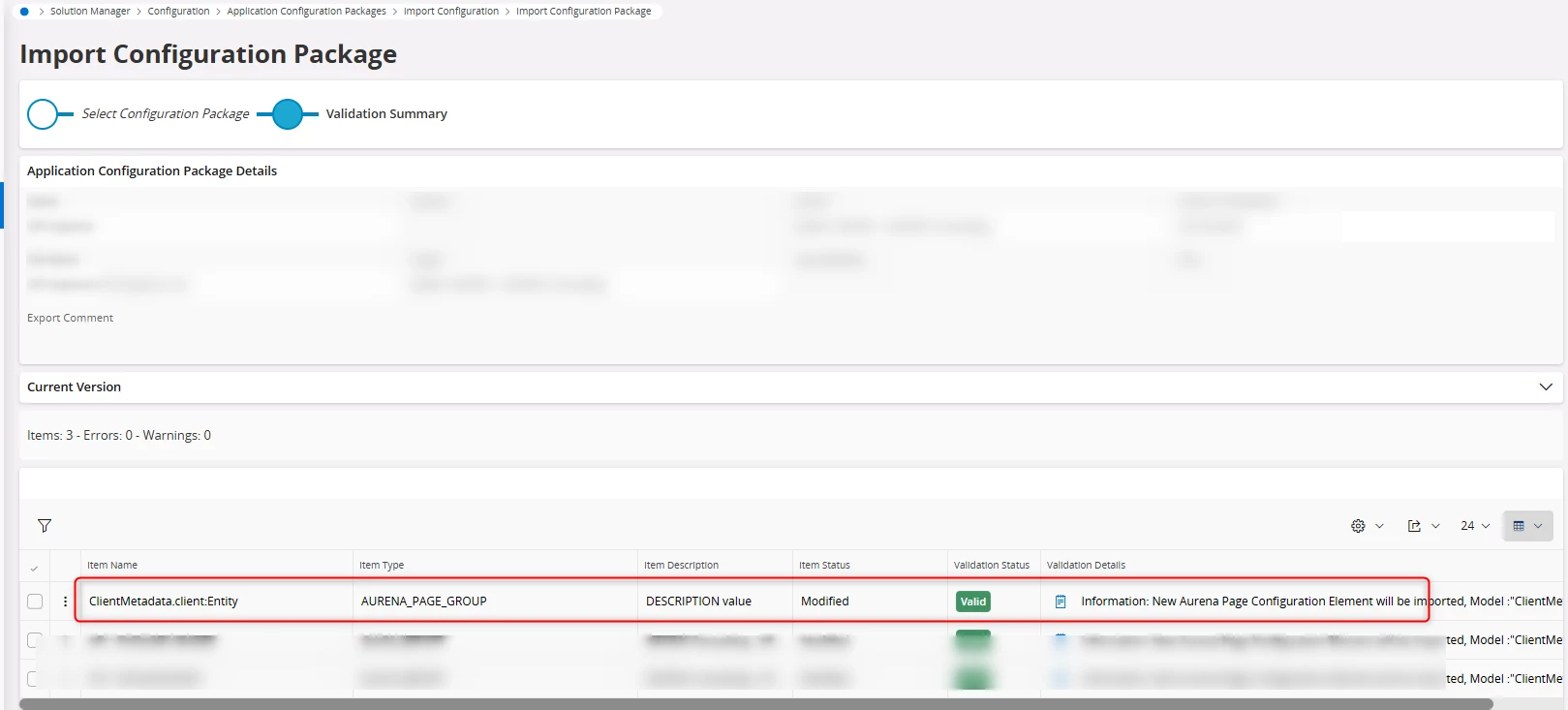
However, I recently received an ACP where only the newly created command group was included. The rest of the page elements were not part of the ACP.


How can i add only one element of the page to an ACP please?


Thank you in advance


2 replies

PhillBronson
Hero (Customer)
Forum|alt.badge.img+13
  • Hero (Customer)
  • July 29, 2026

@N.GEORGI I believe you can use the single item import to accomplish this
Single Item Export - Technical Documentation For IFS Cloud


Forum|alt.badge.img+7
  • Hero (Partner)
  • July 30, 2026

Hi ​@N.GEORGI ,

You can't. At least not by default. When you add a page configuration to your ACP it includes all the changes you made to that page. The only way to include only a single element or command group would be to export the page configuration file, manually adjust it so it contains only the element you want to deploy, and then zip it again.

/Michael



