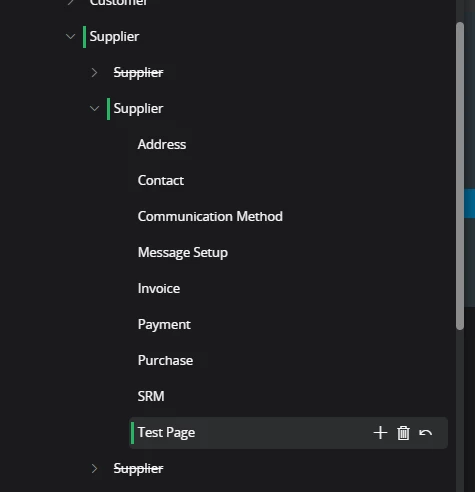
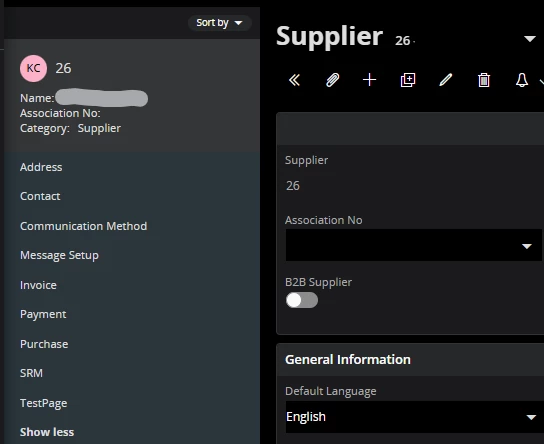
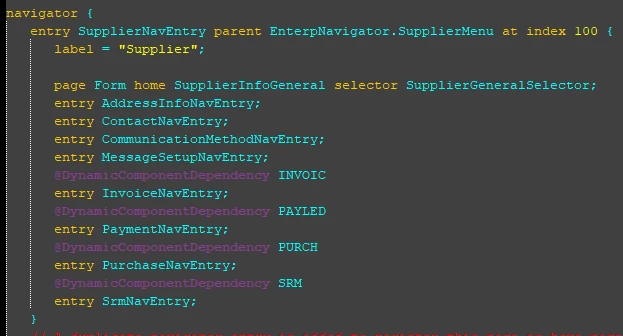
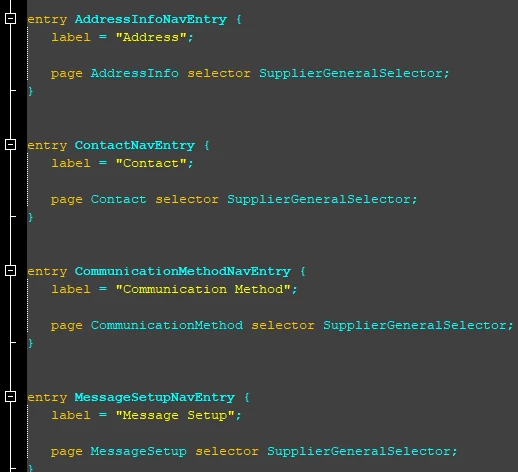
Hi there. I’m new to this, and I’m trying to add a new page in the supplier record to the circled section below - I’ve read that it’s called a tree navigator.
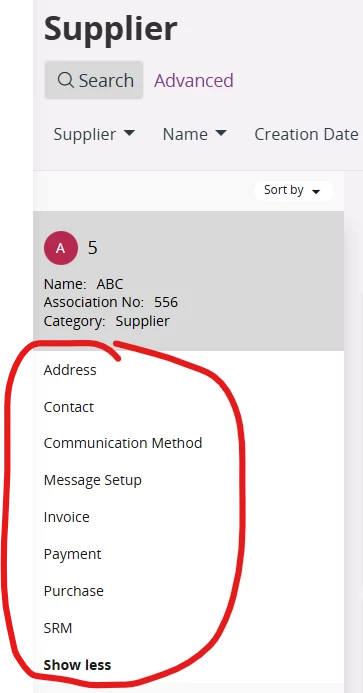
Basically I want to take the Quality section from the Purchase page, inactivate it there, and create a new page for that section so that I can have one set of users with access to the Purchase page, and another set of users for the Quality page (I know I could just add a tab to an existing page, but it’s likely that the quality info that they want to track will expand and require a bunch of custom fields and multiple tabs, so I’d rather just have a new page for it).
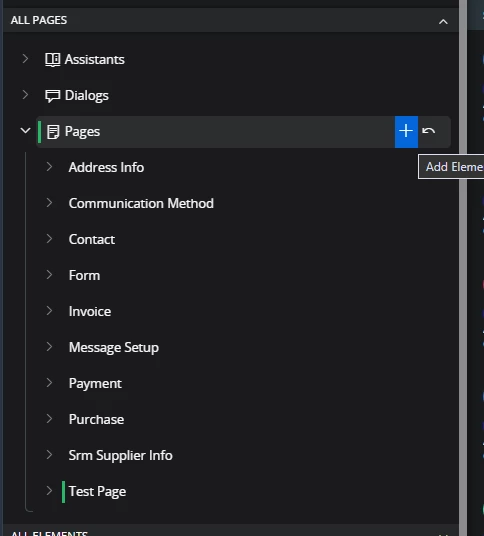
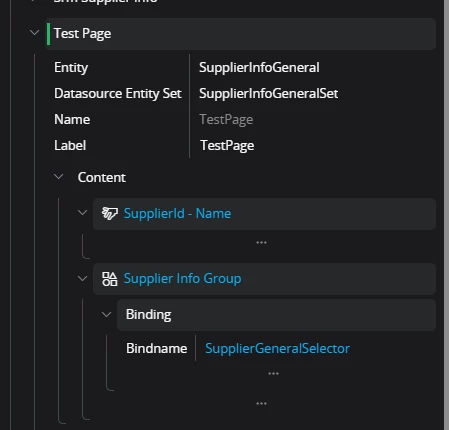
I mimicked the setup of the Purchase page to a new page in Page Designer. I can see it if I select the new page under Active Page:
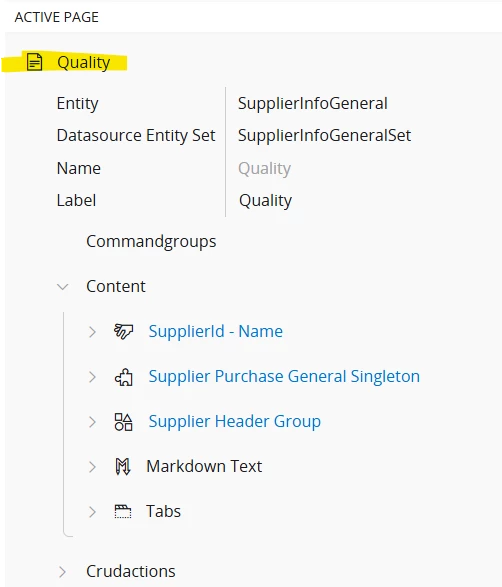
But it’s not showing in the tree navigator section. I saved the changes and published them, cleared the cache, refreshed the browser, but still I can’t see it on the list of pages. Since it’s the same projection/entity as the the Purchase page, I don’t see how it could be permission related. What am I missing? TIA!