Question

25r2 Workflow IFS internal REST API Call

  • June 22, 2026
  • 3 replies
  • 27 views

Forum|alt.badge.img+1

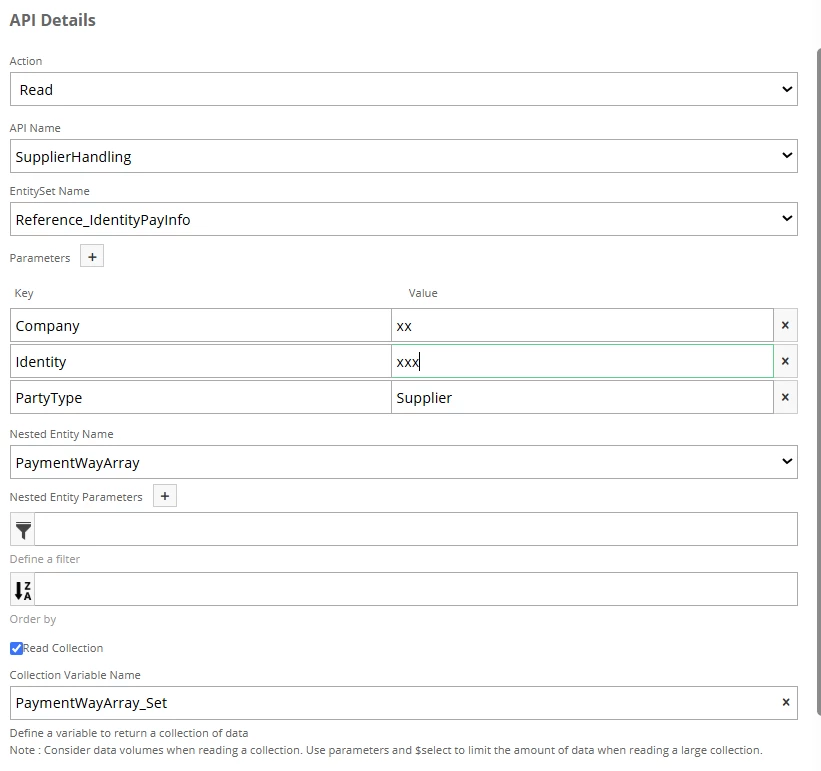
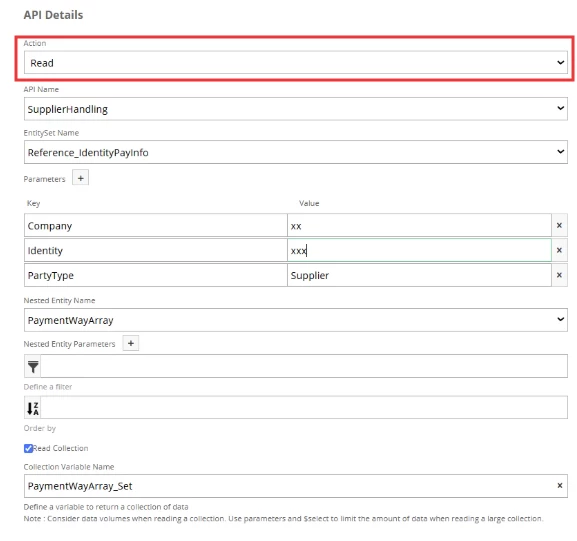
I am trying to setup a workflow to call a 3rd level nested internal IFS API. This is not possible to do with the standard IFS API Task, so I am trying to call it using the REST API Task.

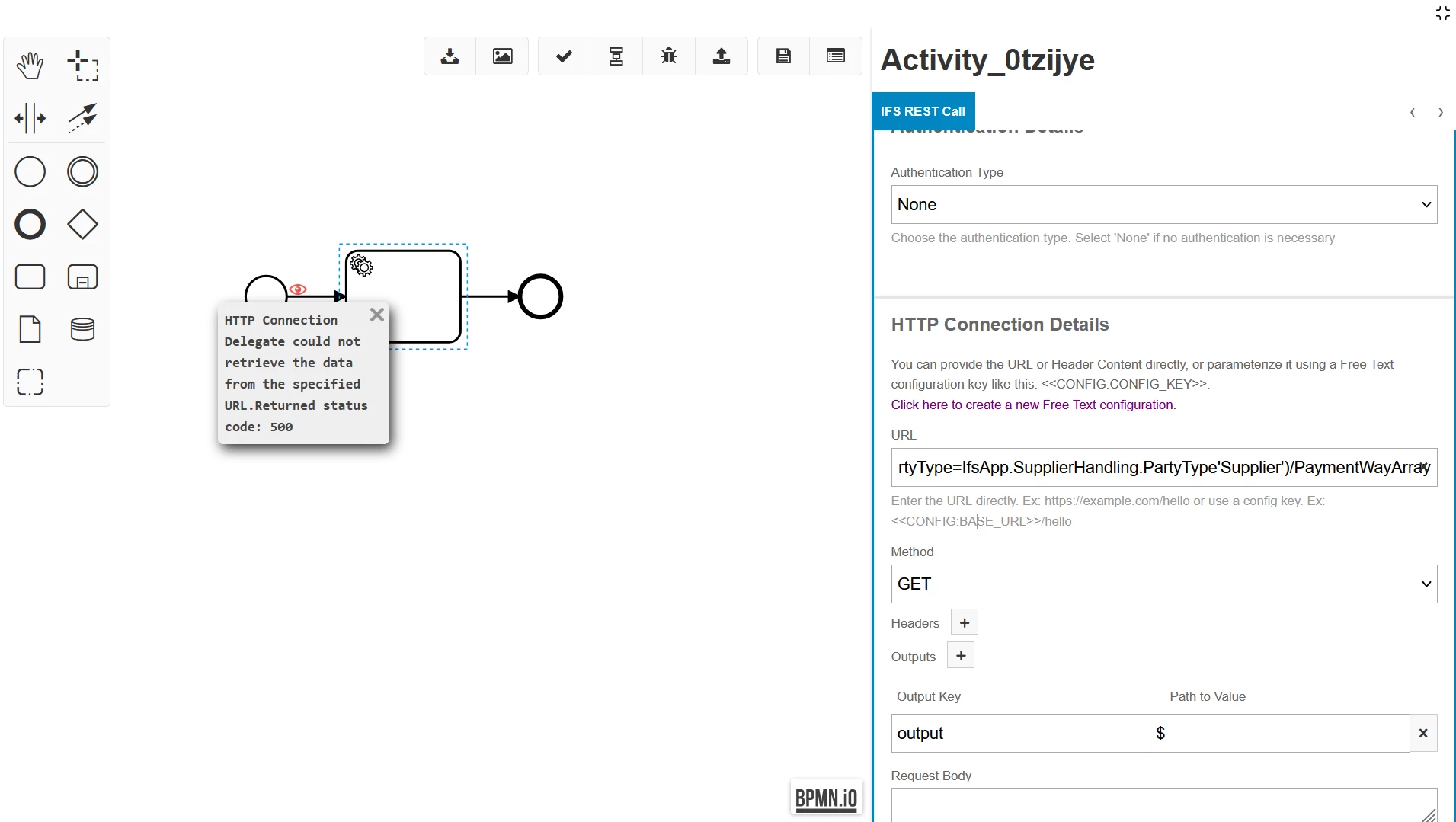
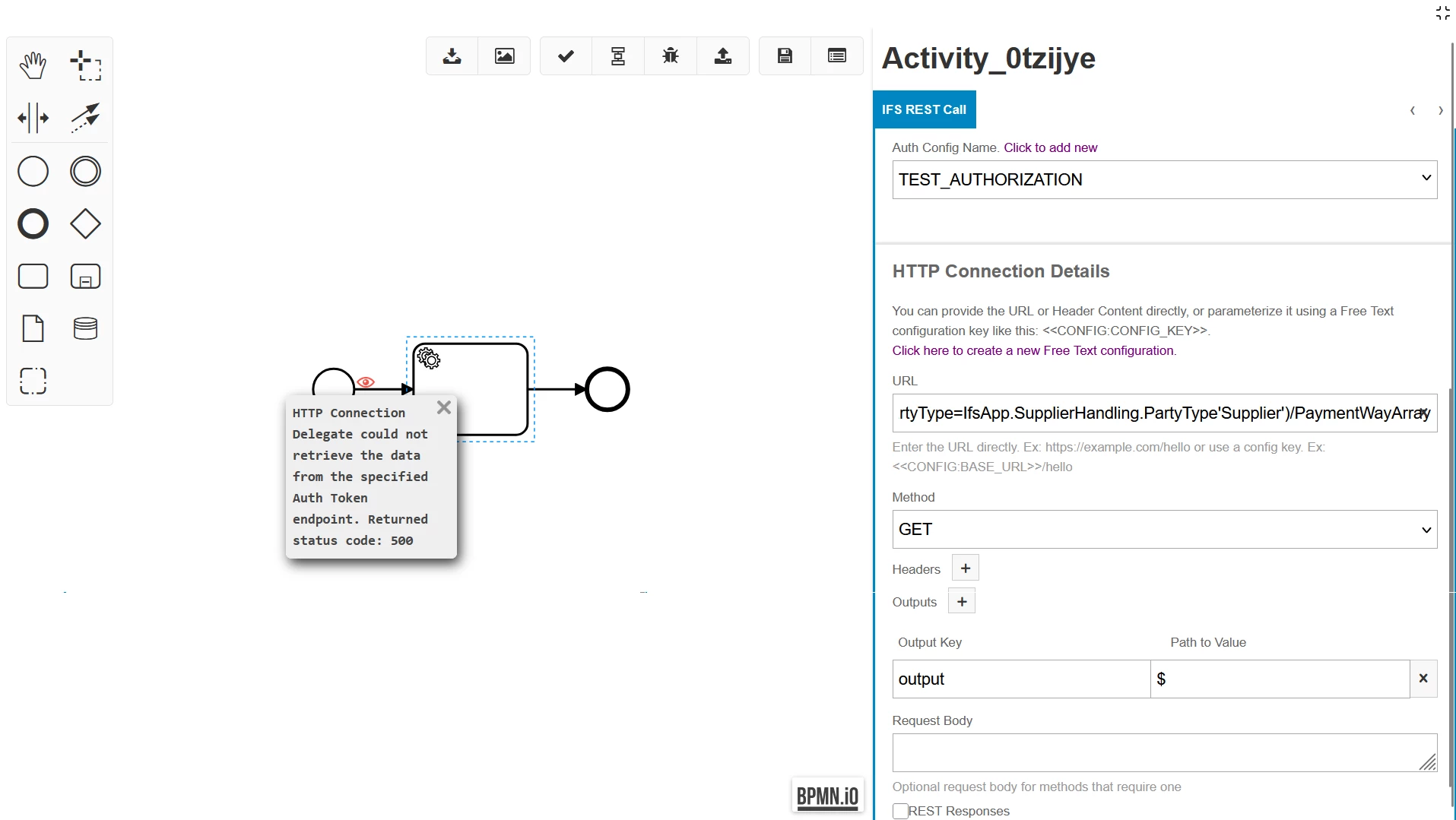
However, I run into some issues where trying to setup the authentication results in a 500 error when it tries to authenticate. Additionally, manually inputting the Bearer token (whether it’s in the header or the authentication feature) also results in a 500 error.

These exact same API calls work perfectly in postman and other external API calls work in workflow. 

Does anyone know a solution to this? Thanks

3 replies

Forum|alt.badge.img+9
  • Hero (Customer)
  • June 22, 2026

@ext.nchen2  could we have more contexte please?

Which API are you trying to call? whata parameters?...Etc


Forum|alt.badge.img+1
  • Author
  • Do Gooder (Customer)
  • June 22, 2026

@N.GEORGI  

@ext.nchen2  could we have more contexte please?

Which API are you trying to call? whata parameters?...Etc

Thanks for the response, I am trying to access this API: 
GET /main/ifsapplications/projection/v1/SupplierHandling.svc/SupplierInfoGeneralSet(SupplierId='XXXXXX')/SupplierPayments(Company='XXXXX',Identity='XXXXX',PartyType=IfsApp.SupplierHandling.PartyType'Supplier')/PaymentWayArray

 
The request works in postman with an Authorization token, but no method seems to work in workflow (there is no body in the request)


Forum|alt.badge.img+5
  • Do Gooder (Employee)
  • June 22, 2026

Hi ​@ext.nchen2 

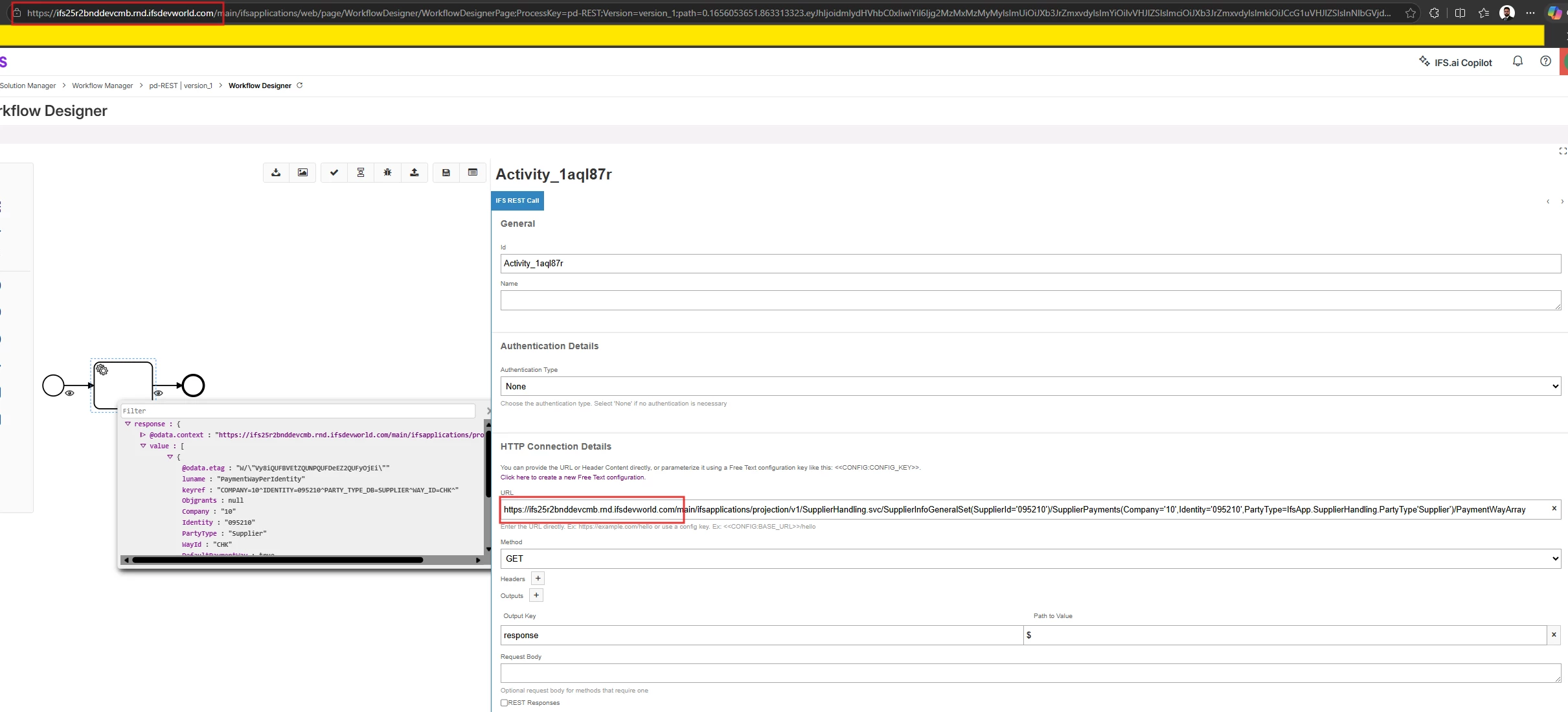
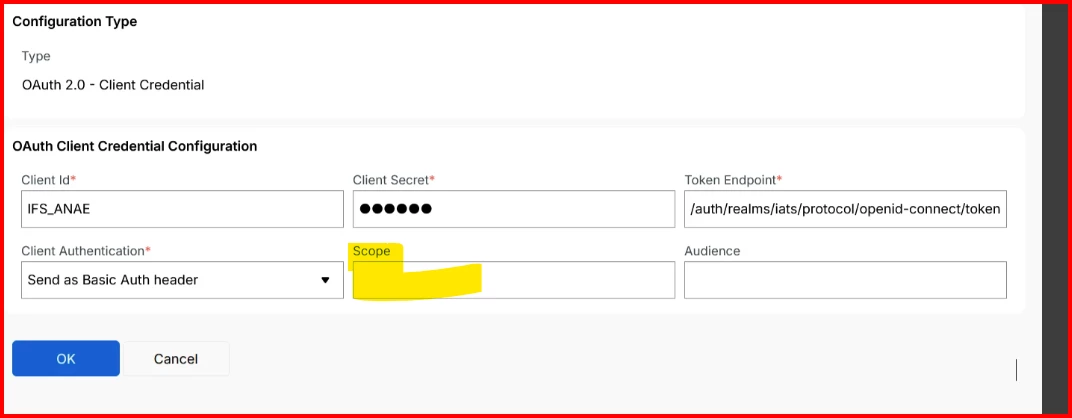
I tried calling the API you mentioned using a REST task with both the same host and a different host in the 25R2 central environment. Here are the workflow steps I followed. I hope this is similar to what you are trying to do as well.


Same Host (ifs25r2bnddevcmb)


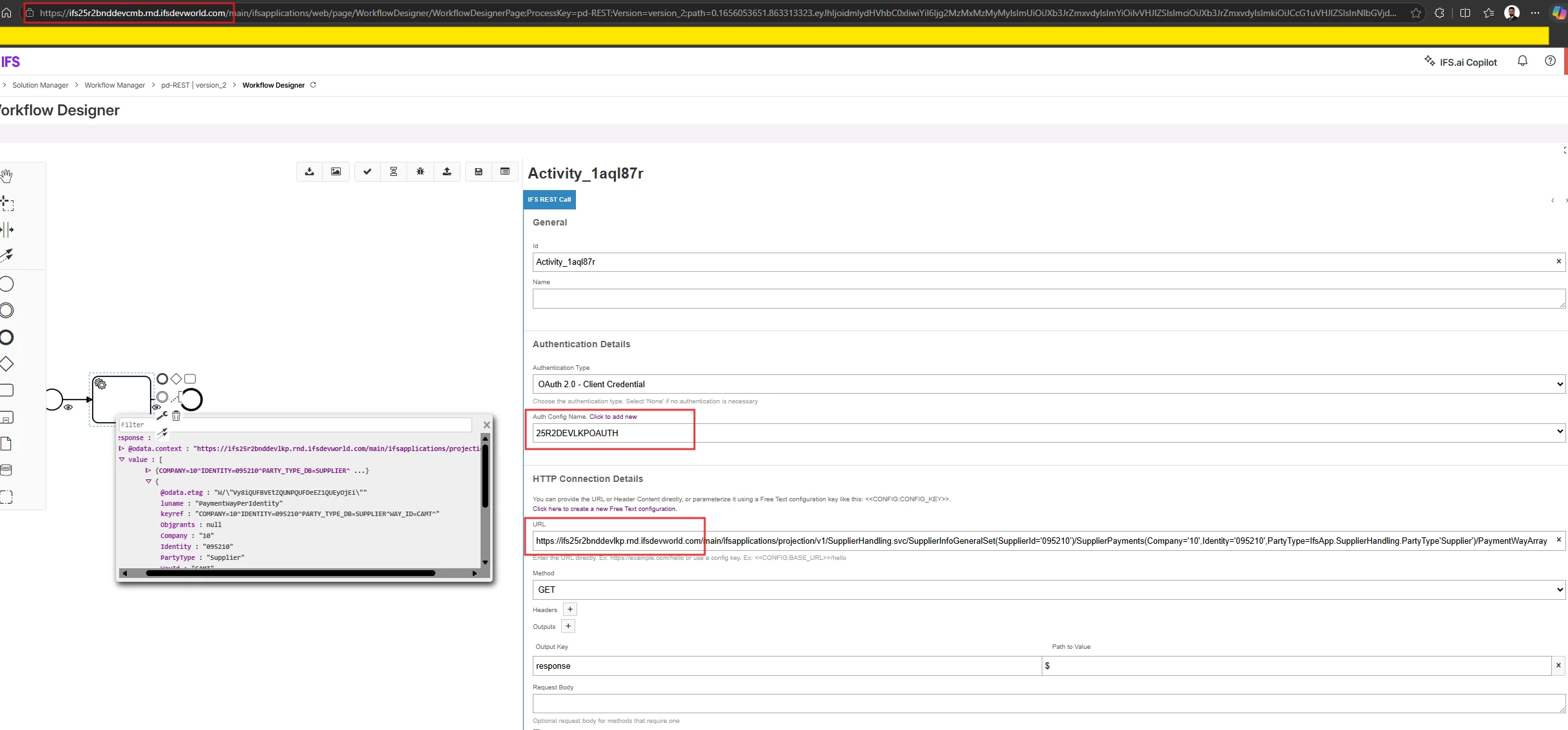
Different Host (calling an API hosted in ifs25r2bnddevlkp from ifs25r2bnddevcmb)

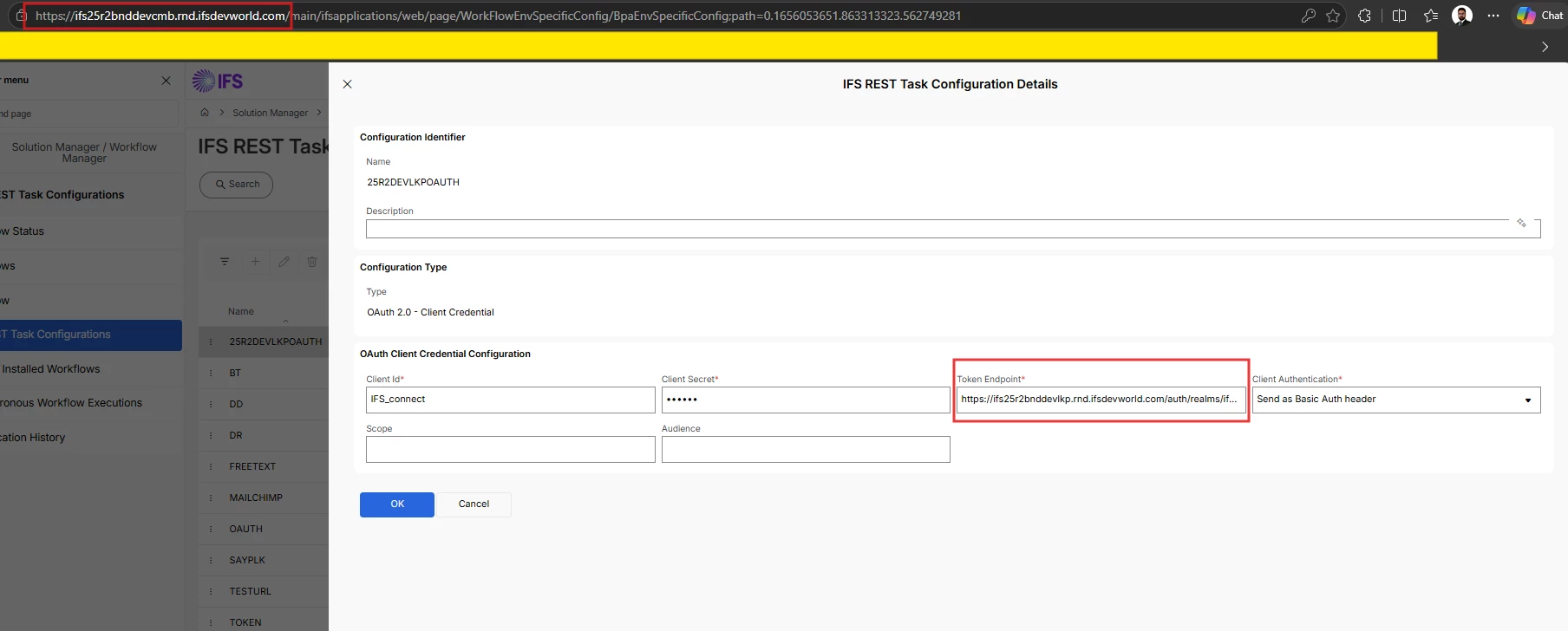
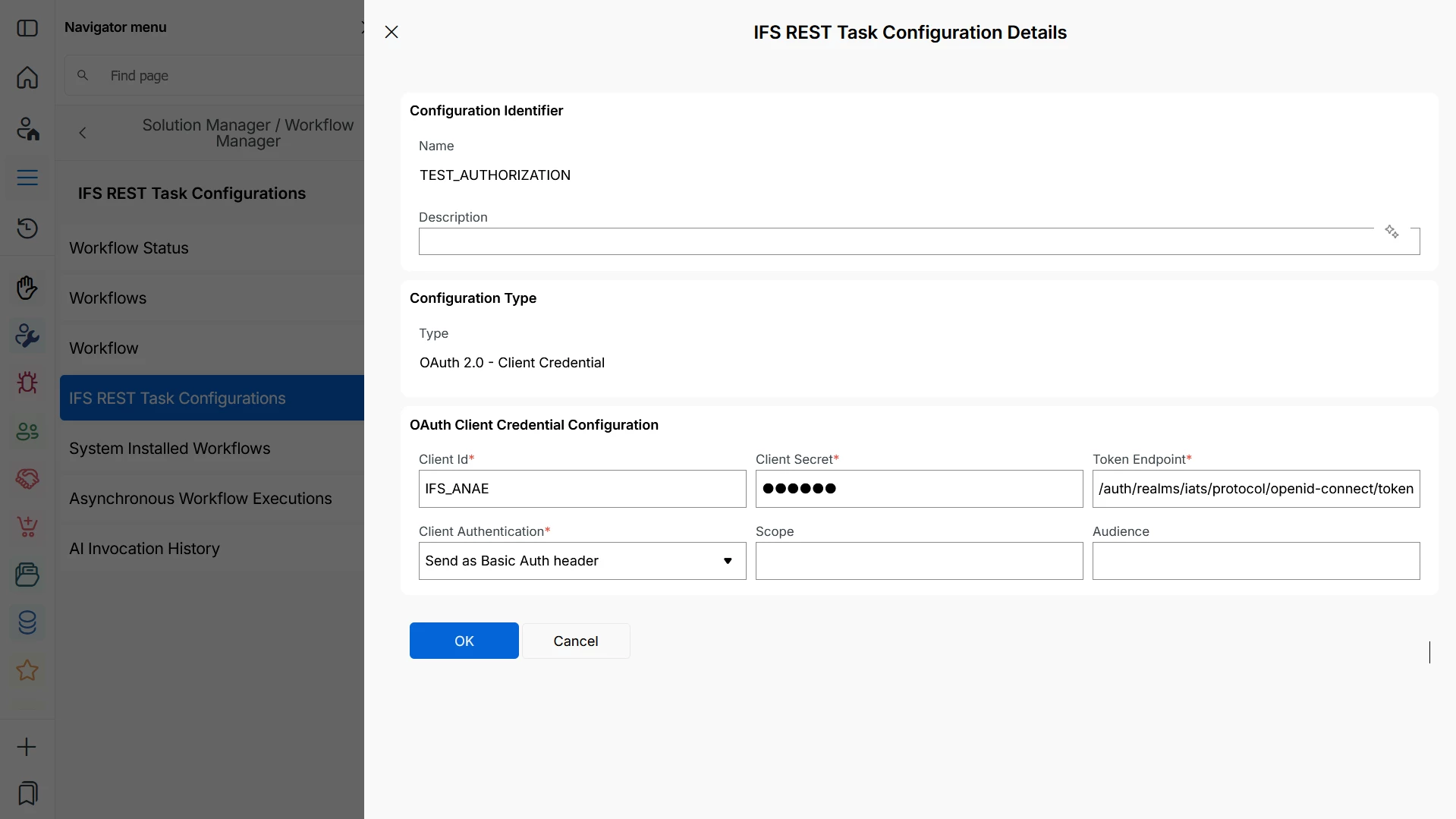
  1. Create a REST Task Configuration. The IAM details can be found on the IAM Client page in ifs25r2bnddevlkp .


    Token Endpoint : https://ifs25r2bnddevlkp.rnd.ifsdevworld.com/auth/realms/ifs25r2bnddevlkp/protocol/openid-connect/token


  2. Select Authentication Type as OAuth 2.0 and set Auth Config Name to the REST Task Configuration you created.