Question

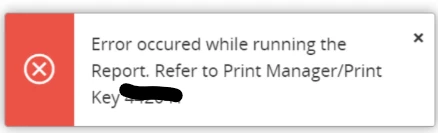
Error running the Report. Refer to Print Manager/Print

  • August 1, 2025
  • 2 replies
  • 60 views

nu_fonka
Do Gooder (Partner)
Forum|alt.badge.img+5

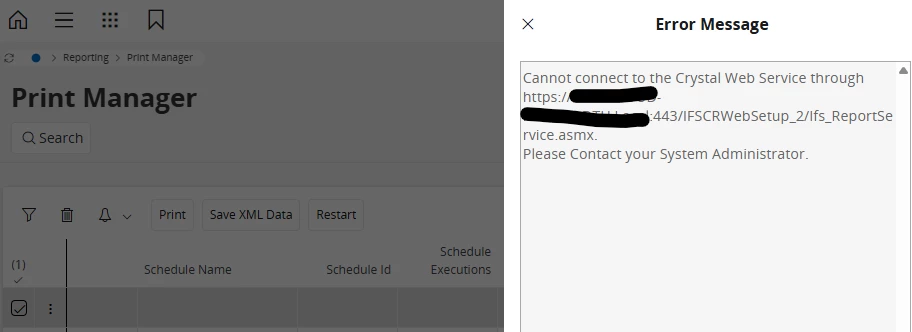
The report shows an error after I click the preview button multiple times in succession(If the clicks are not consecutive, no error occurs.), but it returns to normal after some time passes. How to check and fix the issue.


2 replies

Forum|alt.badge.img+7
  • Do Gooder (Partner)
  • April 1, 2026

@nu_fonka ,

       This issue is typically caused by multiple rapid preview requests exhausting available sessions/connections to the Crystal Web Service.

       When the limit is reached, new requests fail temporarily with a connection error, but recover after some time when resources are released. Check IIS/app pool limits, increase connection/thread limits, and monitor resource usage on the report server.


nu_fonka
Do Gooder (Partner)
Forum|alt.badge.img+5
  • Author
  • Do Gooder (Partner)
  • April 1, 2026

Hi ​@Lingesan08 


   Could you please share solution(screenshot) how to extend IIS/app pool limit, increase connection/thread limits, and how to monitor resource usage on the report server.

   Because i try to create new app pool mapping 1 CWS/1Apppool but the error is occurs.