Question

IFS Cloud 25R2 SU5 - Export an External File Template

  • October 16, 2026
  • 3 replies
  • 43 views

Forum|alt.badge.img+10

Hi Finance experts,

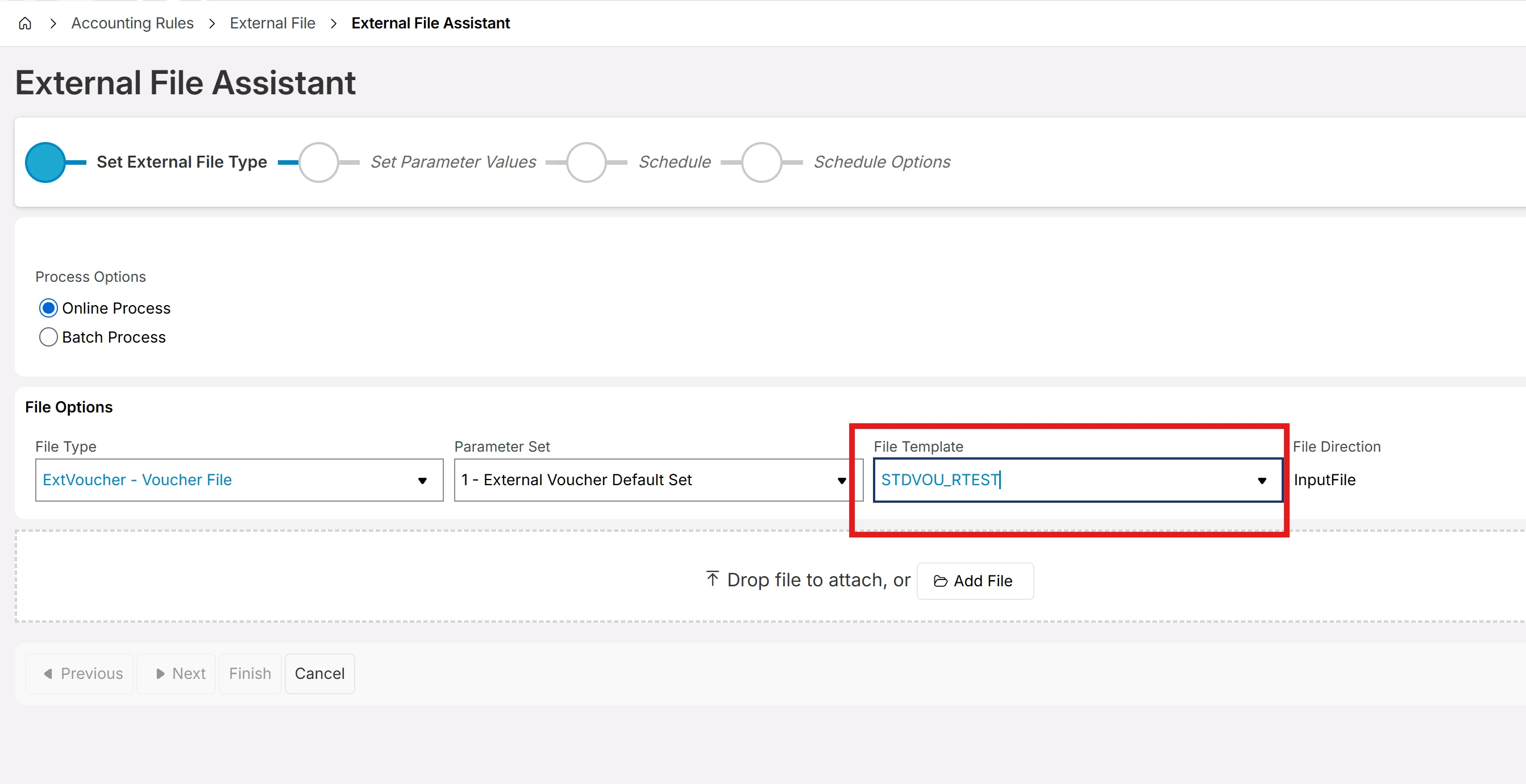
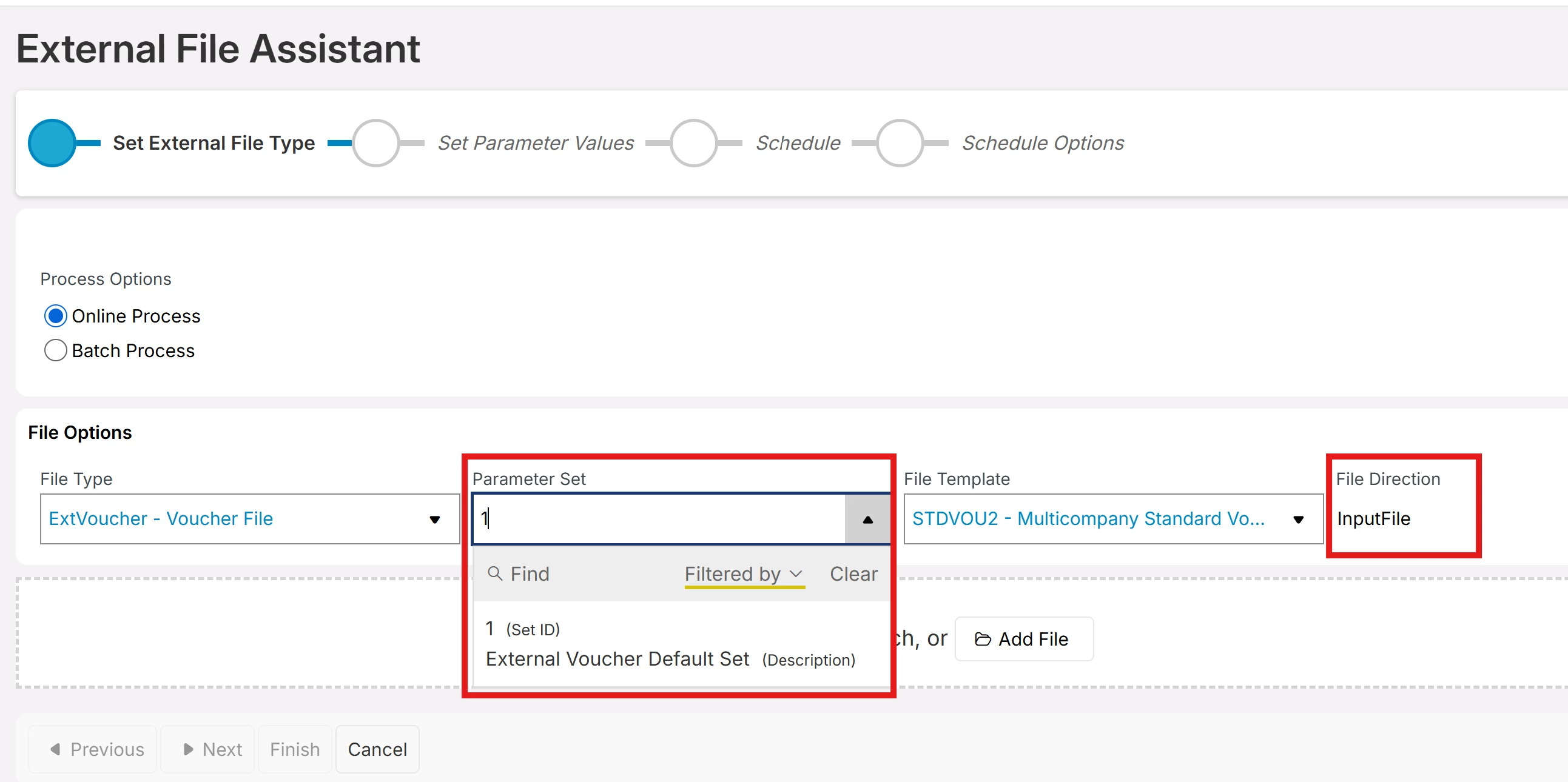
I am trying to export an External File Template using External File Assistant but cannot see Parameter Set 2 which is probably the option for export.
Any idea on how to set this up so that I can change file direction as ‘OutputFile’ and then export an External File Template?



3 replies

Forum|alt.badge.img+20

Hi, 

External file types are mostly fixed in Cloud, where the import/export is pre-defined.   

The external voucher file type is not intended for an export.    

External voucher is used (as an example) to load a CSV file containing posting information and loading this in as a manual voucher.  Typically, one would never export. That data. It’s designed to load data, not export. 

So… What are you really trying to do?   As the external voucher is probably not the process you should use for the given need. 

Best regards, 

Thomas


Forum|alt.badge.img+10
  • Author
  • Sidekick (Partner)
  • October 16, 2026

Hi ​@Thomas Peterson ,

I have created a new template by using standard template STDVOU for example. 
My intension is to export and import new template(s) to other environments instead of creating them in each environment (say TST, STG,UAT,AST,PRD for example).
So this is currently not possible in IFS? you need to create new templates in each environment?


Forum|alt.badge.img+20

Yes, you create new templates in each environment.   I’ve done many templates over the years (probably hundreds). It can be very quick. Before IFS Cloud, the IEE client allowed a user to create custom files types from a view.  With that process, I created hundreds of file types / templates, and after doing a few, it gets really fast.  Just saying, I’ve done this many many many times.  Due to Oracle IFS no longer supports that function (create new file type and template from a view).

For example, like you said, copy the STD template, then delete all detail records, and paste the rows from another environment into the new.   Better yet, test in test, then in PROD copy the template and paste the details. Then next time you copy prod, it’s already done. 

Best regards, 

Thomas