



Hi everyone,
I have created a Custom Field in the 'Supplier Payment Order' screen that concatenates multiple Purchase Order numbers into a semicolon-separated string (e.g., '00001;00002;00003') using LISTAGG.
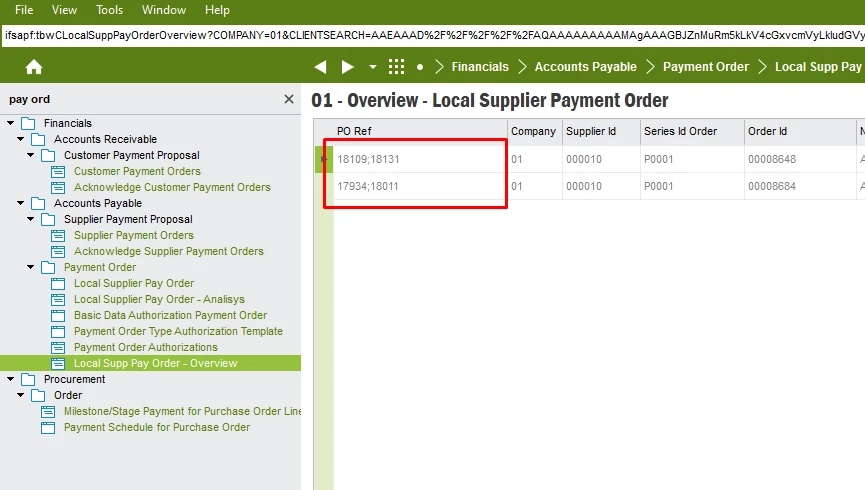
I am now trying to create a Custom Menu to navigate to the 'Purchase Order' window using this field as a parameter.
-
When the field contains a single value, the navigation works perfectly.
-
When the field contains multiple values, the target screen opens empty because it tries to find an exact match for the entire string.
Is there a way to pass these values so the target screen interprets them as an 'OR' or 'IN' filter?
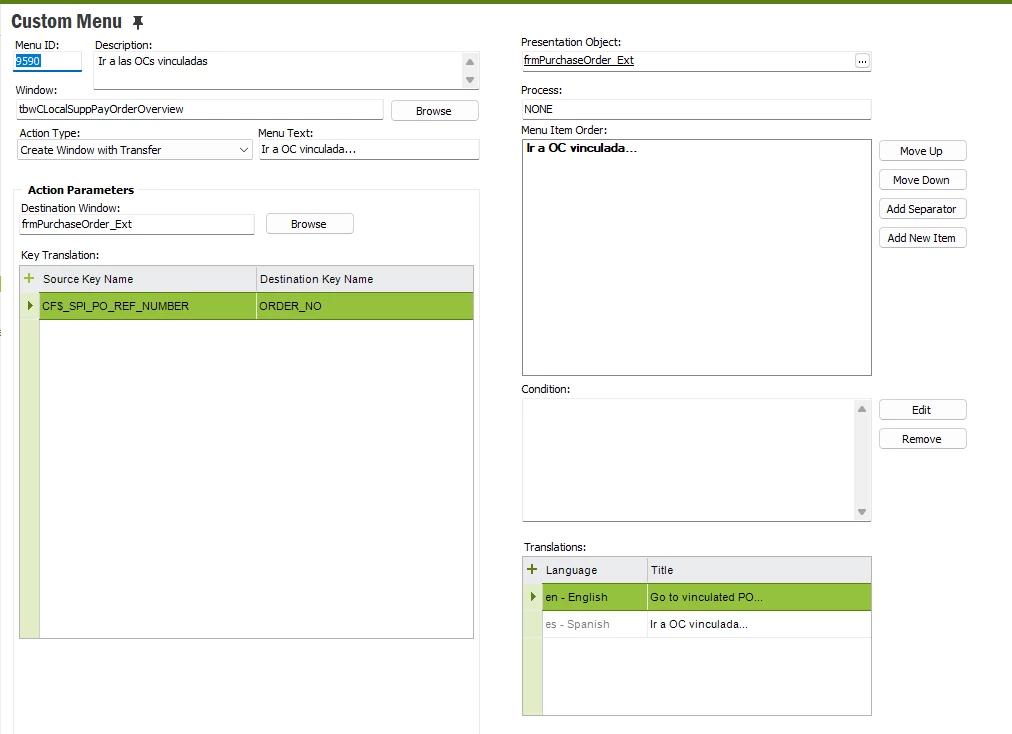
Thanks in advance!
IFSAPP10