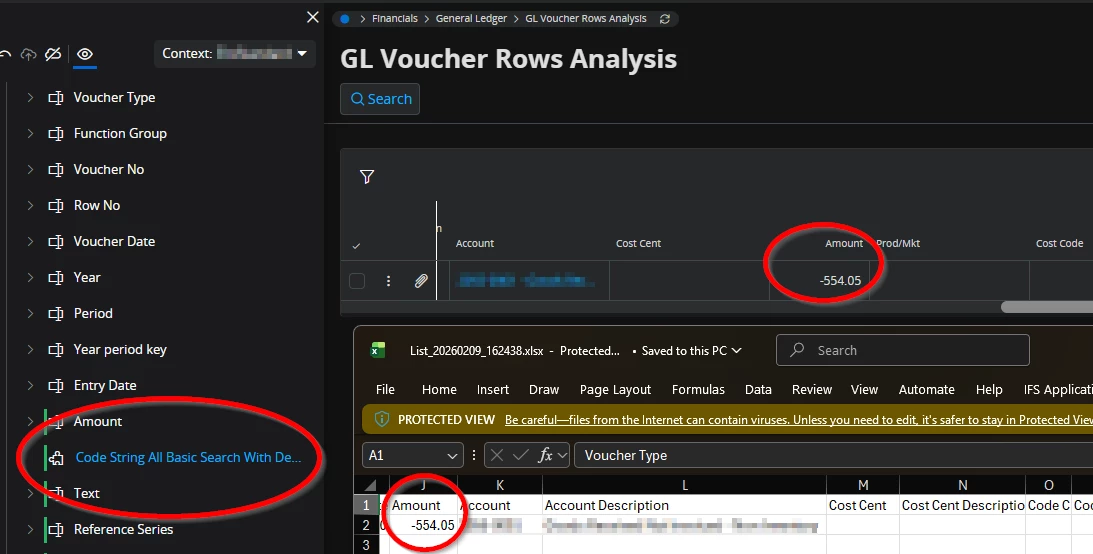
We observed, in Cloud 24R2, that in GL Voucher Rows Analysis, the code part fields are all clustered together and it would not be possible to insert a different column between them and have the columns exported to Excel that way. We can, for example, use Column Chooser to put Amount after Cost Center, but when exporting the results to Excel, this column ordering is not enforced, instead all code string columns are in order together. Furthermore, we could not place fields in between the code string fields within page designer, as code string is it’s own group.
Are we missing something, or is not possible to export results from here with columns in between the code string columns?