Following 25R2 New Feature - Service Campaign - trying to try the process in IFS Cloud 25R2.
- Created the Service Campaign using Campaign Type “Repair RMA” to replicate a real life example where a repair is required for a newly built items under warranty
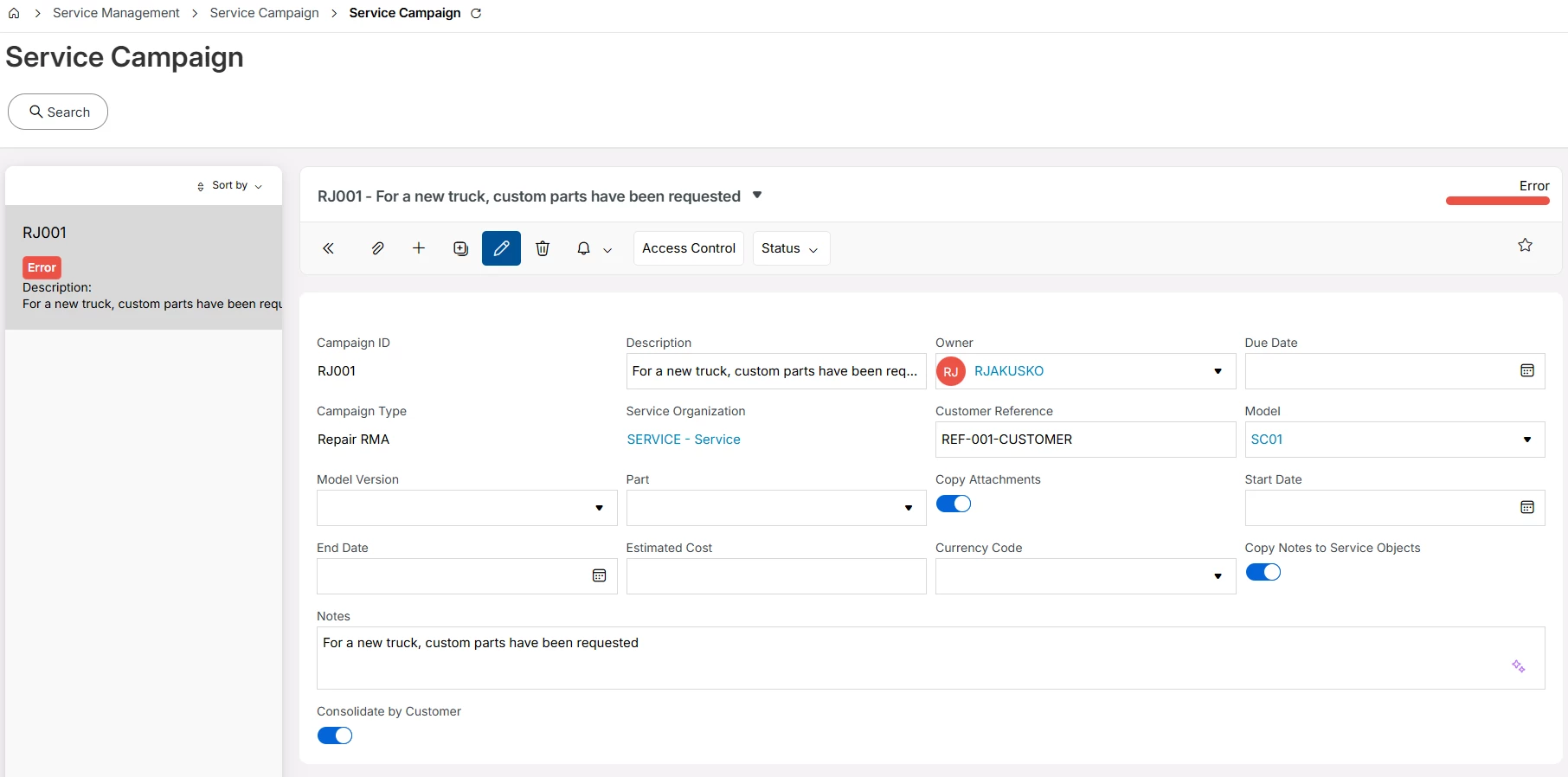
- Added 2 lines (as in 2 objects
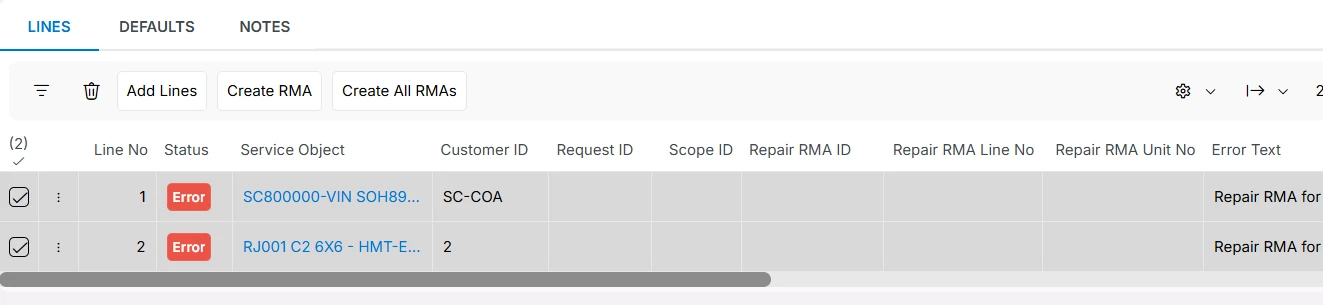
- button “Create All RMA’s”
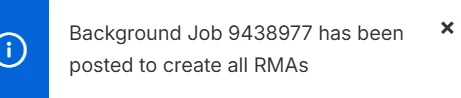
- Pop-up suggests a background job is posted to create the RMA’s
- And it says there’s an Error:
“Repair RMA for Service Campaign Line 1 for Service Campaign RJ001 was not successfully created.ORA-20124: Error.NULLVALUE: Field [RETURN_REASON] is mandatory for Depot Rma Line and requires a value.”
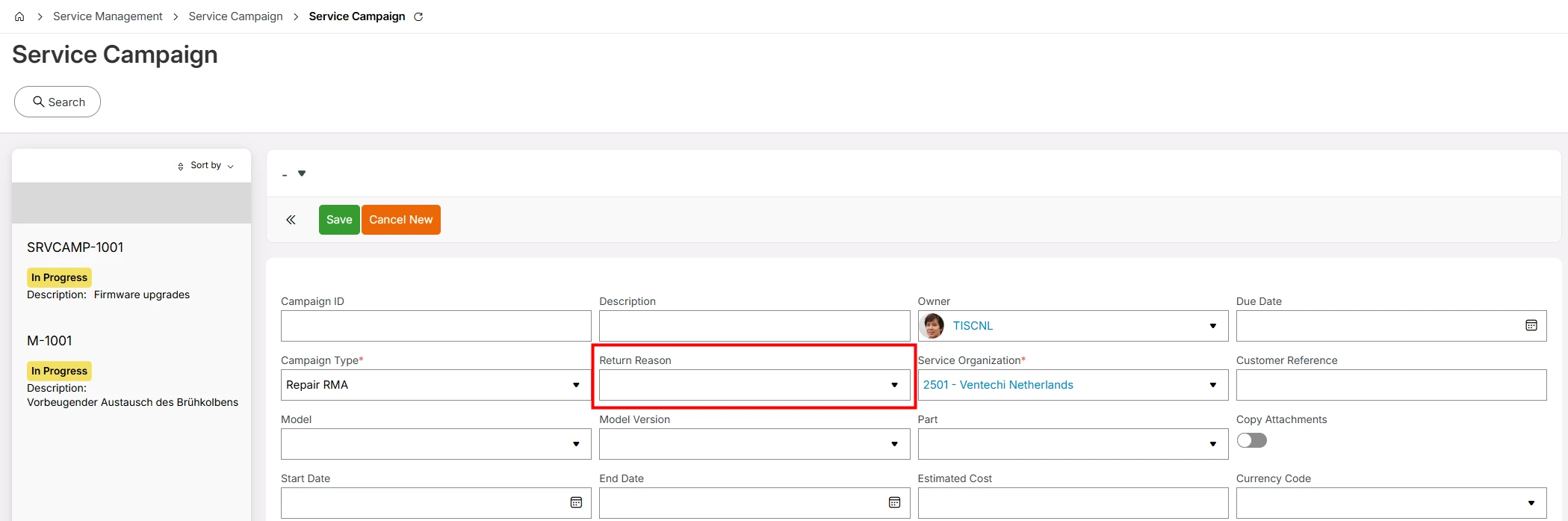
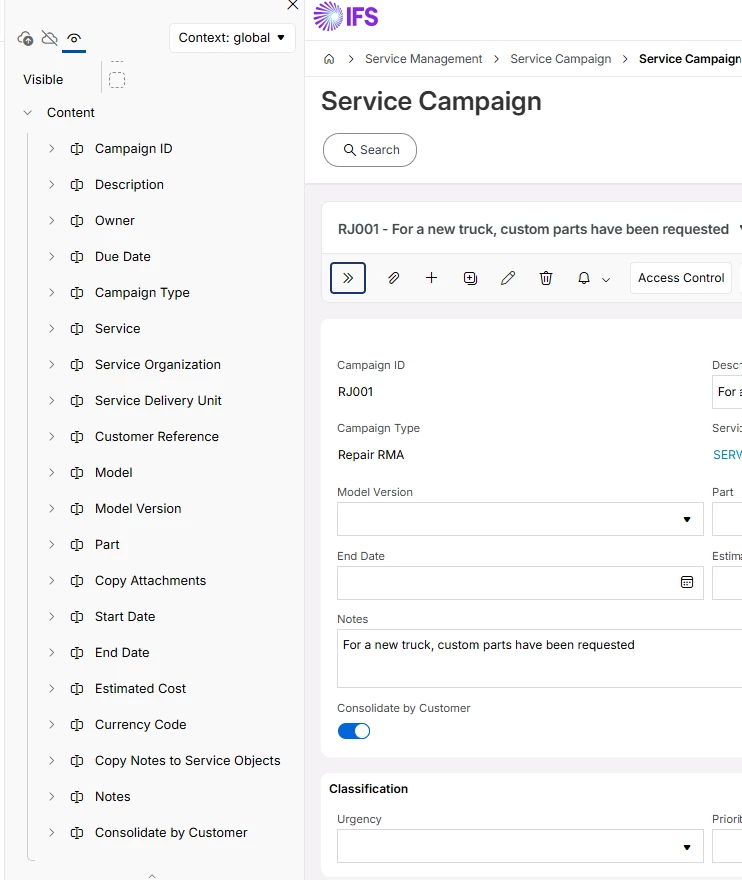
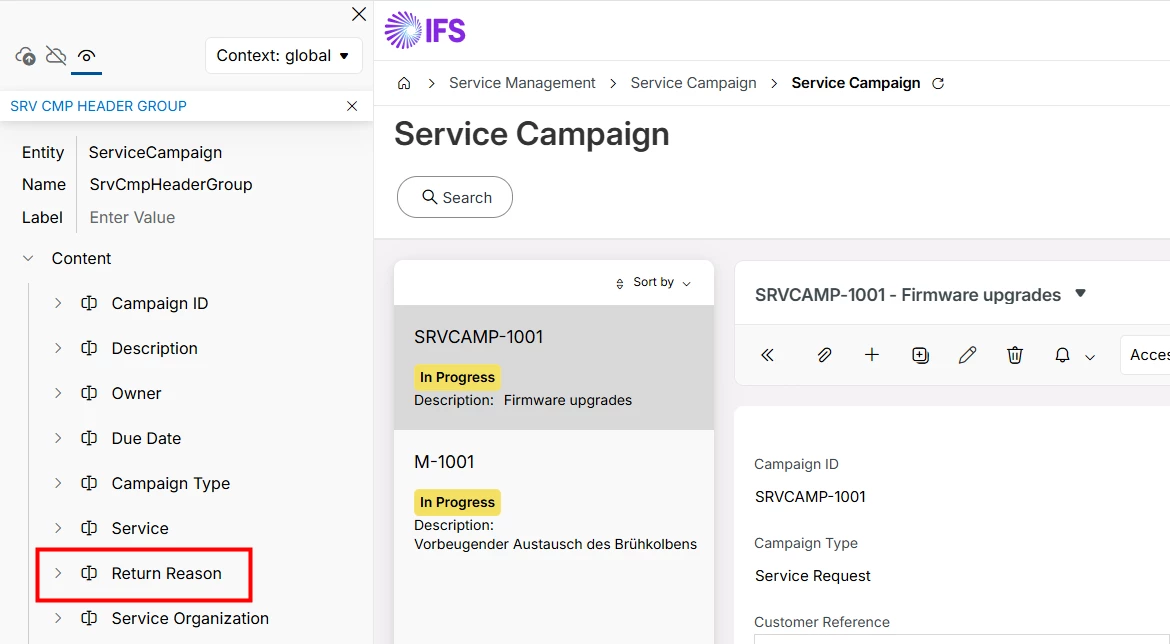
Observation: There is nowhere in the lines or in the header of the Service Campaign where the Return Reason can be input. There is no pop-up that allows it when Create RMA is used.
Question: How is Service Campaign supposed to be progressed?