
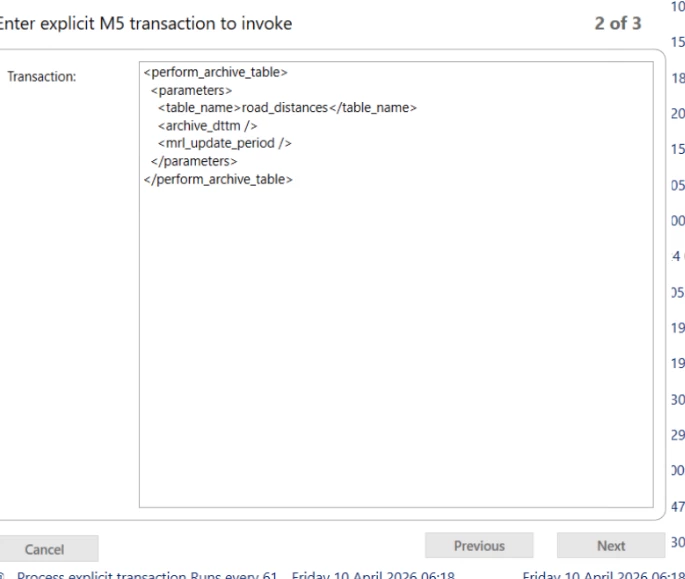
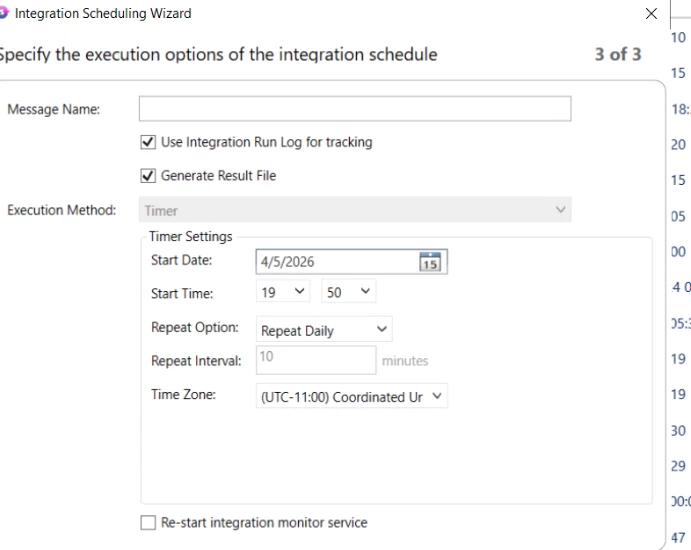
- I have created a scheduled job that is supposed to run every day to archive the
ROAD_DISTANCEStable. - Earlier, the job was running automatically as expected and During testing, I was also able to manually run the job without any issues.
-
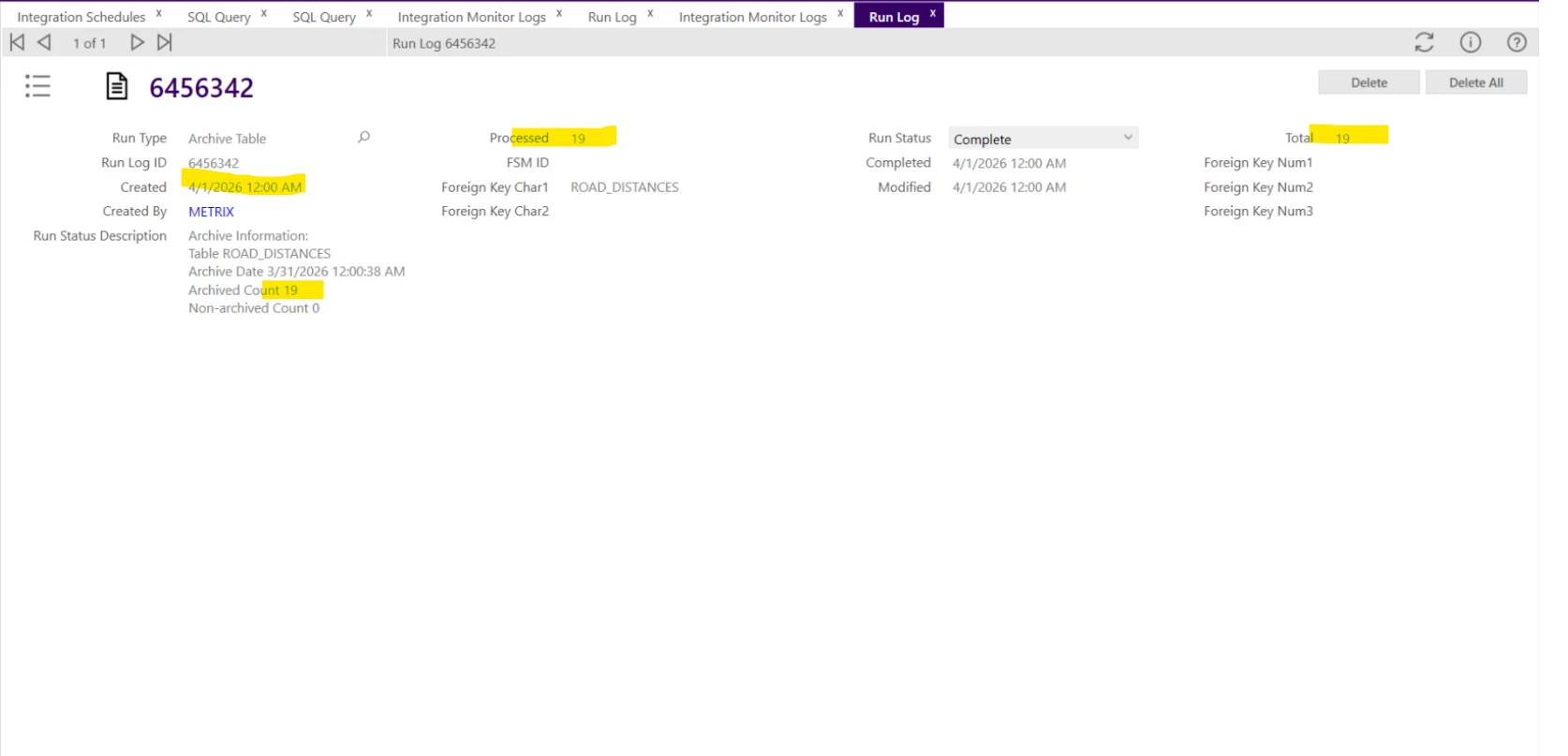
However, after some time, the job still shows as running (both automatically and when clicking Run Now), but the archiving does not occur.
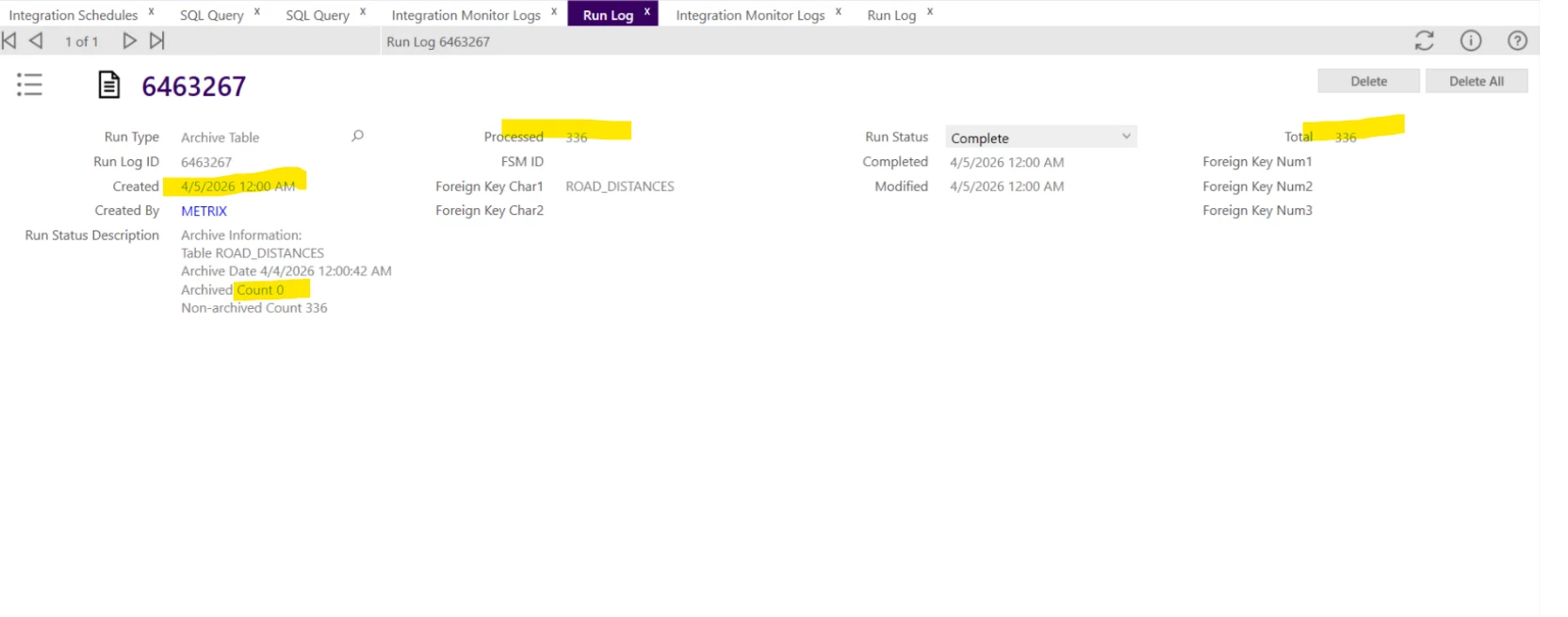
- When I use the Archiving Engine, the
ROAD_DISTANCEStable is archived successfully.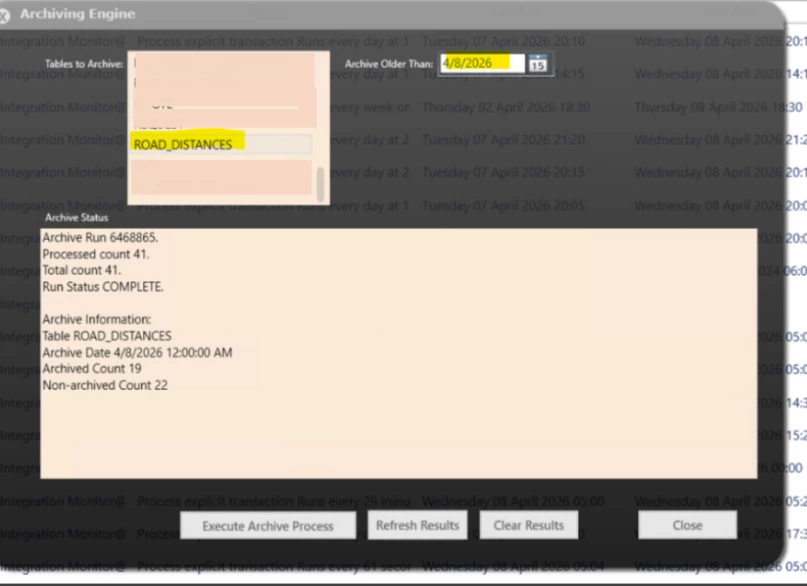
- it seems the scheduled job is behaving differently. Does anyone have an idea why this might be happening?

Question
Monitor(Integration) Schedules not archiving
 +2
+2


Enter your E-mail address. We'll send you an e-mail with instructions to reset your password.