Dear all,
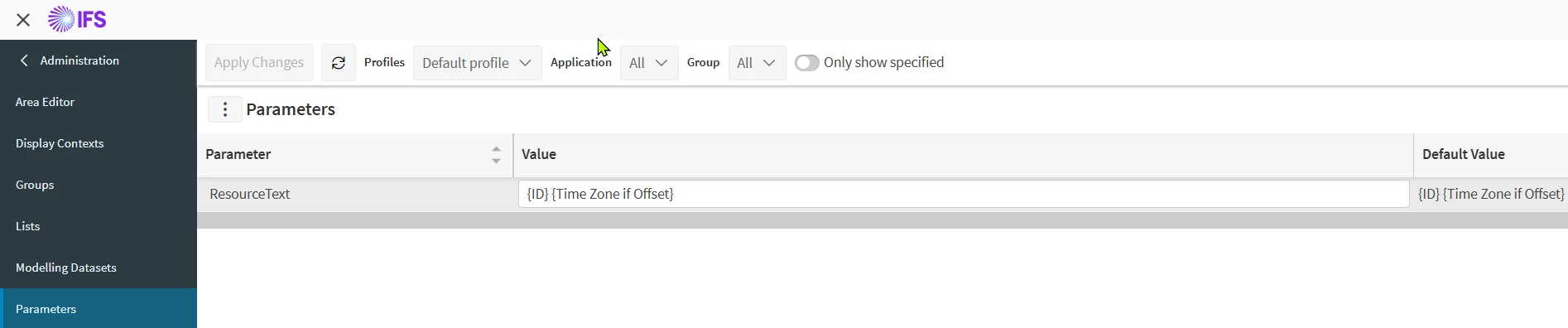
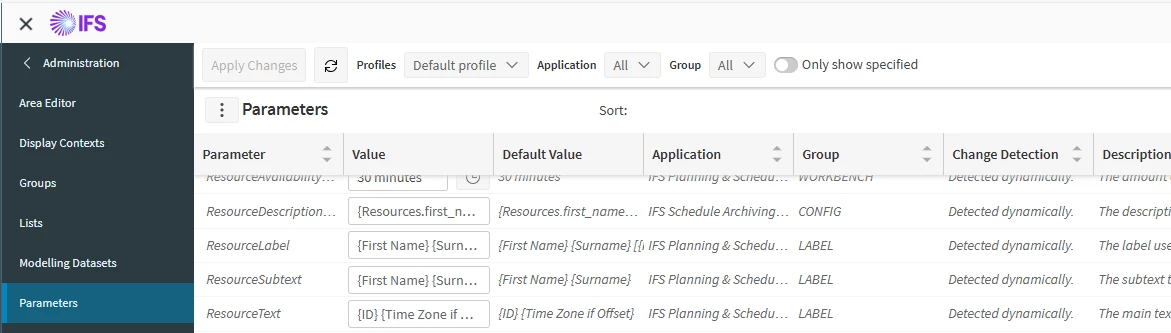
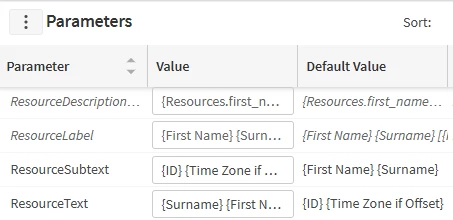
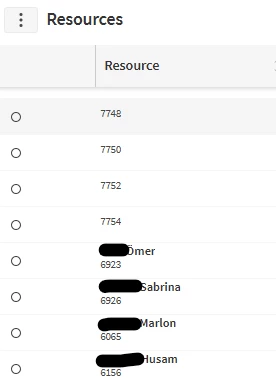
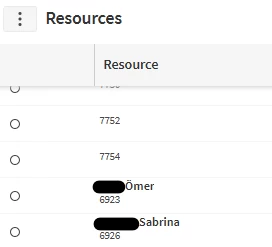
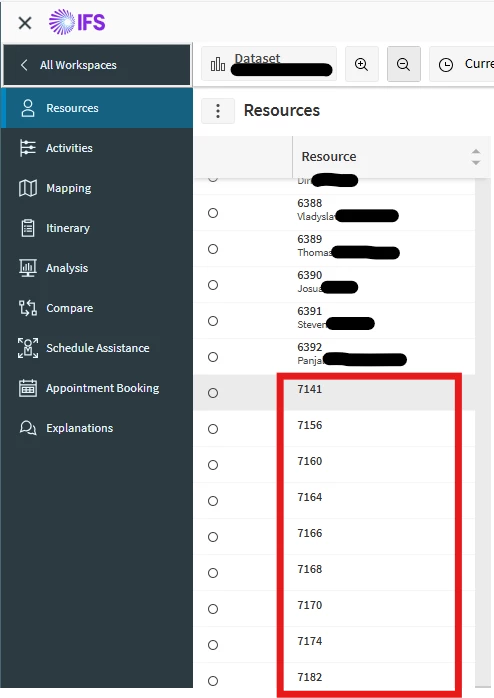
What shall I do do get the resource names from IFS-Cloud visible in PSO? In some cases, the names appear, in other cases not. Which configuration is necessary in IFS? What do I have to configure?

Dear all,
What shall I do do get the resource names from IFS-Cloud visible in PSO? In some cases, the names appear, in other cases not. Which configuration is necessary in IFS? What do I have to configure?
Best answer by Alexander Heinze
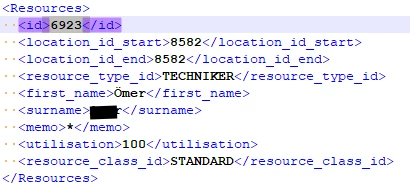
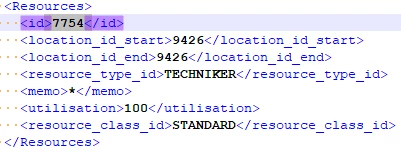
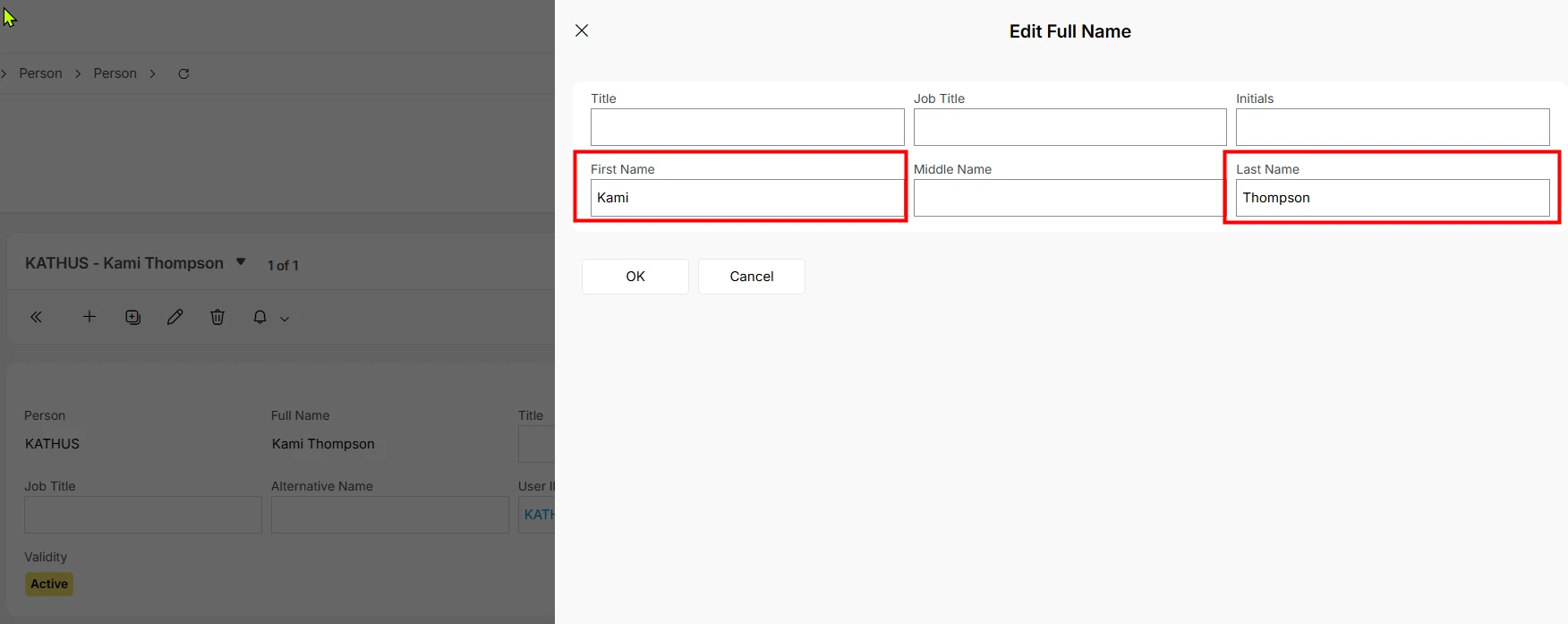
Hard to do a remote diagnosis. Can you look at your existing resources in that resource group and find the difference between 6923 and 7754? Drill down from the resource to the underlying person record and see if something is missing there. Select “Edit Full Name” on the person, these are the fields that are sent to PSO:
Enter your E-mail address. We'll send you an e-mail with instructions to reset your password.