Question

Hide attachment in FSM mobile

  • June 15, 2026
  • 4 replies
  • 15 views

Forum|alt.badge.img+9

Hi all,

Does anyone knows how to hide a specific attachment in the attachment list in FSM mobile?
As far I know you can’t remove lines with the ListData function? Only edit some values.

Regards

4 replies

Forum|alt.badge.img+12
  • Hero (Partner)
  • June 15, 2026

Hi,

(I believe this post and you other post are related.)

Would you be able to put screenshots of your situation?

Thanks


Shneor Cheshin
Superhero (Employee)
Forum|alt.badge.img+28
  • Superhero (Employee)
  • June 15, 2026

Hi ​@drooij 

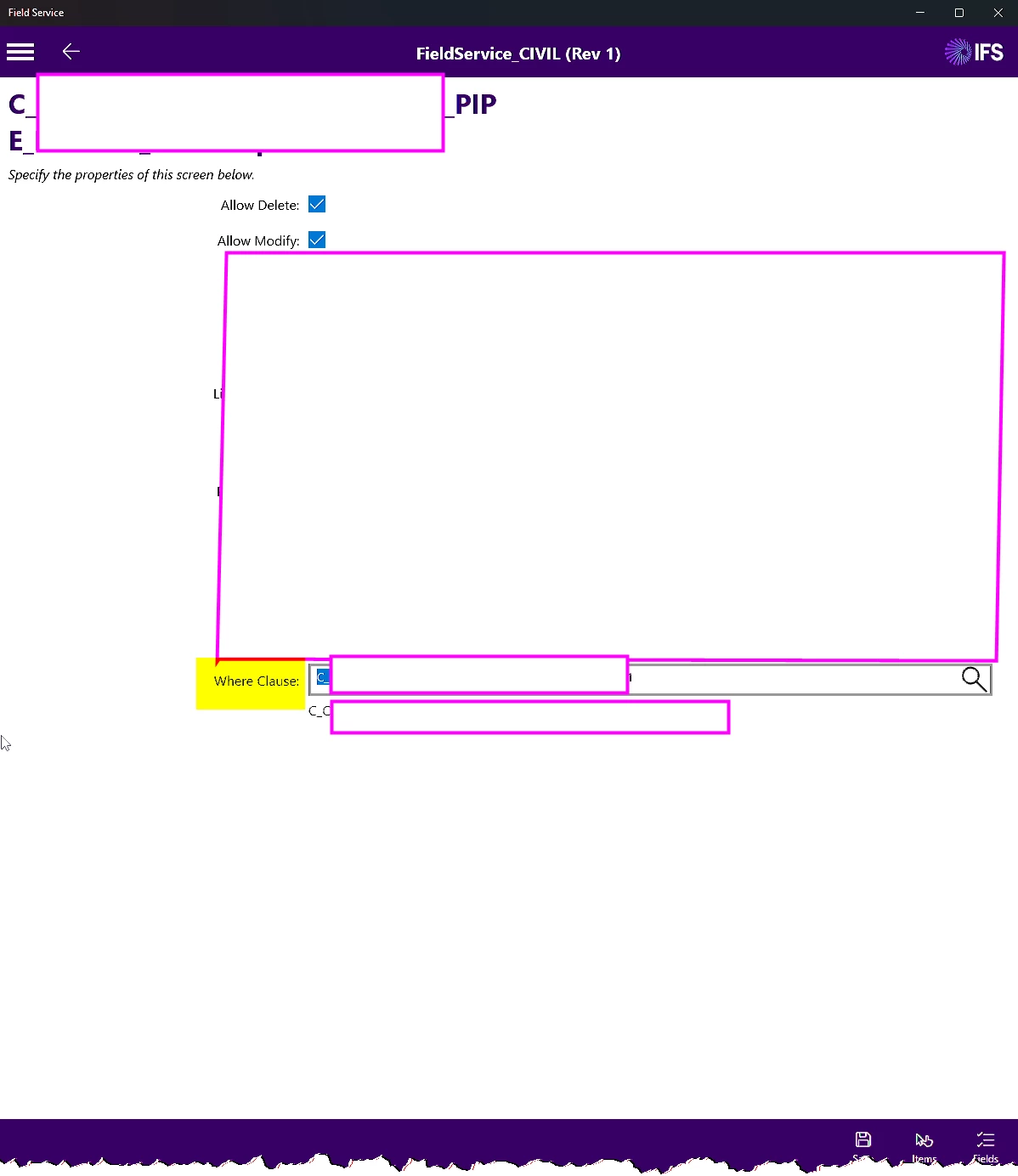
You can use the ‘Where Clause’ in mobile disgner on the list screen.

You will need to create a client script with the relevant conditions.

For example, to show only records from the current task

var taskId = getCurrentKeys("task", "task_id");
var whereClause = "task_id = " + taskId;
return whereClause;

Cheers!


Forum|alt.badge.img+9
  • Author
  • Sidekick (Customer)
  • June 16, 2026

Hi ​@Shneor Cheshin,


Thanks! I think that's only possible with a custom screen. I have one specific attachment that is linked to a particular task type. I want to prevent users from deleting it. I can set “allow delete” to false, but then that would apply to every attachment.


Shneor Cheshin
Superhero (Employee)
Forum|alt.badge.img+28
  • Superhero (Employee)
  • June 16, 2026

Hi ​@Shneor Cheshin,


Thanks! I think that's only possible with a custom screen. I have one specific attachment that is linked to a particular task type. I want to prevent users from deleting it. I can set “allow delete” to false, but then that would apply to every attachment.

Hi ​@drooij 

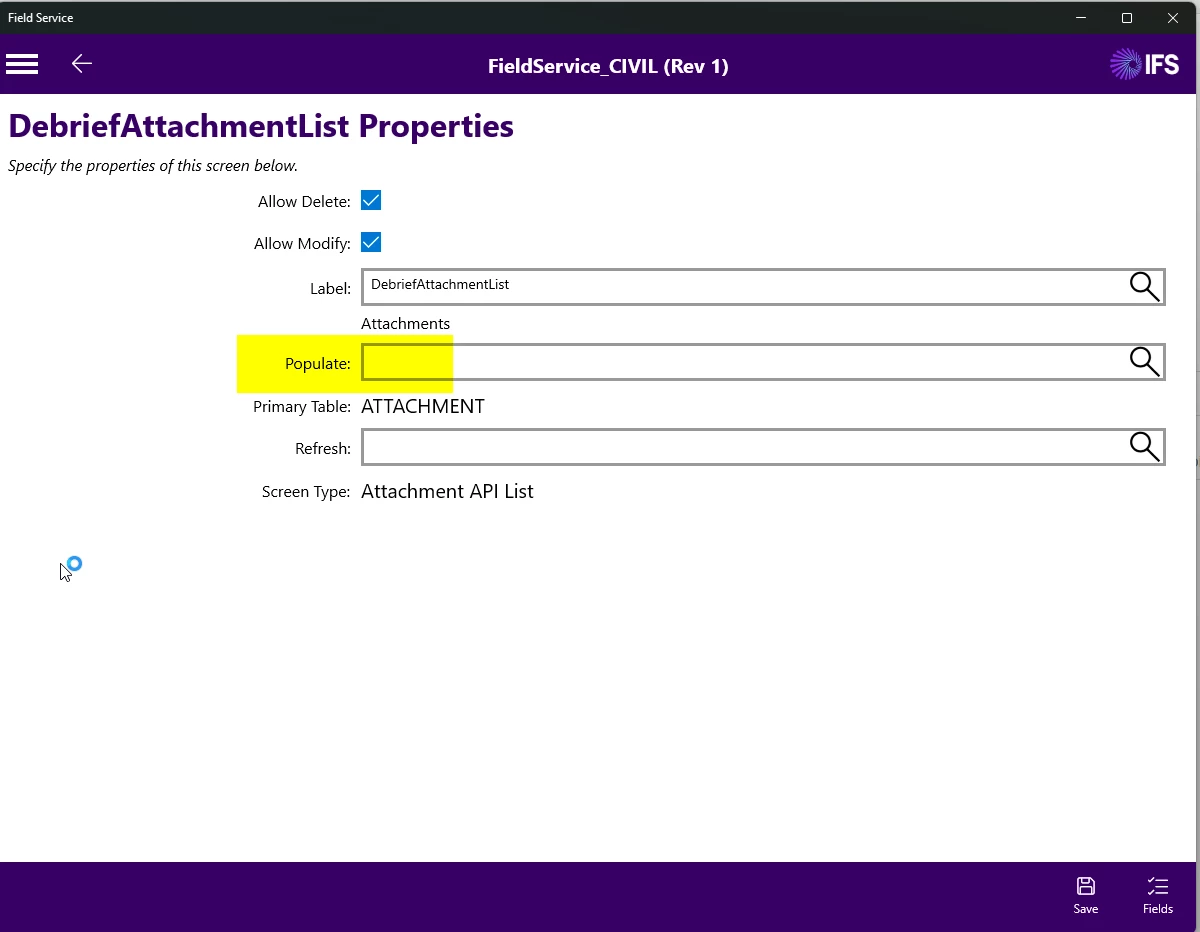
You can use the populate script

Script example and concept

var listData = getCurrentListData();
var listLength = listData.length;

if (listLength > 0)
{
for (var i = 0; i < listLength; i++)
{
var row = getRowFromListData(listData, i);

var attachmentType = getValueFromListDataRow(row,"attachment","type");
var this = getValueFromListDataRow(row,"attachment","this");
var that = getValueFromListDataRow(row,"attachment","that");

row = setValueOnListDataRow(row,'attachment','this',this);
row = setValueOnListDataRow(row,'attachment','that',that);

if(attachmentType != myAttachmentType)
{
listData = setRowOnListData(listData, row, i);
}
}
}

return listData;