



Question

Dispatch Console Activity/Utilization view settings

  • August 1, 2025
  • 3 replies
  • 55 views

StephanS
Hero (Partner)
Forum|alt.badge.img+9

Hi IFS Community,

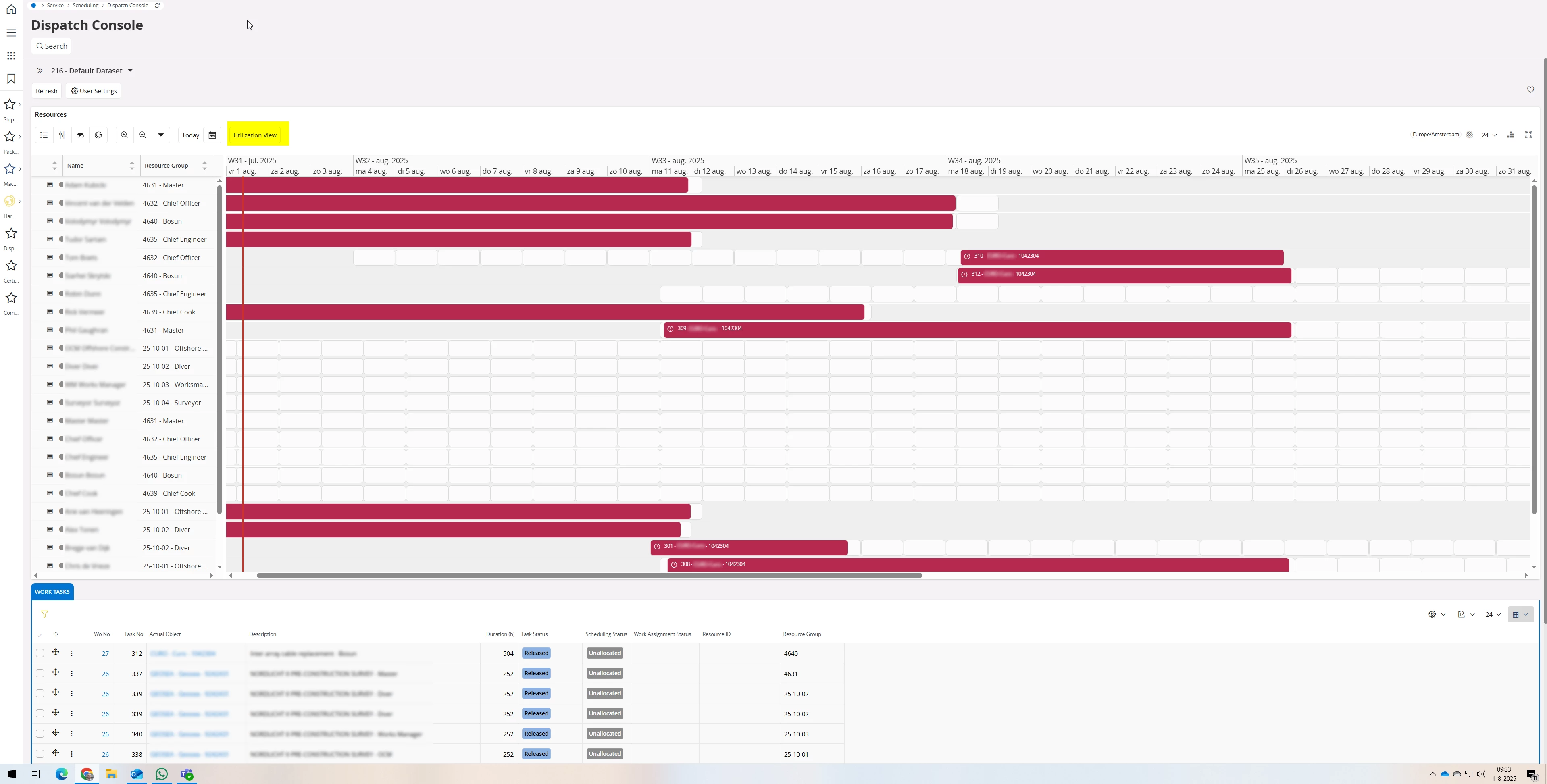
In IFS Cloud (we're on 24R2 currently) you have the Dispatch Console where you start with an Activity view. This shows the timeline and the allocated activities in time, it's very handy :)

You do have the option to switch to the Utilization View manually, this shows the % of available time allocated with Activies, see yellow marked in 1st image.

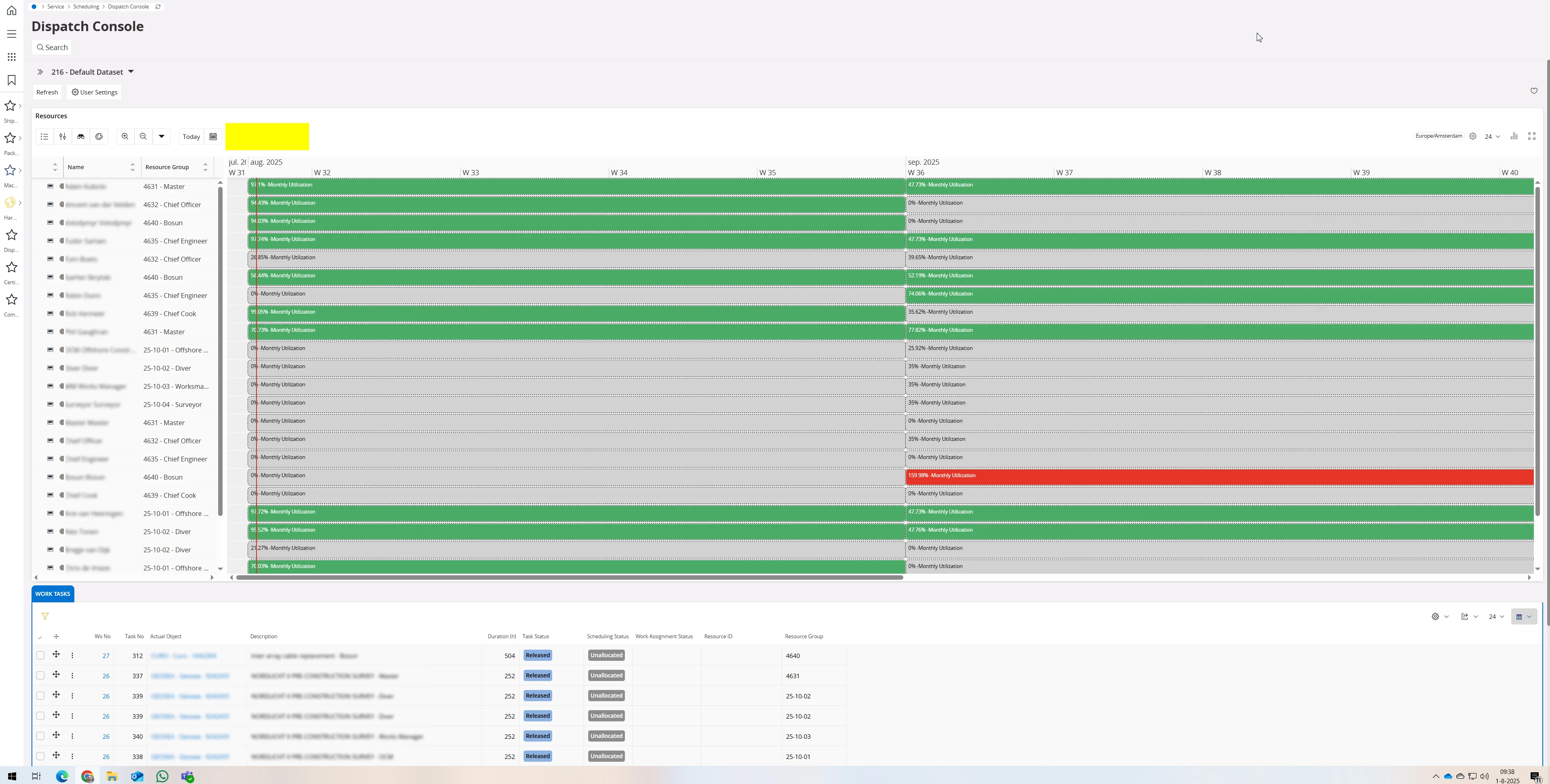
If you zoom out, at a certain point you are forced to switch to the Utilization view, here's the catch. Also the option to switch back to Activity view isn't there anymore (see yellow in 2nd image).

  1. We don't want that, we want to keep the Activity view. Is this possible?
  2. What is the rule/logic behind the switching? Is there a value, a setting?

Activity view:
 

Utilization view:
 

Cheers,
Stephan

3 replies

Forum|alt.badge.img+5
  • Sidekick (Partner)
  • August 24, 2026

I have the same issue - would love to here if you found a work around ​@StephanS.


StephanS
Hero (Partner)
Forum|alt.badge.img+9
  • Author
  • Hero (Partner)
  • August 24, 2026

Hi ​@CurJulieT ,

I haven't found a workaround and just kept scrolling to the right with the zoom level, it is wat it is I told the customer. In 26R1 the screens are a bit more cleaner so that might help a bit but I haven't tested that in detail yet.

Cheers,
Stephan


Forum|alt.badge.img+8

Hi all,

we have the same issue.

I created an Idea, for making it possible to deactivate or adjust the utilization view.

Please Upvote the idea, so IFS will see it:


Thanks,
Chris

