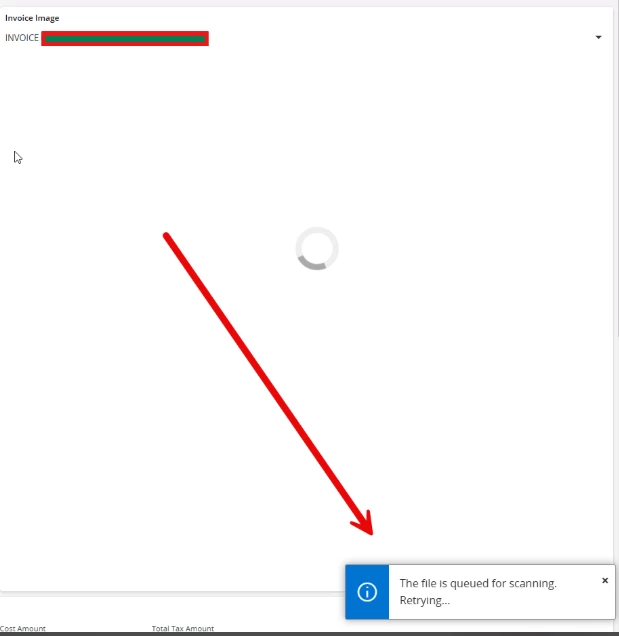
Due to a storage space issue, our customer recently moved their files from the database (DB) to File System Storage (FSS).
Since then, users have been receiving the information message shown below when accessing documents, and it is causing delays when viewing them.
After researching the IFS Community, we found that this behavior may be related to the "Enable File Scan to Detect Malware" parameter in the System Parameters window. The suggested workaround is to disable this setting. However, due to security considerations, we do not want to disable malware scanning at this stage.
We have also attempted refreshing the system caches, but the issue persists.
Current version :25.1.5
Any guidance or recommendations on how to resolve this issue while keeping malware scanning enabled would be greatly appreciated.