Question

Advanced Search on List Views - Dates

  • January 25, 2026
  • 4 replies
  • 40 views

Forum|alt.badge.img+2

Running to an issue on the below. 


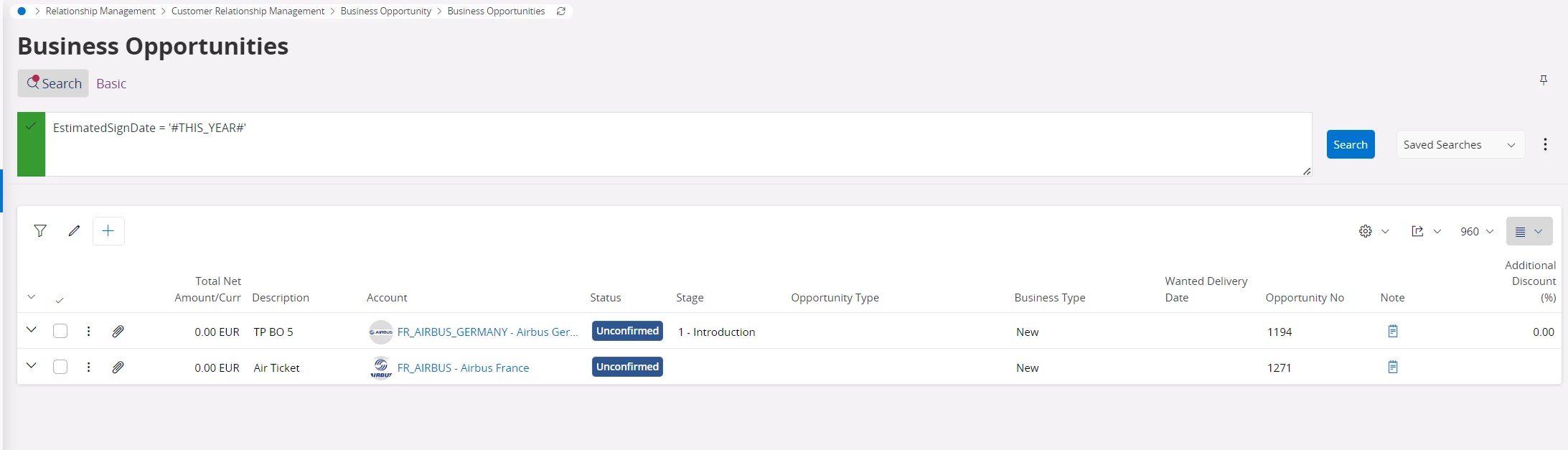
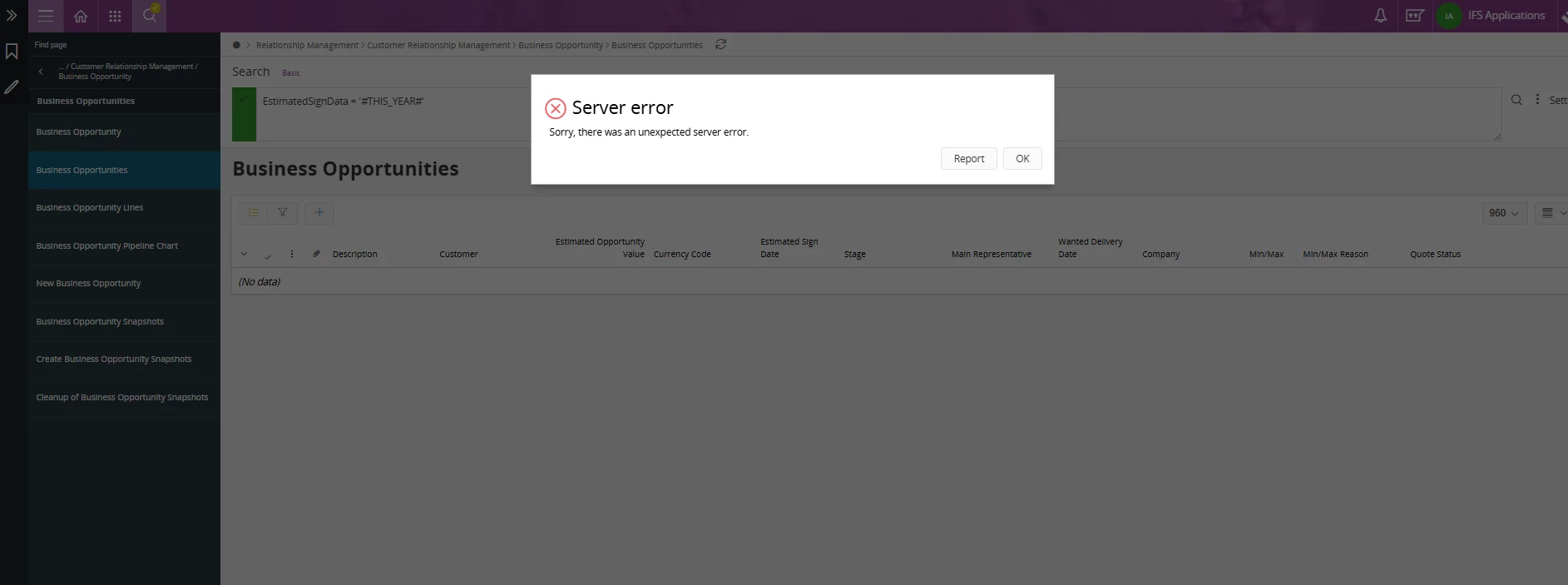
EstimatedSignDate on logical unit of Business Opportunity. The filter on the advanced list in Aurena is not working. 

EstimatedSignData = '#THIS_YEAR#'. Please advise on how to write this in the advanced search of the list view. 


4 replies

Nikila Dis
Hero (Employee)
Forum|alt.badge.img+13
  • Hero (Employee)
  • January 26, 2026

Hi ​@mwesley11529,

Could you please let me know the product version and the current SU?
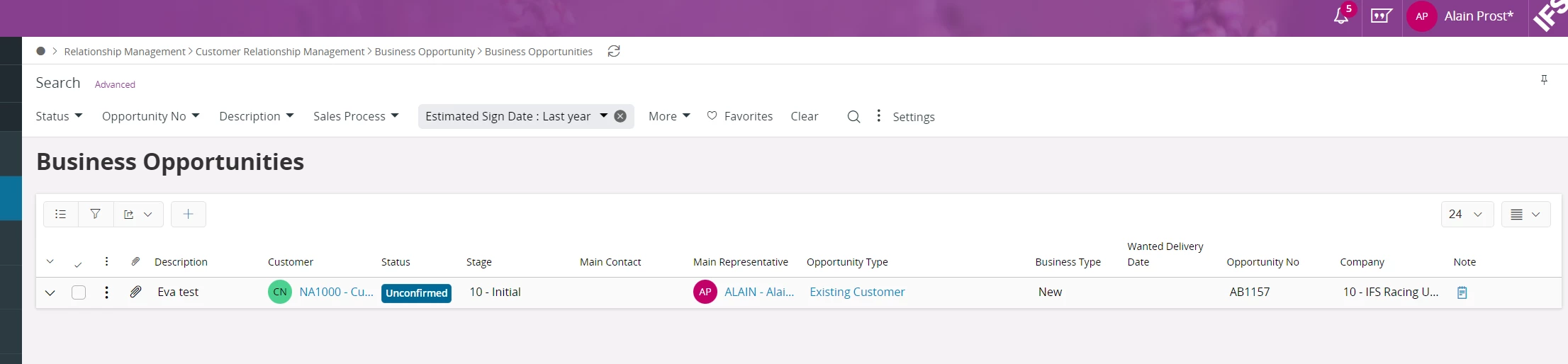
I have checked this in our latest 24R2, APP10 Aurena and 25R1 environments, but I couldn’t recreate the issue.


Regards,

Nikila Dissanayake


Forum|alt.badge.img+8
  • Hero (Employee)
  • January 26, 2026

Hi ​@mwesley11529,

I believe your advance search query has to be corrected as EstimatedSignDate = '#THIS_YEAR#' where you have entered it as EstimatedSignData = '#THIS_YEAR#'. I think the incorrect spellings for “Date” is causing the issue. Kindly let me know if the proposed query works.

Best Regards,

Uvina Jayamaha.


Forum|alt.badge.img+2
  • Author
  • Do Gooder (Customer)
  • January 26, 2026

@Nikila Dis 


Thanks for your reply.  Version and Framework below. ​@Uvina Jayamaha  spotted I wrote EstimatedSignData instead of EstimatedSignDate. I corrected that issue and results are still no results. I have 8 business opportunities with an Estimated Sign Date value in 2026, but ZERO are populating upon using EstimatedSignDate = '#THIS_YEAR#'. In fact non of the “During” filters on the list view work for me.


IFS Aurena framework version: 10.17.25.0
IFS Aurena client version: 10.17.137.0
IFS OData provider version: 10.8.5.0


Thank you both for your replies. Hopefully you can advise on next steps to correc this issue. 


Forum|alt.badge.img+8
  • Hero (Employee)
  • January 26, 2026

Hi ​@mwesley11529,

Just checked the behavior in our IFS APP10 reference environments which are in UPD29 and I could not observe the issue. I have seen similar issues related to date filters in other windows as well. Hence, I highly suspect that this is a core issue which has been already corrected, but unfortunately, I could not find the exact version which it was corrected. I highly believe that upgrading to the latest version will resolve the issue.

Best Regards,

Uvina Jayamaha.