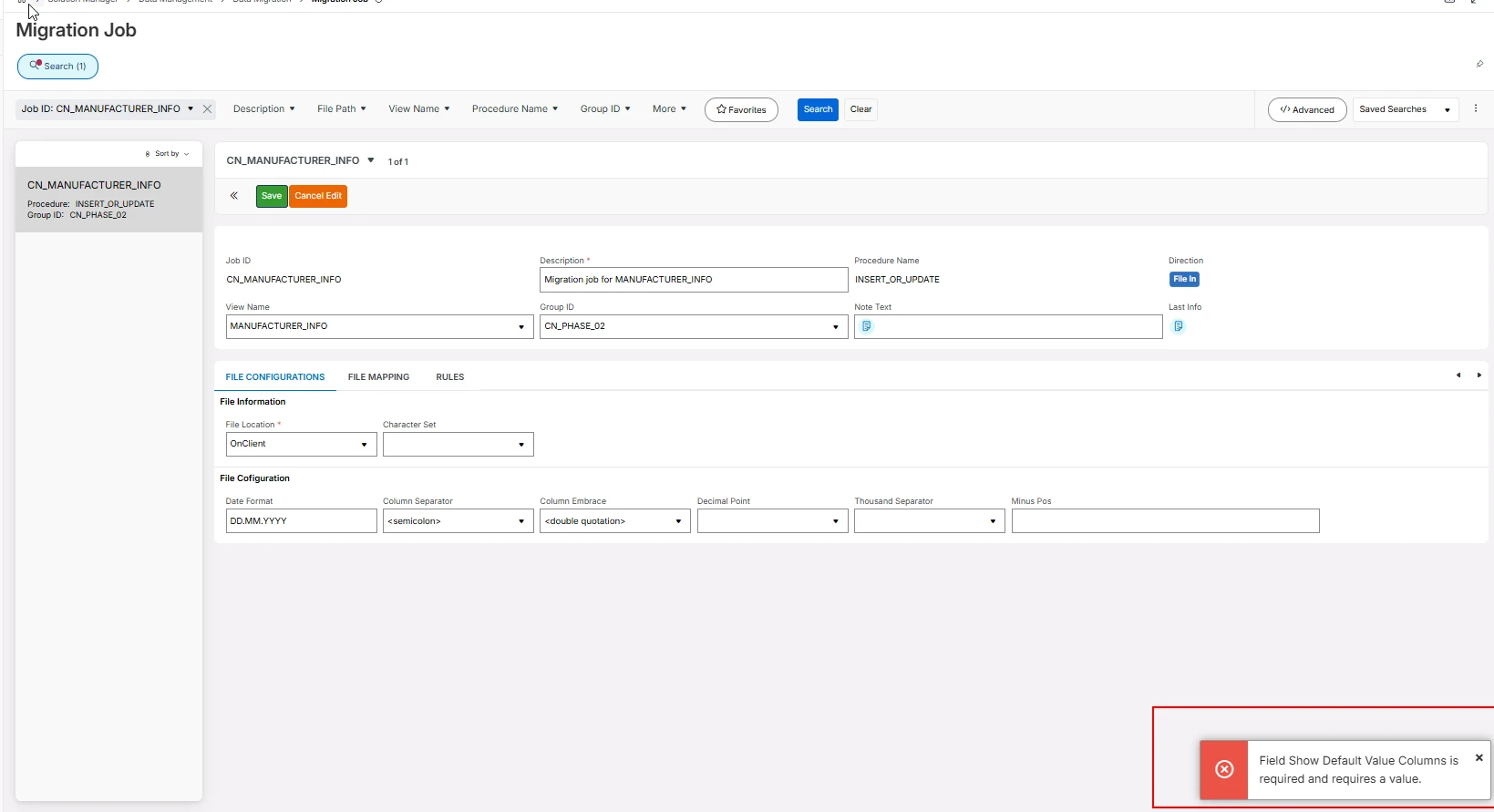
Whenever I try to save a change to an existing migration job in IFS Cloud, I get the following error:
The error refers to a field I can’t find anywhere in the migration job setup. I also tried copying the job, but I get the same error when I try to save changes to the copy. So far, the only workaround I’ve found is to recreate the job from scratch.
Has anyone run into the same issue? Do you know where the field mentioned in the error is maintained, or how to fix the existing job without recreating it?
Best answer by Makede
Hi @dockal_d
there was a new field introduced with 26.1.4. Currently it is not considered in the copy process of a migration job. This should be fixed with a further release.
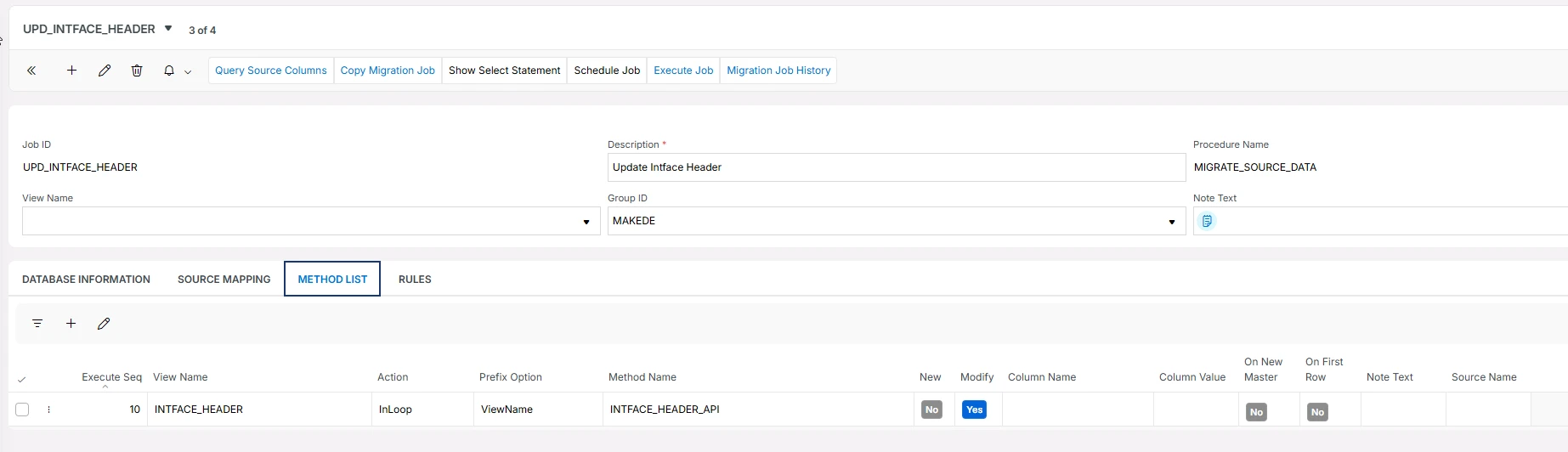
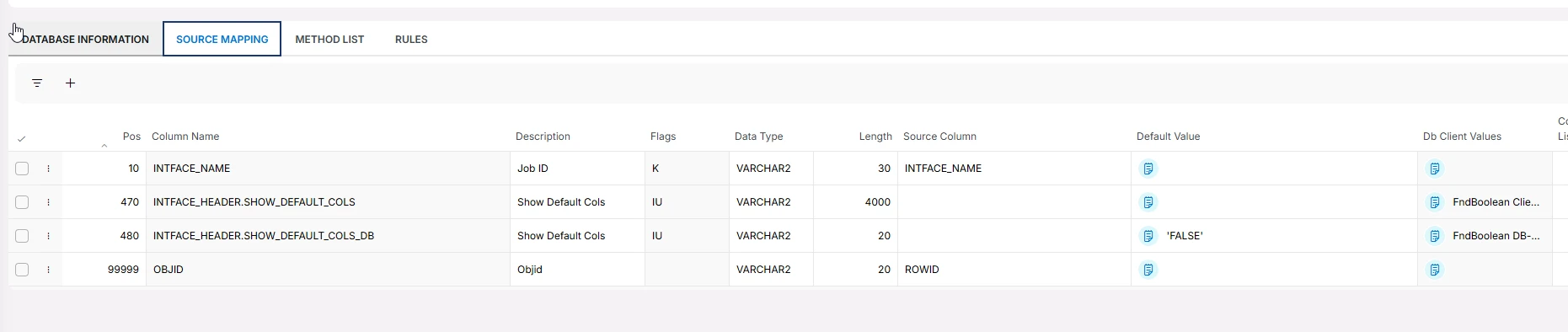
In the meantime you can run a migration job to update this new field with the default value FALSE. After that you should be able to edit the existing migration jobs again.
The job looks like this: In the source take the Migration job header view (INTFACE_HEADER) Only consider jobs where the new field is empty: show_default_cold_db is null Update the field SHOW_DEFAULT_COLS_DB with the default value FALSE