Question

Purchase part in Demand Planner

  • April 20, 2026
  • 3 replies
  • 21 views

Forum|alt.badge.img

Hi Community Members,


Need support to configure Demand Planner for Purchase parts.

How to bring data for Purchase part in Demand Planner?

3 replies

Richard Owen
Superhero (Employee)
Forum|alt.badge.img+15
  • Superhero (Employee)
  • April 20, 2026

Hi,

Demand Planner will typically use transaction history to create a statistical forecast for a part which can either be manufactured or purchased.

It’s unclear exactly what help you are looking for here, can you please provide more details?

Many thanks!


Forum|alt.badge.img
  • Author
  • Do Gooder (Partner)
  • April 21, 2026

HI Mr. Owen,

Thanks for the response. i was trying to look for a Purchase part in Demo environment, but unable to understand how to bring that in Demand Planner. Could you please help to share some step by step approach for Purchase part.

I read somewhere that in Base flow you have todo the set-up for Purchase parts, then only it works.


Richard Owen
Superhero (Employee)
Forum|alt.badge.img+15
  • Superhero (Employee)
  • April 21, 2026

Hi,

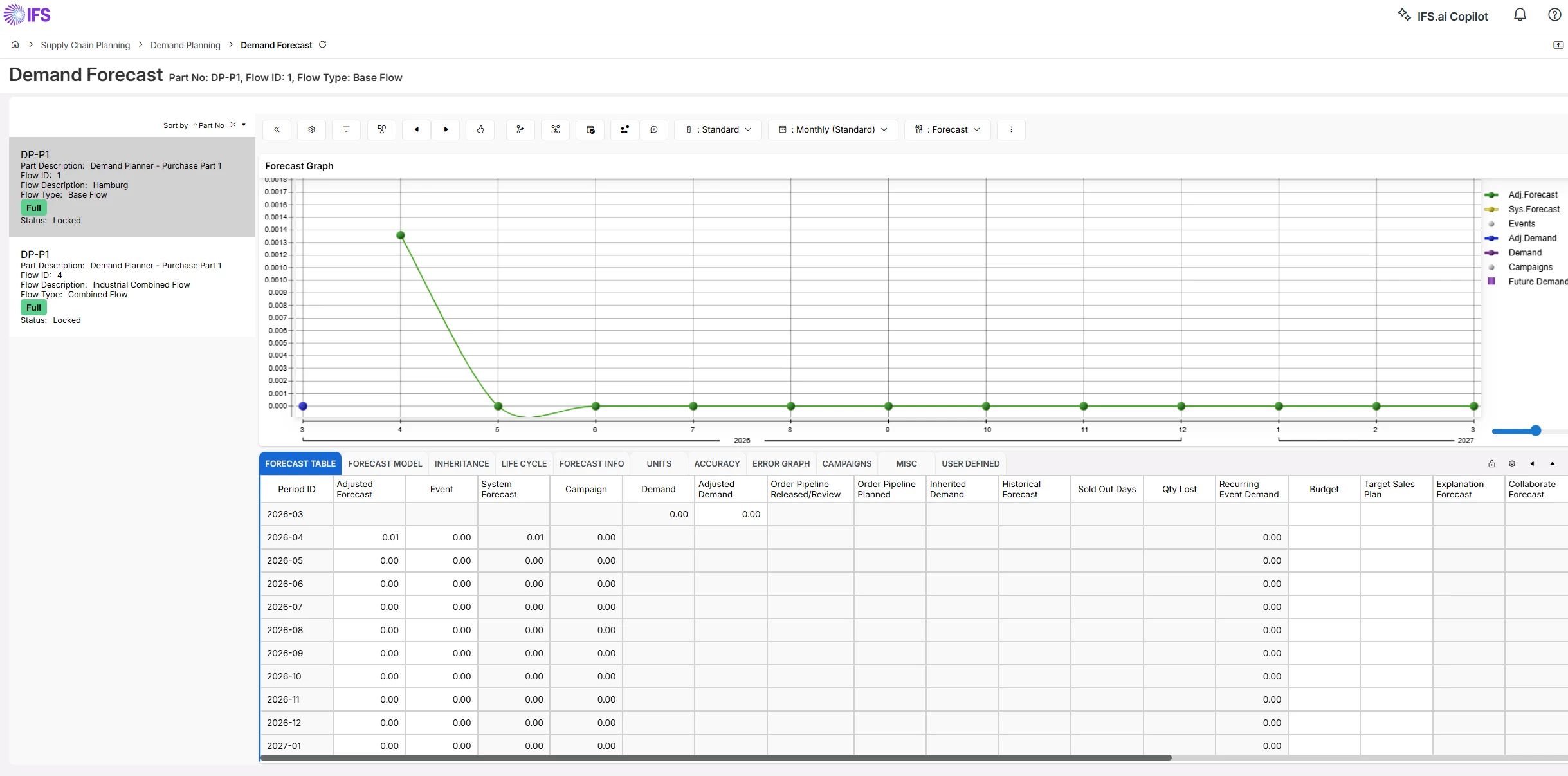
I don’t think you will have any problems with this, and here is a quick step-by-step on how to add a purchase part as a forecast part in Demand Planner

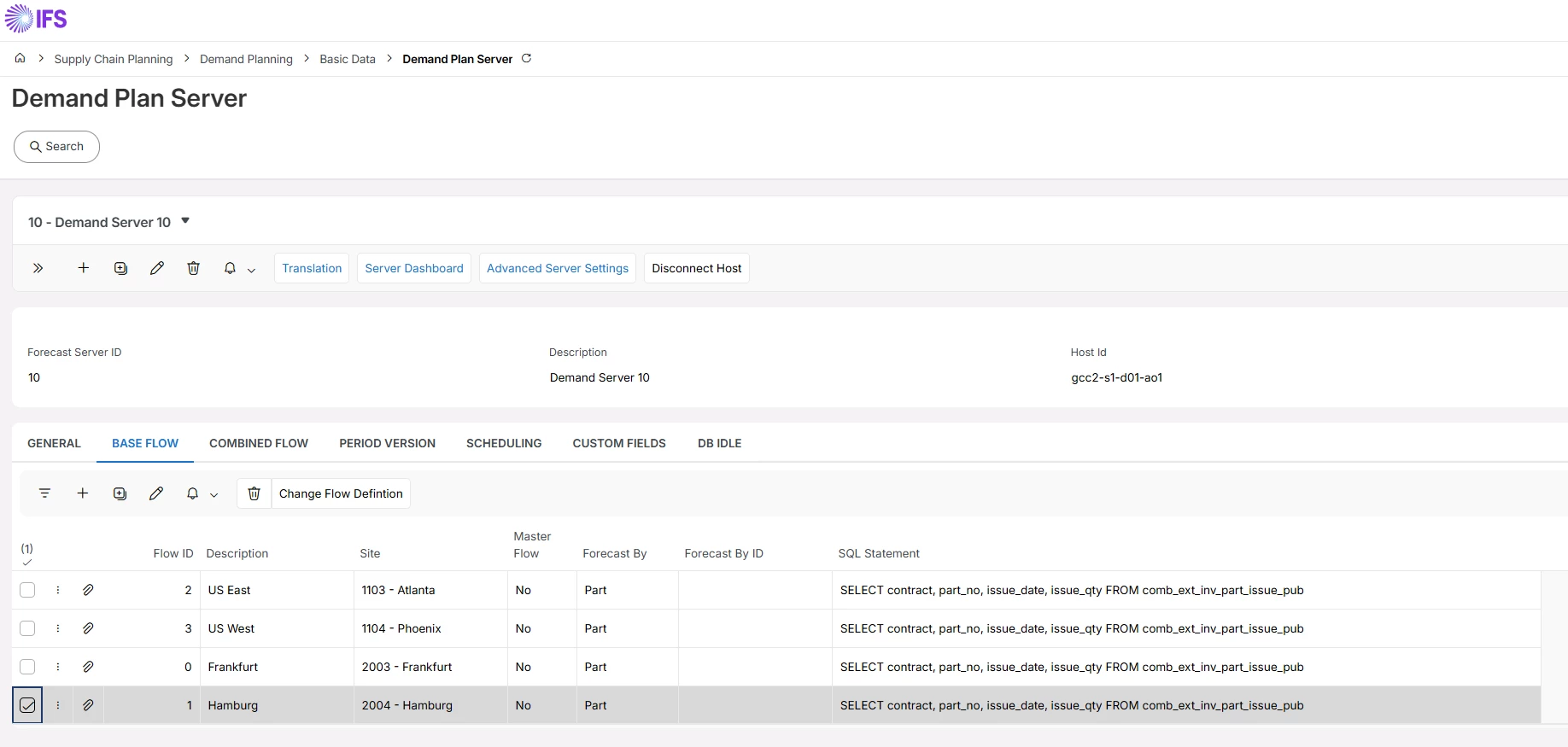
  1. Check that Base Flows exist
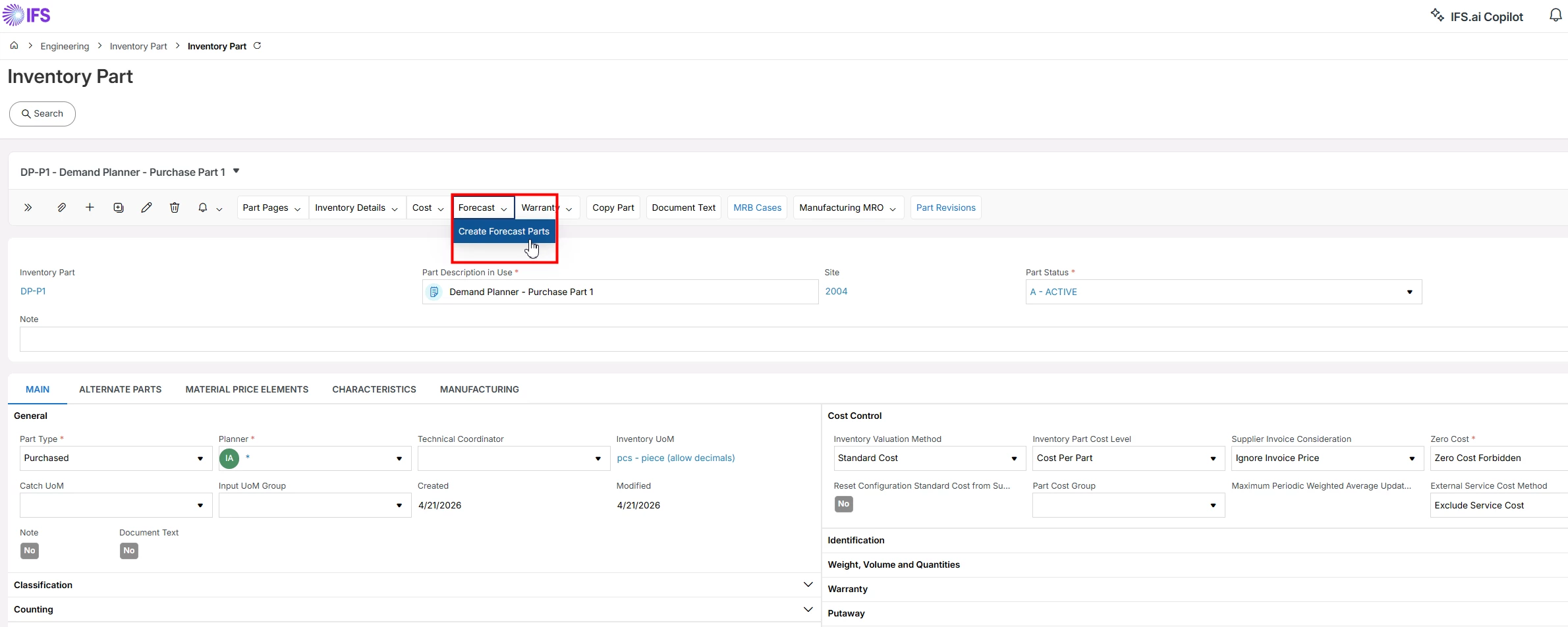
  1. Create a new Purchase Part (or take an existing Purchase Part) and select Forecast/Create Forecast Parts


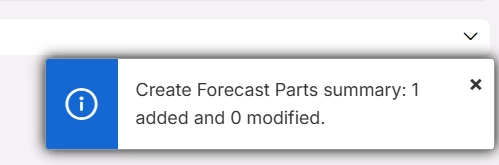
  1. Press OK and observe that the purchase part is then automatically created as Forecast Part in the Base Flow for the site.


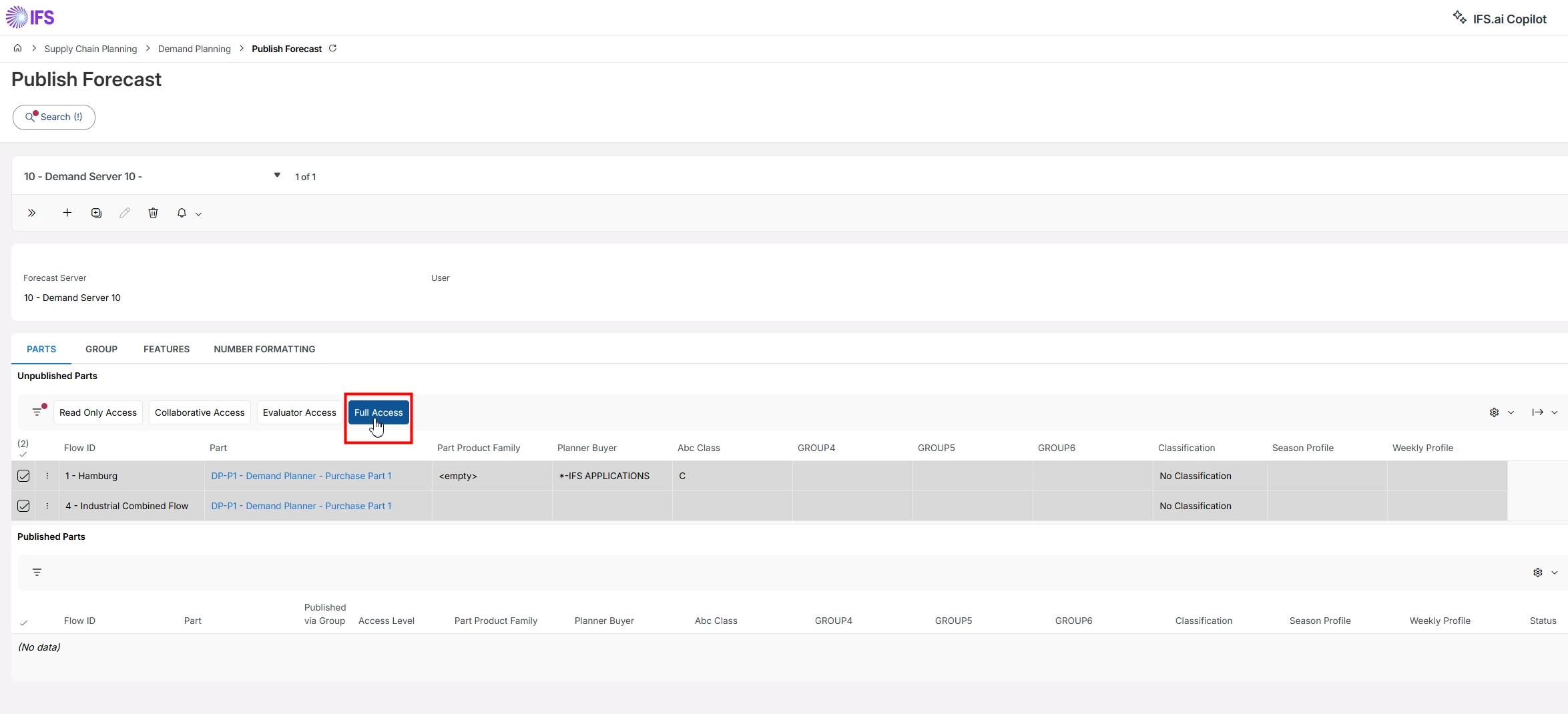
  1. Navigate to the Publish Forecast screen, search for the Demand Server ID and User, and grant access (such as Full Access)


  1. You should then be able to start working with the part in Demand Planner


I hope this helps.