Question

Integrated Demand Planner Client don't show data

  • May 14, 2024
  • 3 replies
  • 308 views

Forum|alt.badge.img+6

Hi all, 

i have a functional demand planner server at 23R2 with some demo data and it accept all kinds of commands.
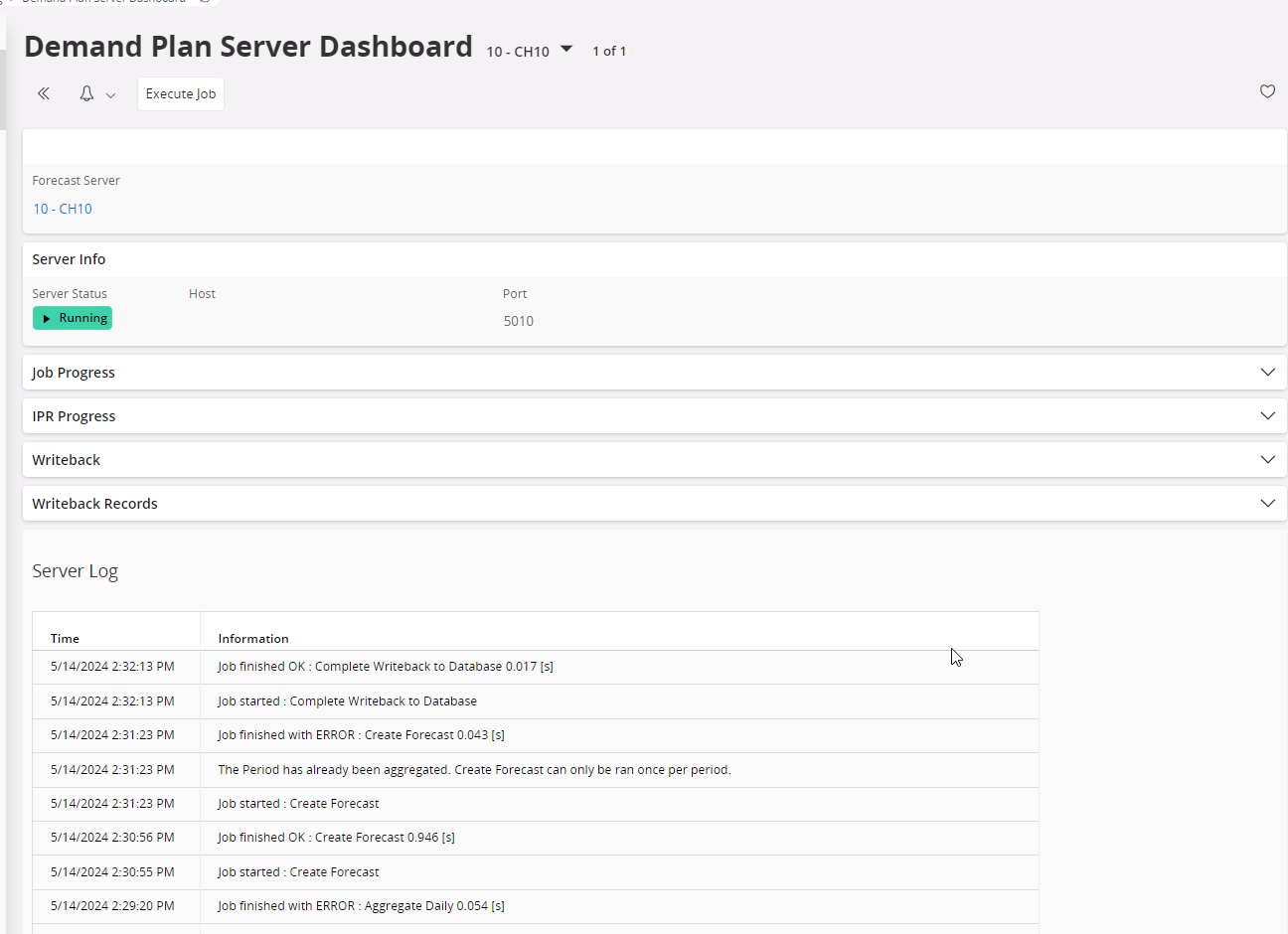
Dashboard also is ok and with running status . The started commands finished without error and are also note in protocoll window.

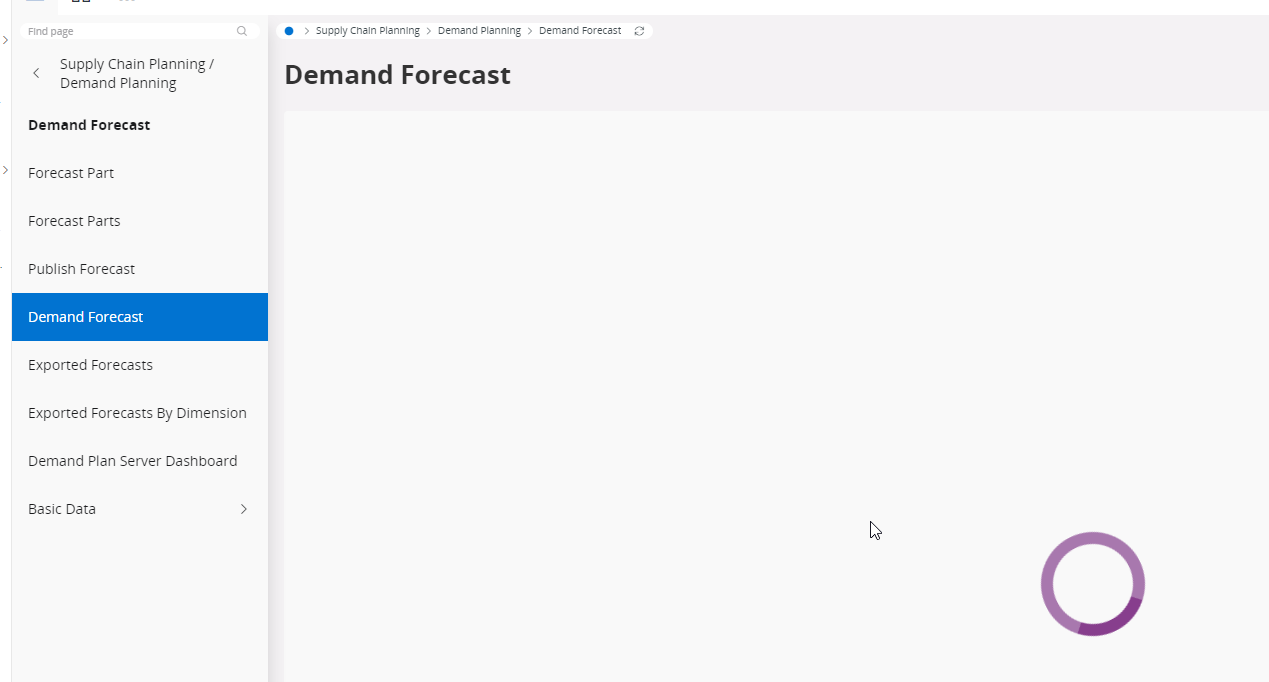
If i start the dialog "Demand Forecast" no data will be visualized and only the "entertainment" ring do his job . Also not after waiting hours any data appear.

Do anyone know the issue and a solution or quide to resolve the problem?


Thanks for support

Alberto


3 replies

Richard Owen
Superhero (Employee)
Forum|alt.badge.img+15
  • Superhero (Employee)
  • May 16, 2024

Hi,

I think you need to check and confirm that you have the correct version of Demand Planning installed for your 23R2 environment.  You will need to raise an IFS support ticket to get this checked.

Good luck!


Rhillson
Sidekick (Customer)
Forum|alt.badge.img+7
  • Sidekick (Customer)
  • May 20, 2024

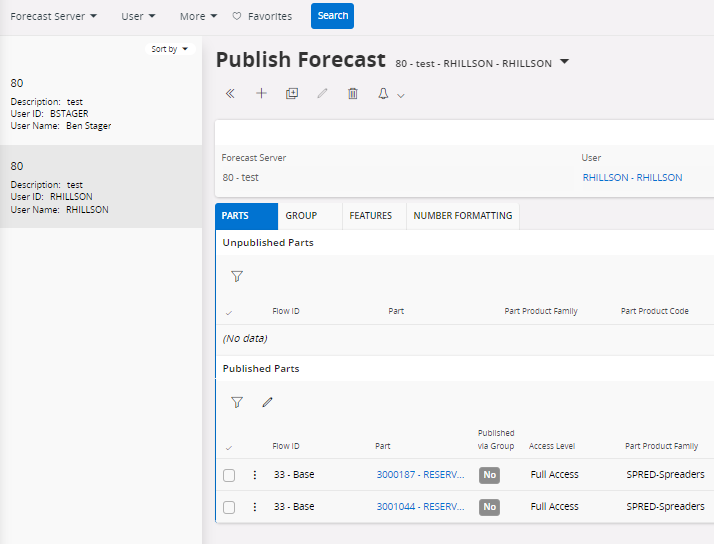
Did you publish a forecast that your User (that you want to view the forecast with) has access on the ‘Publish Forecast’ page?

We’re still in infancy stage of trying out DP ourselves, but it usually shows once published, something like this:


Hi,

I am adding this comment for anyone if you are facing similar issues in the future versions. This is happening due to a version mismatch between demand planner and IFS. Everything else would work as said in this post, but Demand Forecast would not load without matching versions but not always. To check your demand version, use the below command on PowerShell. 

(Get-Item "<Fullpath>\ForecastServer.exe").VersionInfo | Format-List ProductName,ProductVersion,FileVersion,OriginalFilename

Compare the installed Demand Plan Server version with your IFS Cloud application version. If they differ, locate the updated artifact in one of the SU folders following the relevant Demand Plan Server version. Install the latest artifact compatible with your IFS Cloud version, as this should resolve the issue.