Question

Engineering part to Purchase Part

  • December 5, 2025
  • 1 reply
  • 41 views

Forum|alt.badge.img+2

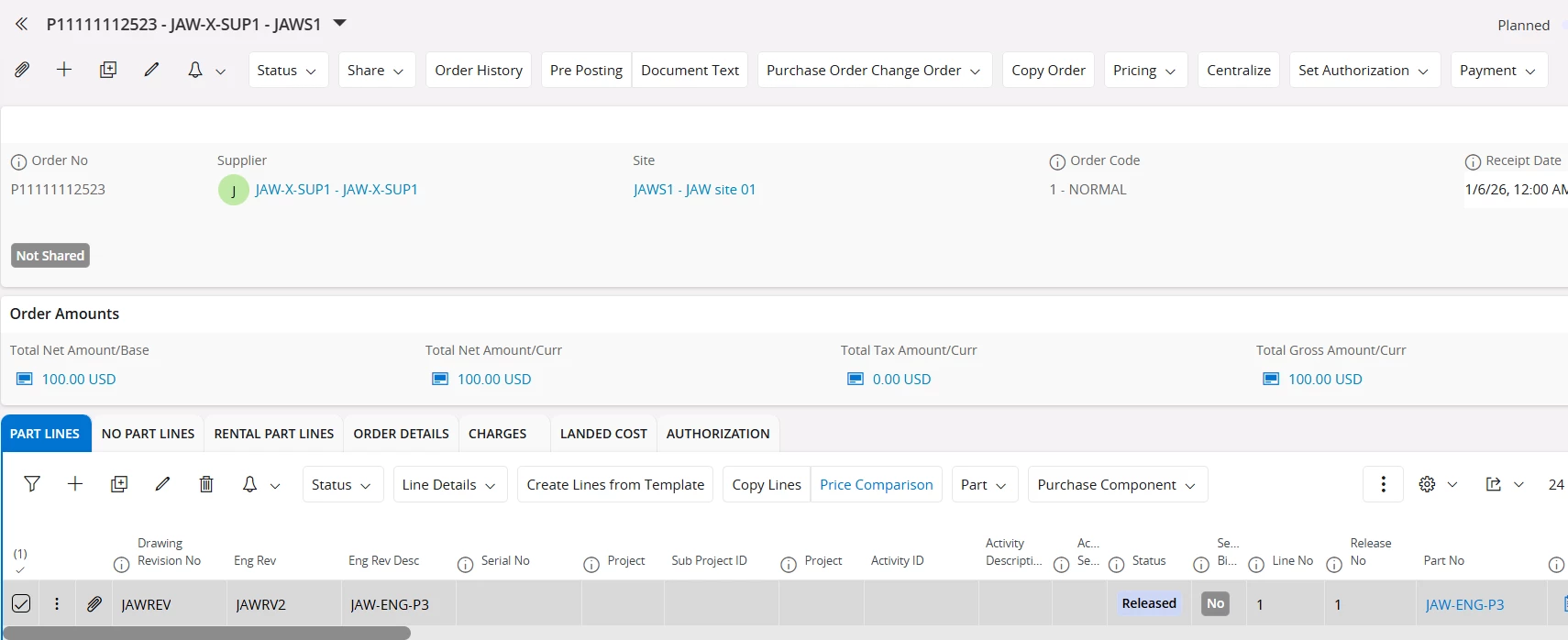
I want to create Engineering part numbers with a drawing revision and then be able to use them as Purchase Parts on a PO where the Rev number will appear. Can someone walk me through this? I’ve created the part numbers, but I can’t get the Rev to appear in the Part Order Lines.

1 reply

Forum|alt.badge.img+4

Hi ​@shardaway 

  1. Create a new Part from “Master Part” window
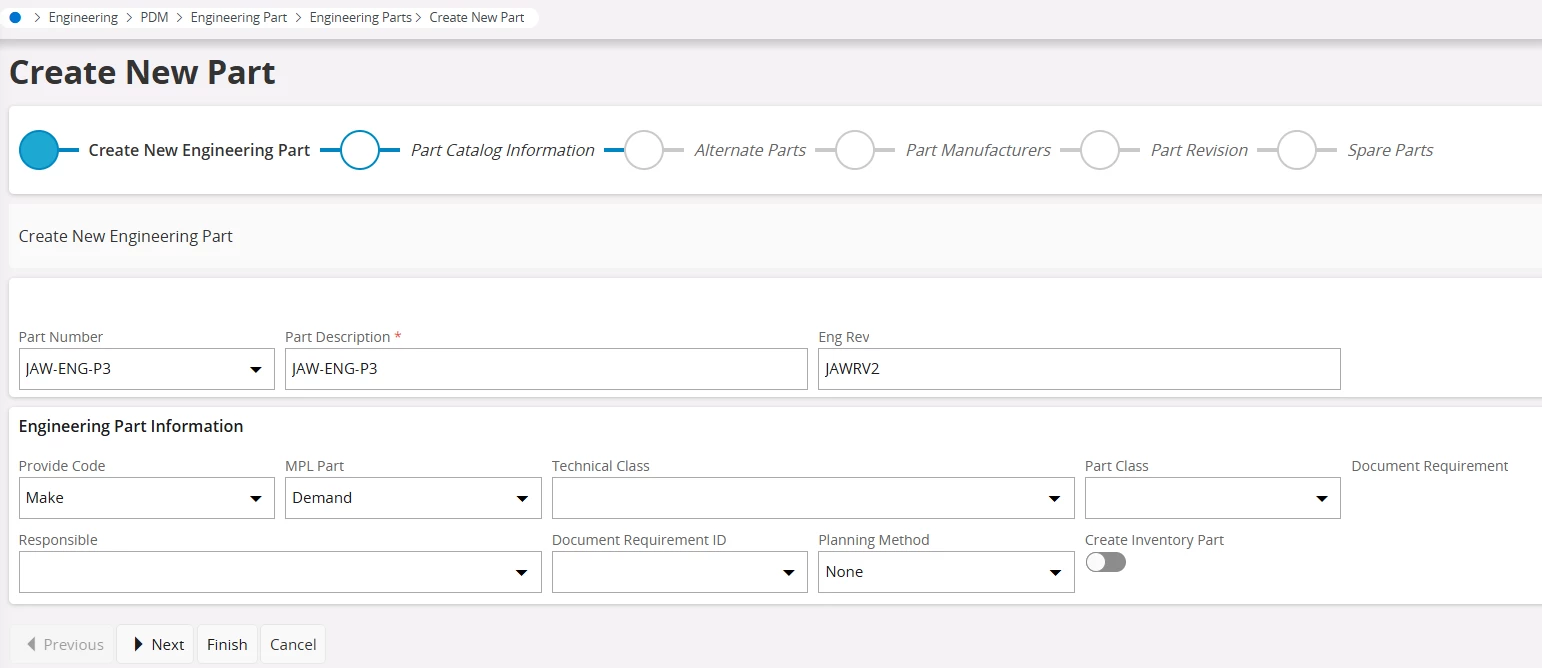
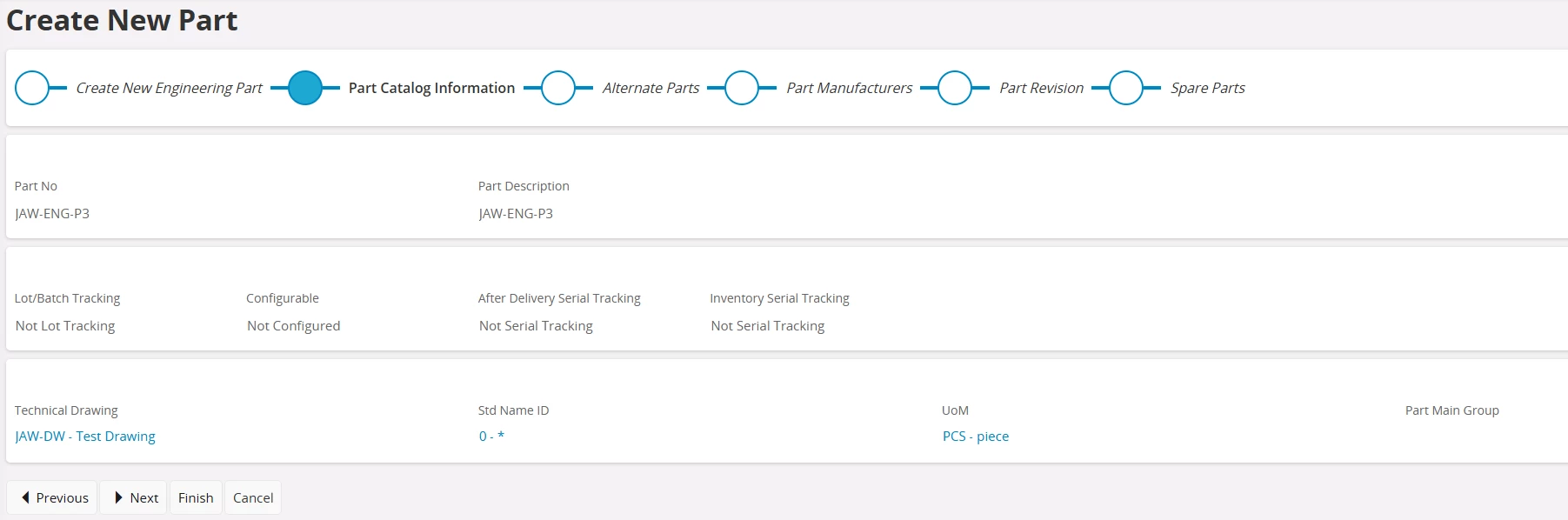
  2. First create Engineering part from the window “Create New Engineering Part”
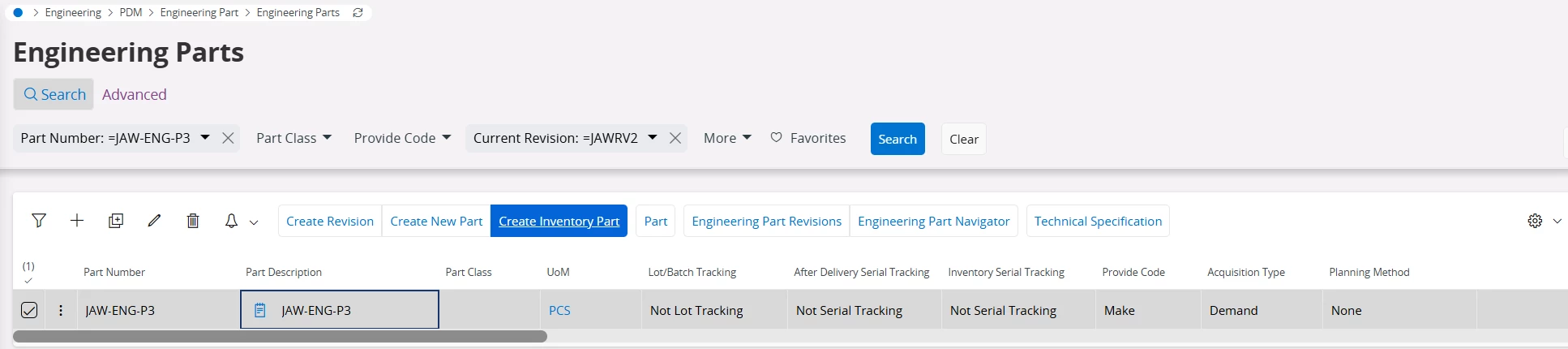
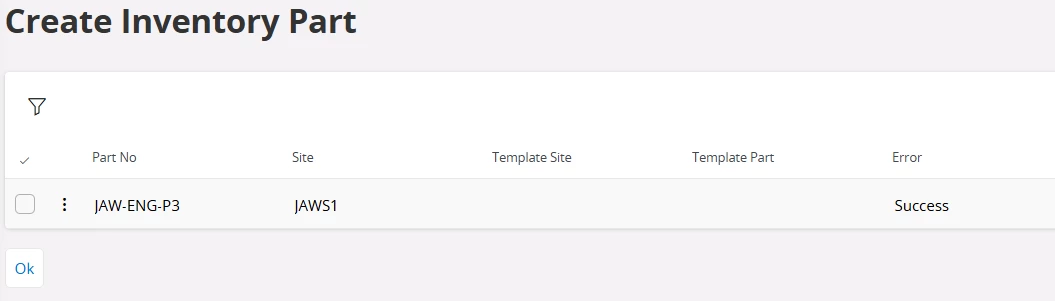
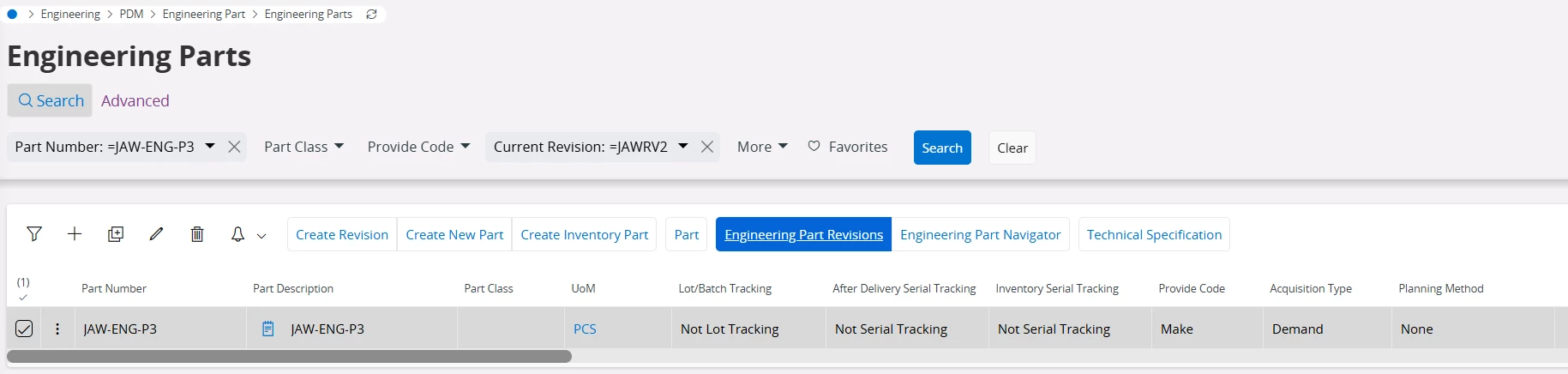
  1. Once created Engineering part go to the Engineering Parts window and select the part and select “Create Inventory Part"
  1.  Select the site you want to establish the site on inventory part and finish
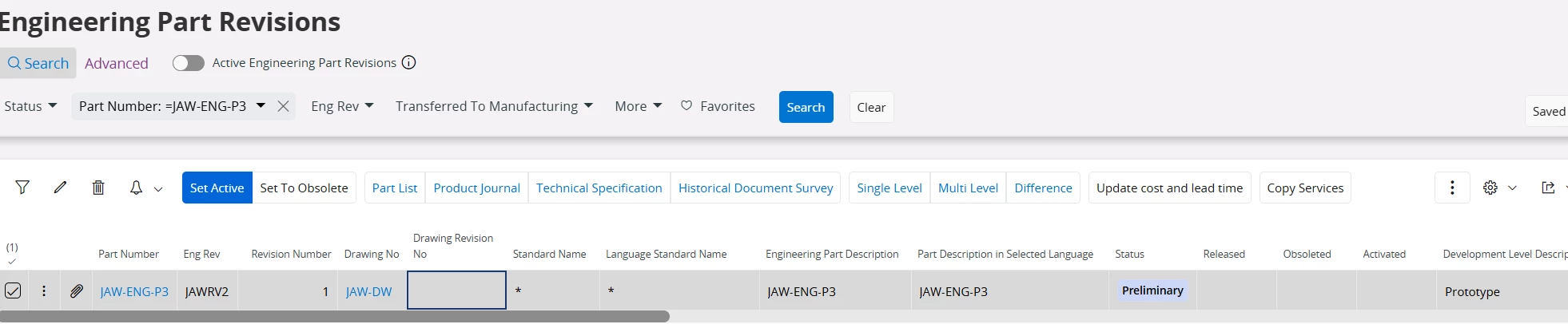
  1. Now go to the Engineering Part Revisions and set the revision active
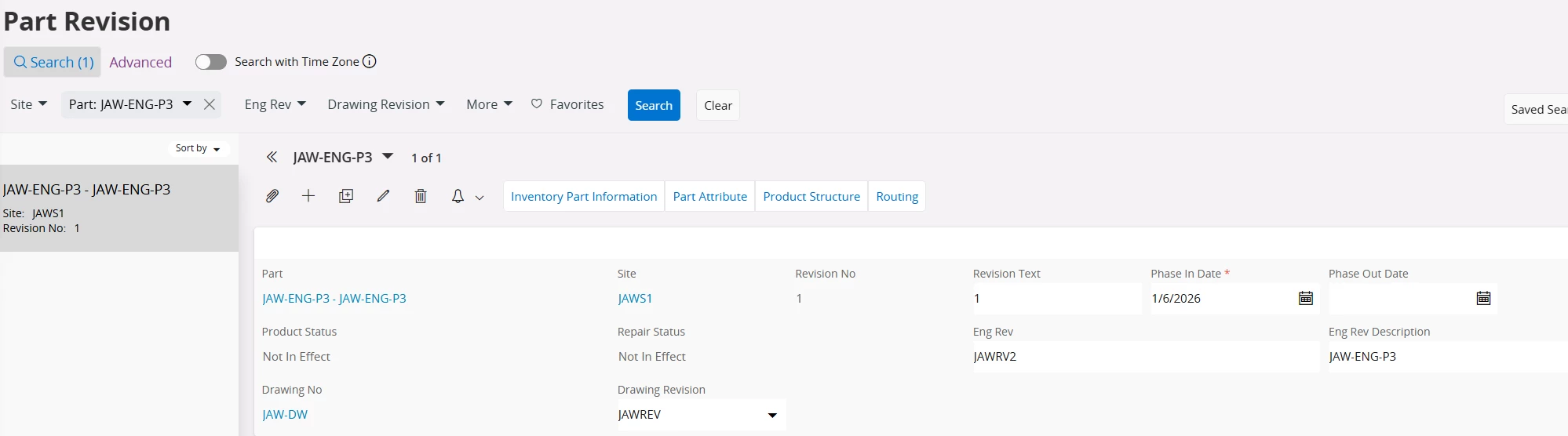
  1. Check whether the Drawing No and Drawing Revision is connected to the part revision
  1. Now create purchase order and check if the ENG REV and information is fetched

Not sure this is the exact flow you are expecting however I hope this helps you for the raised concern.


Thanks & Best Regards

Jayani