Question

Creating Customer Order from Business Opportunity

  • August 31, 2026
  • 1 reply
  • 11 views

Forum|alt.badge.img+3

What does this error mean - “Only 0 of the requested sales part - XXXXXX is available.  Part cannot be added to customer order due to priority reservation usage.”?

1 reply

Nikila Dis
Superhero (Employee)
Forum|alt.badge.img+14
  • Superhero (Employee)
  • September 1, 2026

Hi ​@NAMRMESSINA,

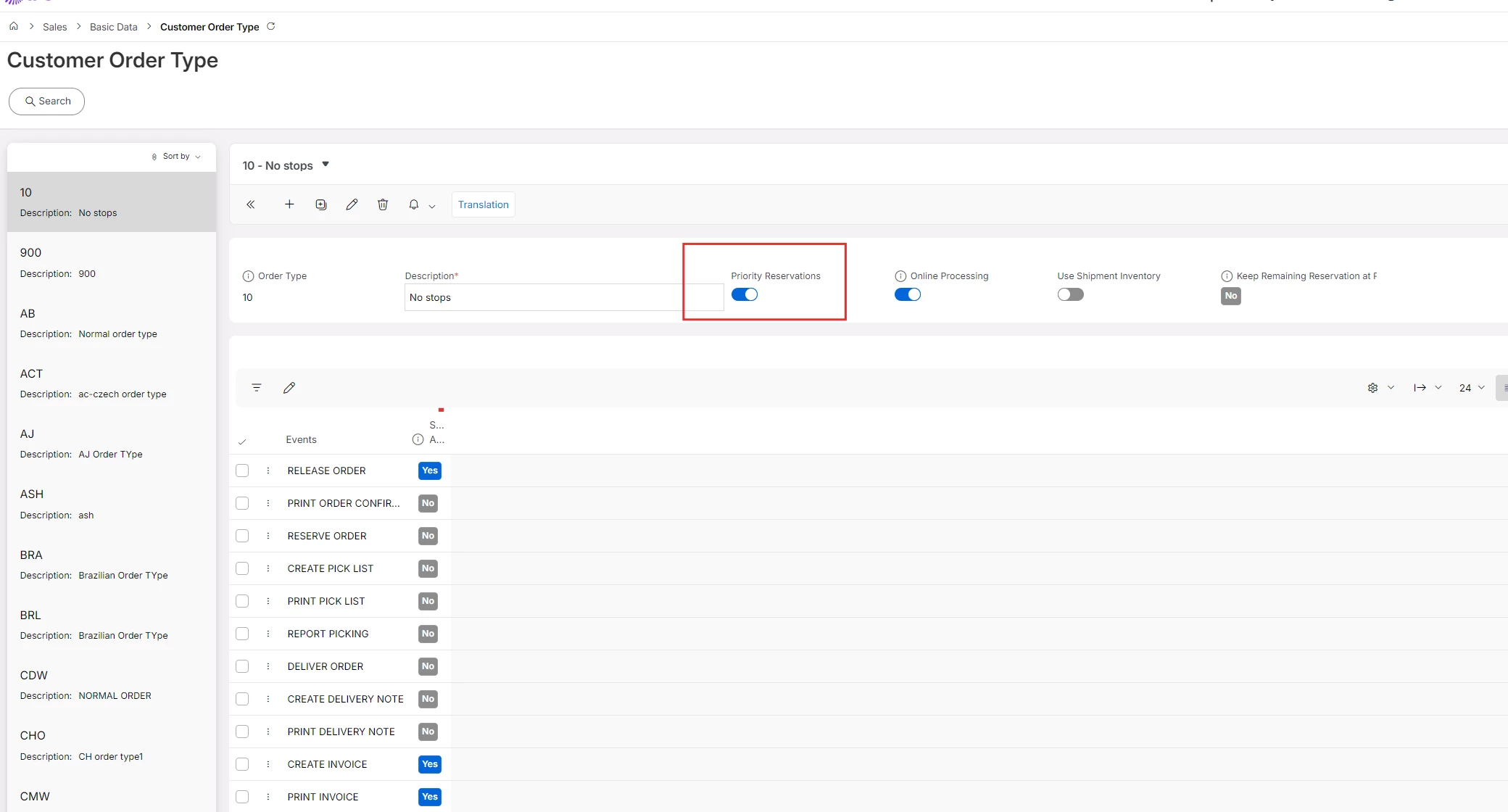
When clicking Create Customer Order from the Business Opportunity page, the dialog requires you to select an Order Type. If the chosen order type has Priority Reservation enabled, IFS immediately attempts to reserve inventory for every opportunity line the moment the customer order is created. With 0 stock available, the line cannot be saved and the order creation fails.


The simplest fix is to select an Order Type without Priority Reservation in that dialog. This allows the customer order and all its lines to be created successfully without requiring stock to be on hand at that moment. Reservation can then be handled separately once stock is available, either manually through Reserve Customer Order Lines or automatically via the Reserve Order event or the Create Customer Order Reservations batch job.

If the business requires a Priority Reservation order type to be used, the part must have sufficient stock available before you attempt to create the customer order from the Business Opportunity. This means ensuring any inbound receipts (purchase orders or shop orders) are processed first, and then converting the opportunity. Alternatively, if a substitute part with available stock exists, that can be used in place of the original part on the order line.

Regards,

Nikila Dissanayake