

Question

Create Parts in multiple sites using Part Copy Group

  • October 14, 2026
  • 3 replies
  • 26 views

Dilan Senevirathne
Superhero (Partner)
Forum|alt.badge.img+14

Hi All,

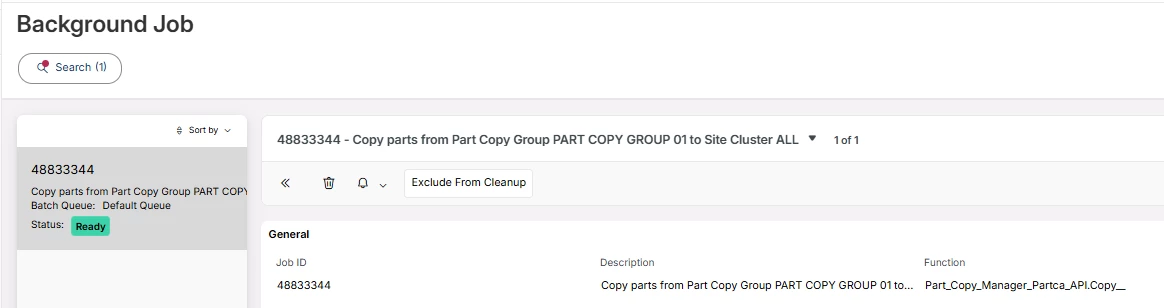
I am attempting to copy an existing part across multiple sites using the Part Copy Group feature introduced in the IFS Cloud 25R1 release. Although the background job completed successfully, the parts have not been created in the target sites.

I followed the steps outlined below:

.

1- Create a Part Copy Group
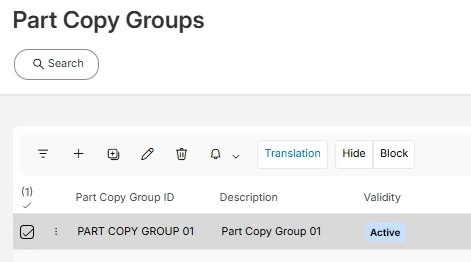


2- Create a new Inventory Part in one of the Sites

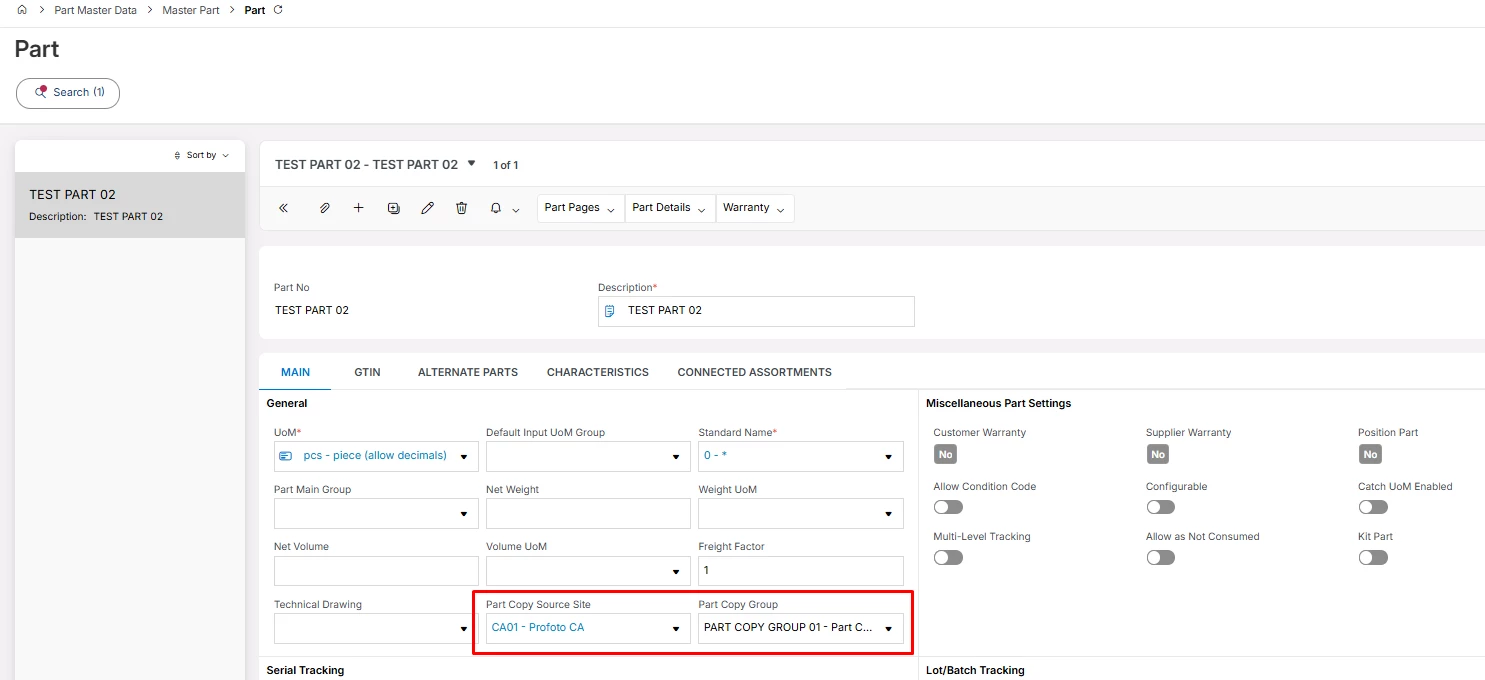
3 -Add Part Copy Structure and Part Copy Group in Part page

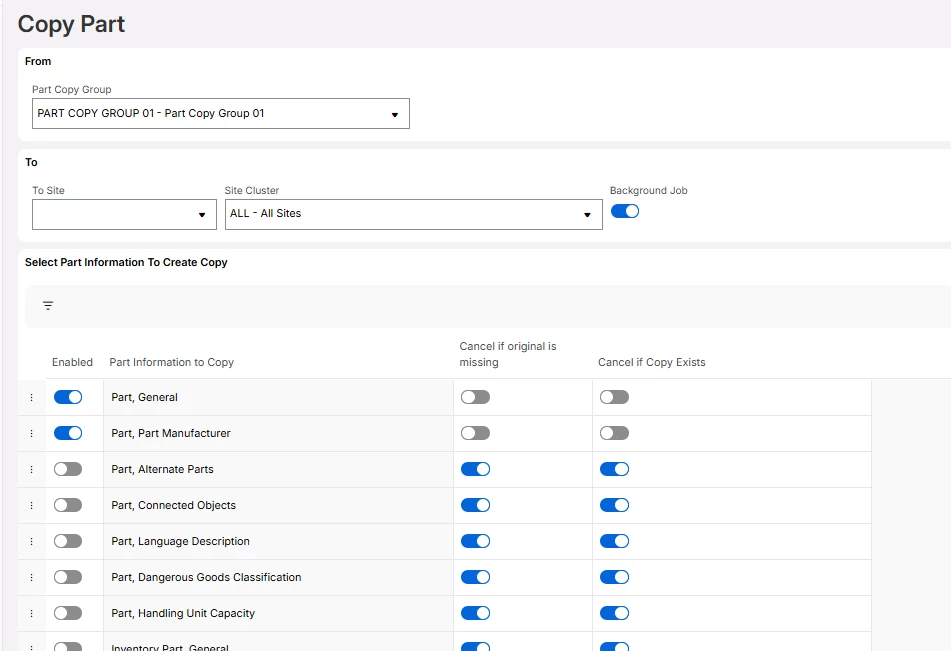
4 -Run Copy Part with below parameters


Thanks In advance.

3 replies

Forum|alt.badge.img+11
  • Hero (Customer)
  • October 14, 2026

Hi ​@Dilan Senevirathne 

The screenshot only shows that you’ve elected to copy the ‘parts, general’ and ‘parts, part manufacturer’.  Are the options to copy inventory part information also enabled?  

I guess the other thing to check is to ensure that the user running the job has access to all the sites.

Hope this helps,

MMck


Forum|alt.badge.img+10
  • Hero (Employee)
  • October 14, 2026

Hi ​@Dilan Senevirathne  I just tested this in a 25R1 SU16 environment and I’m getting the same results where the part is not copied to the other Sites connected in the Site Cluster setup.


If you create a support case, this can be investigated.  If you create a support case, please reference this commuity post.  Thanks!  Jane


Piyal Perera
Hero (Partner)
Forum|alt.badge.img+12

Hi ​@Dilan Senevirathne,

Echoing MMcK’s observation, this is likely down to the data setup. When the background job completes successfully without generating parts, it typically indicates that the selected copy criteria didn't include the inventory data to copy. Please verify your copy parameters.


regards,

Piyal