

Question

Home page not saving layout, monitors or reports

  • September 15, 2026
  • 2 replies
  • 27 views

BerenguerE
Sidekick (Employee)
Forum|alt.badge.img+7

Hi! I’m setting up assyst to be used here at my company and I got to the ‘customization’ part of the process. When I try to change the layout, nothing happens. When I try to set a monitor or report, it stays there, but if I navigate somewhere else, when I return, it’s all blank again… 

I’m attaching a video so you can see what’s happening.

OBS.: I’m Administrator and have the right to edit my Own HomePage. We upgraded assyst 25R2 to 26R1 recently, but I cannot tell you if this was working before, because I hadn’t had it set up at 25R2.

Do I need to give some permission in order to be able to do that?

2 replies

Forum|alt.badge.img+14

Hello ​@BerenguerE ,
 

After watching your video, I can see that when you choose any layout under Layout Settings, the page does not change as expected. So seems that

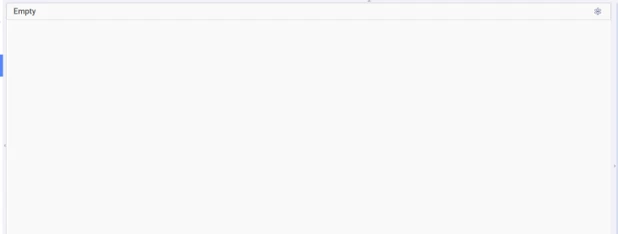
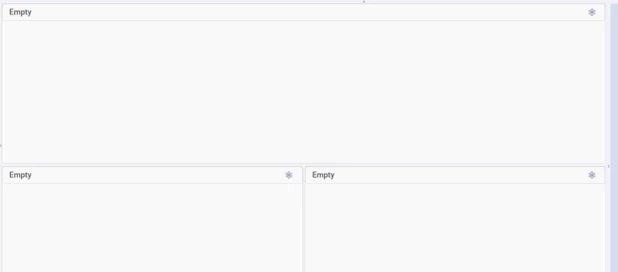
For example, it should change from this:


To this


I was unable to reproduce this behaviour in my environment using version 26R1 SU1.

Have you tried using a different browser?

Please try again after clearing your browser cache and before logging back into assystWeb.

See supported browser with assyst - Installation:MSSV - assyst Portals - assyst26R1Wiki
 

If you still have the same behaviour and If you have not done this already, please log an incident with our support team in the normal manner so they can investigate this further for you.

               via our Self-Service portal 

               or 

               via email to axios.support@ifs.com

Best Regards,
Caroline


BerenguerE
Sidekick (Employee)
Forum|alt.badge.img+7
  • Author
  • Sidekick (Employee)
  • September 30, 2026

Hi ​@Caroline Schaffner !

 Thank you very much for your reply! 

 Yes, I did tried with Firefox and Chrome and the result is the same… It does nothing. When I first accessed assyst in the new server (brand new installation and DB), the behavior was the same as well… That’s why I thought it would possibly be some bug in this version (26R1)…

 I don’t have access do Self-Service portal yet (working on it). If you could help me with that, it would be great! Anyways, I’ll send an e-mail, as you advise me to. 

Regards,

Elaine