Hi all.
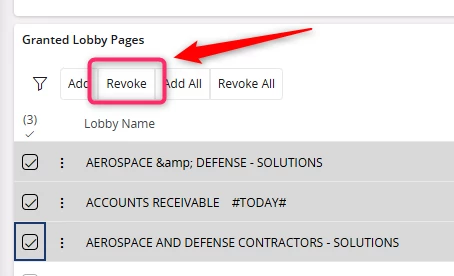
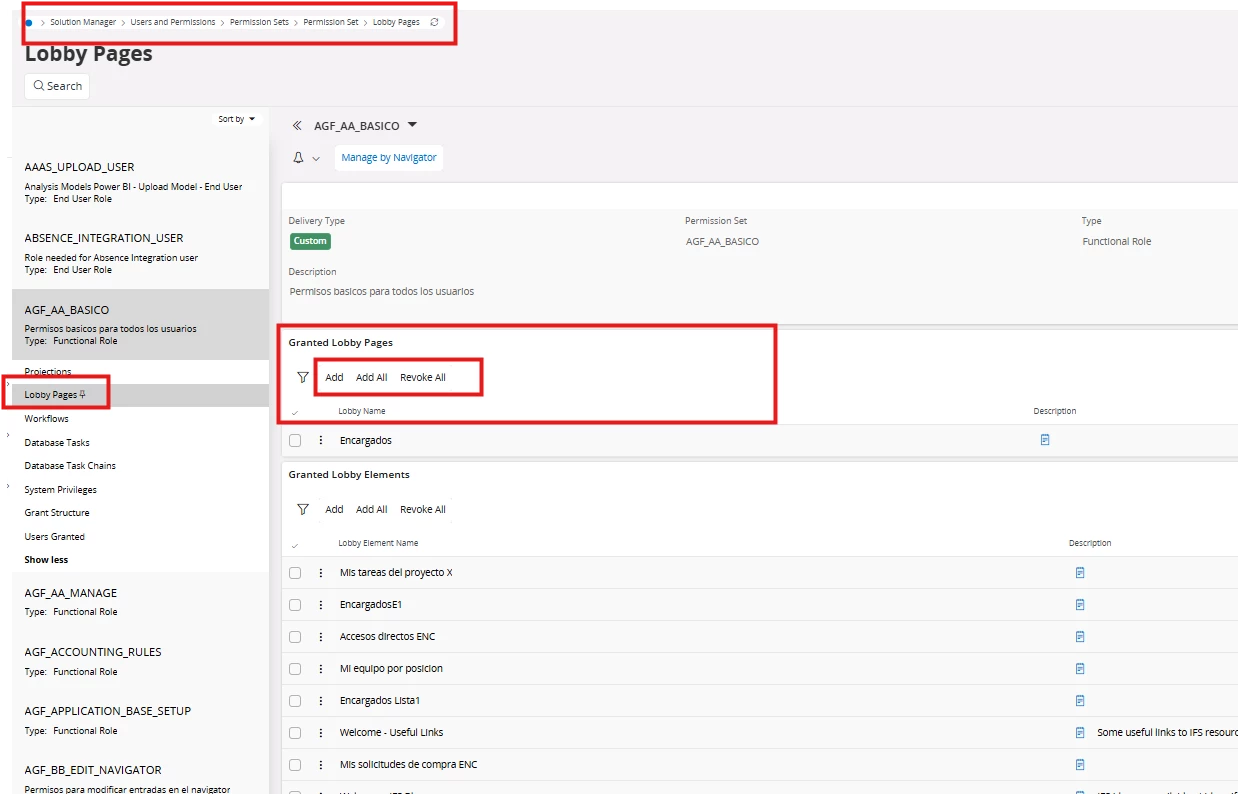
We realized that in the Permission Set screen, Lobby Pages selector there is not a button to Revoke just one of the lines that you created.
In the image below, you can see the buttons you have: Add, Add All, Revoke All. This is a problem because if you have, for instance, 20 lobby pages and one day you need to remove just one of them, now, IFS requires you to revoke all.
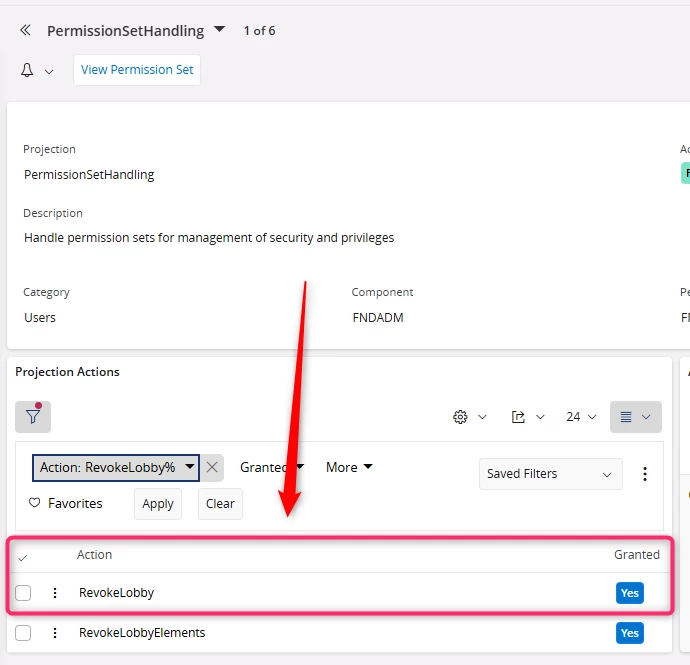
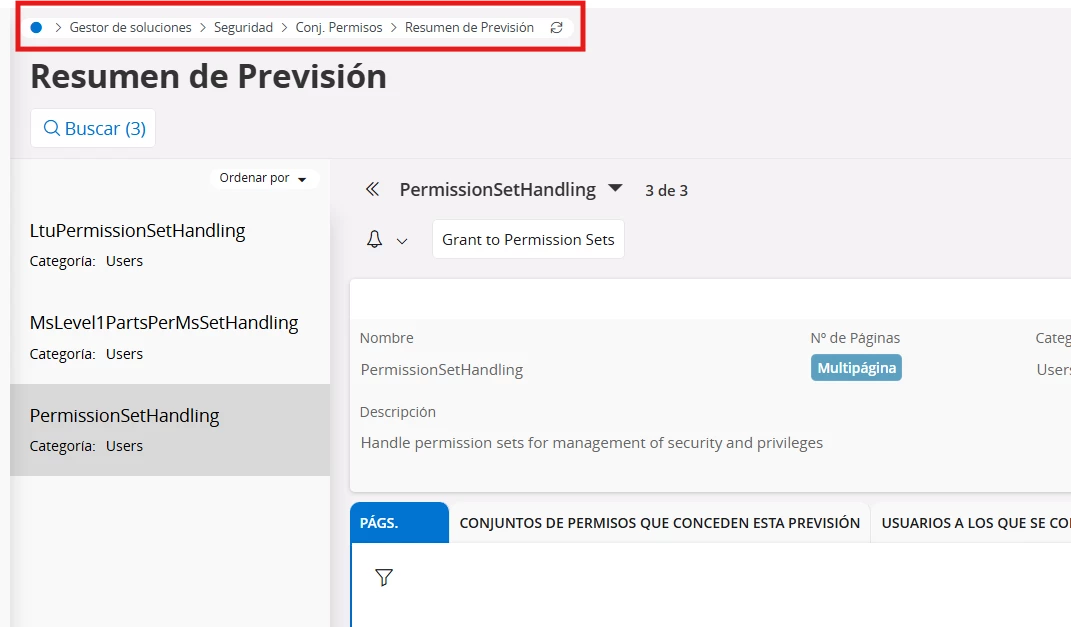
However, if you surf to Projections selector, you can revoke the projections one by one.
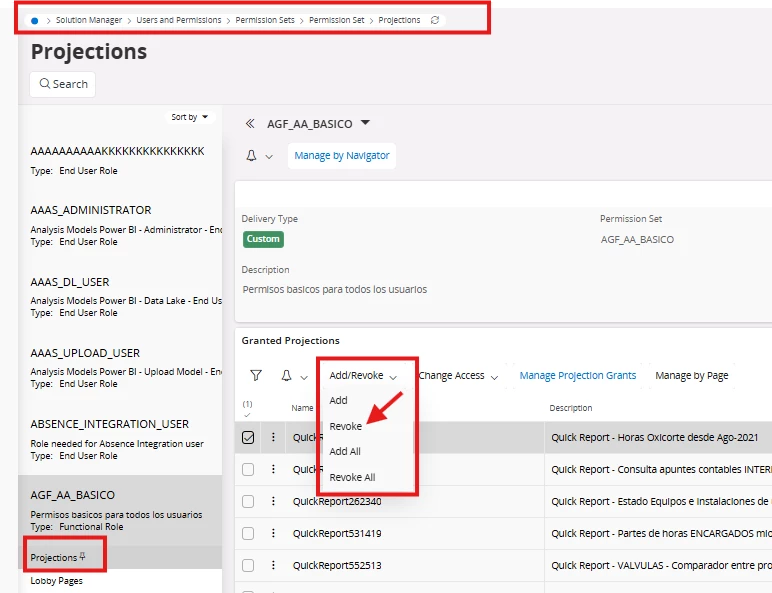
Does anyone know if this is a bug or the explanation for why this is happening?
Thanks in advance.
Best regards
Sergio.