


I am trying to configure navigation from Prepare Work Order (Active Separate) screen to History Log screen and pass WO_NO as a filter. When navigating from Prepare Work Order, the History Log should show records only for that specific WO number. I tried using navigation filter like:
startswith(tolower(Keys),'wo_no eq ($[WoNo])^')), Keys contains 'wo_no eq ($[WoNo])^'))
But it is not returning the expected records. History Log stores WO number inside the KEYS field, so I am trying to filter based on that value.
What is the correct navigation filter expression to pass WO_NO from Prepare Work Order to History Log?
If anyone has implemented similar navigation filtering for KEYS field, please suggest the correct approach.
Keys: WO_NO=2^
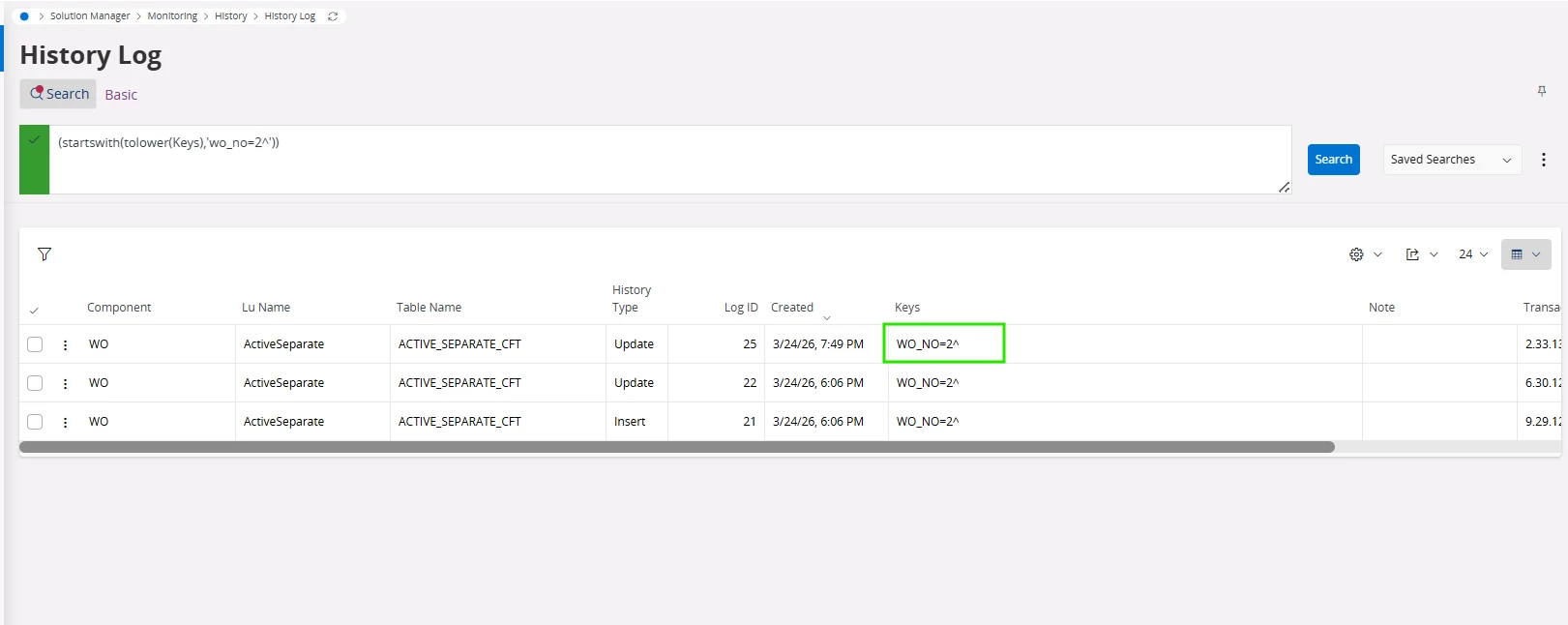
Also, I need to filter History Log records where:
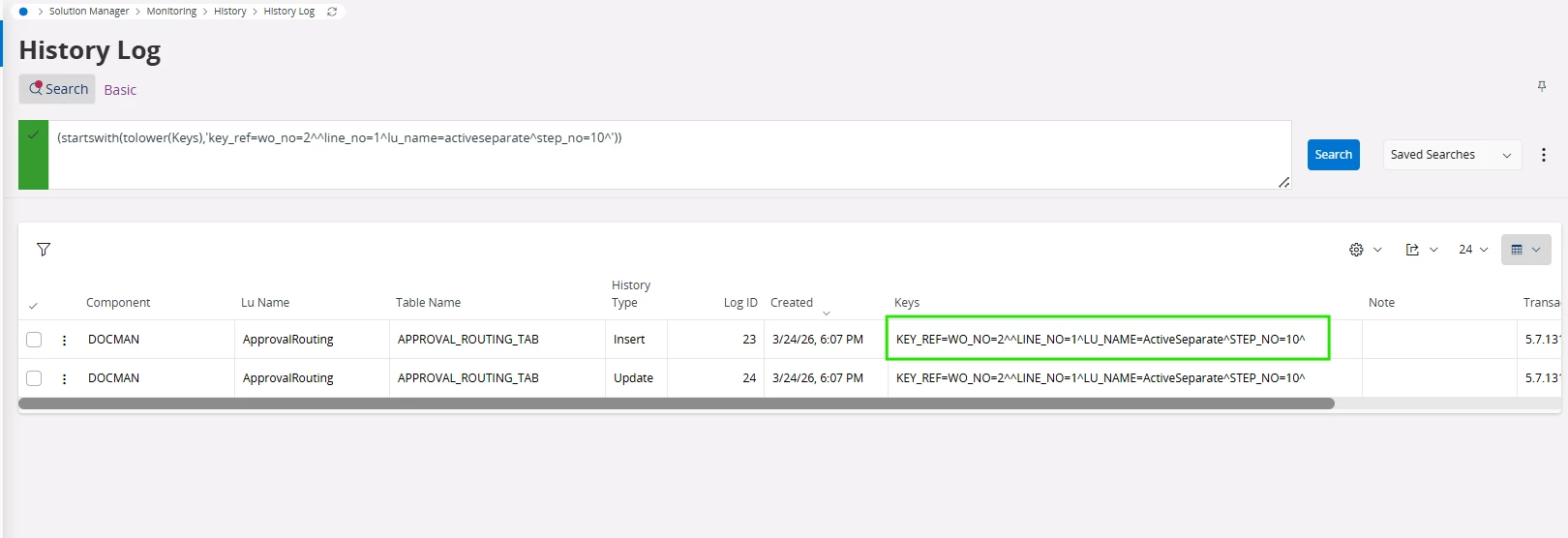
LU Name = ApprovalRouting
Since the KEYS field contains multiple key references like:
KEY_REF=WO_NO=2^LINE_NO=1^LU_NAME=ActiveSeparate^STEP_NO=10^
I need to understand how to correctly pass WO_NO (and other key references if required) through navigation filtering.
Keys: KEY_REF=WO_NO=2^^LINE_NO=1^LU_NAME=ActiveSeparate^STEP_NO=10^
Thanks in advance.