Question

Maintenance Planner Resource Management

  • May 5, 2026
  • 3 replies
  • 46 views

Forum|alt.badge.img+6

Hi,

With the Maintenance Planner Resource Management lobby, where does Date Range come from? 
Can this be configured to just look at one day/one week/two weeks?

1 day horizon.
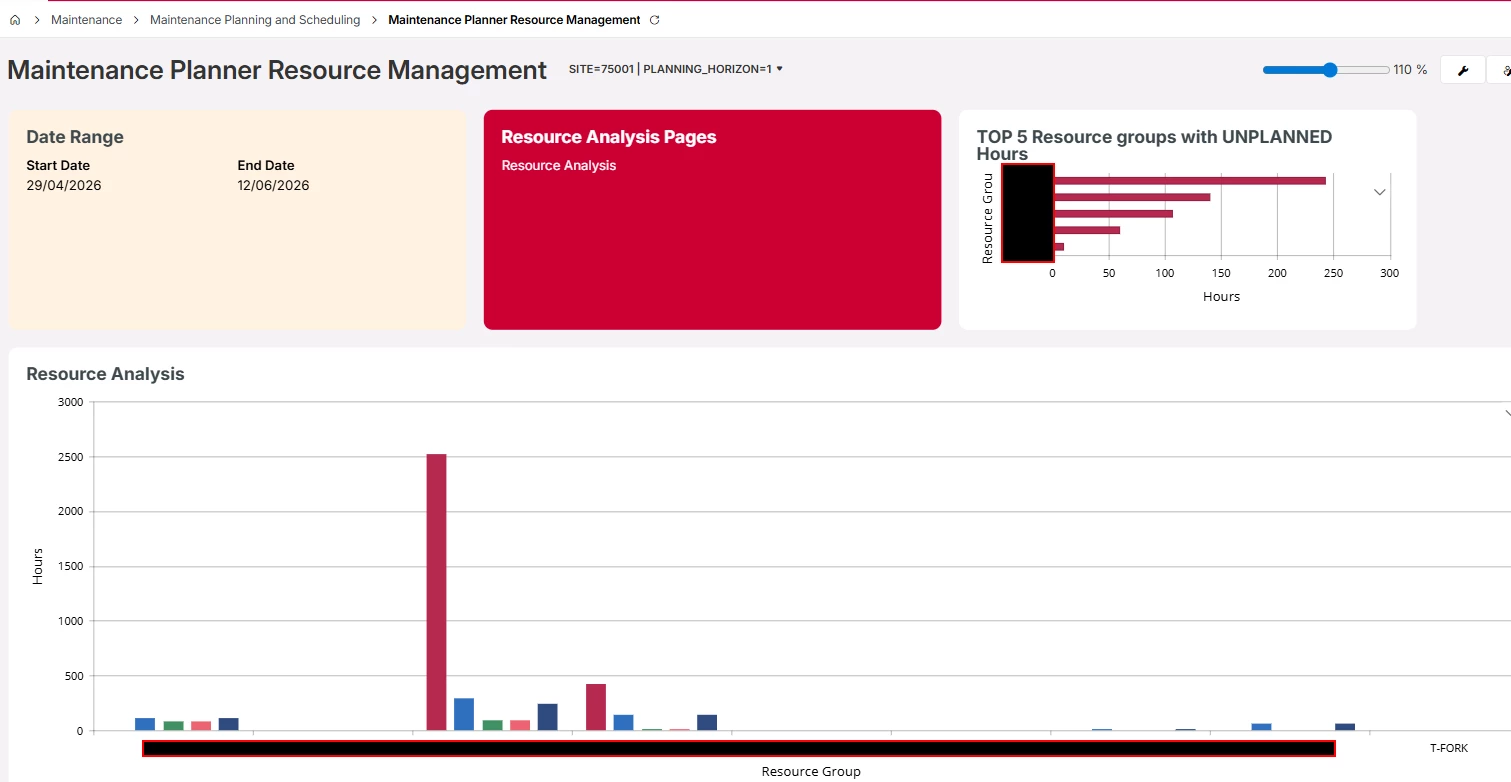
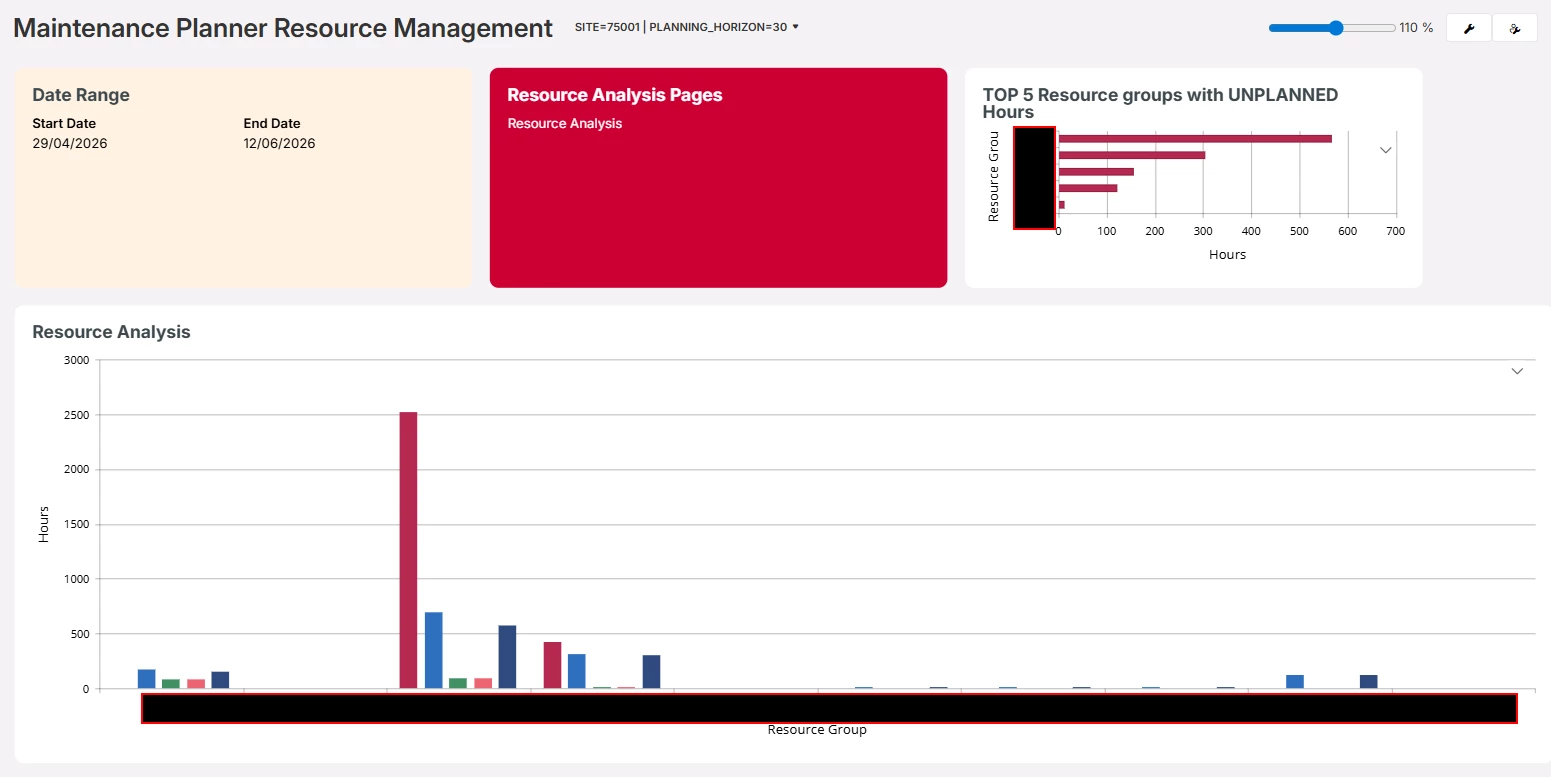
When I change the planning horizon as well, the graph does not change.

30 day horizon.

Thanks!

3 replies

Forum|alt.badge.img+5
  • Do Gooder (Employee)
  • September 7, 2026

Hi ​@anthonyinfo, from what I can see, the date range should be updated based on the PLANNING_HORIZON starting from today’s date (if there are activities today it seems), and the end date only updates with intervals of 7. What version are you on?

When I look at your screenshot, it sure looks like the graphs are updated? Only the Date Range seems to be static for some reason.


Forum|alt.badge.img+6
  • Author
  • Do Gooder (Partner)
  • September 13, 2026

Hi ​@danhse , 

This is in the 25R2 environment. 


Forum|alt.badge.img
  • Do Gooder (Customer)
  • September 30, 2026

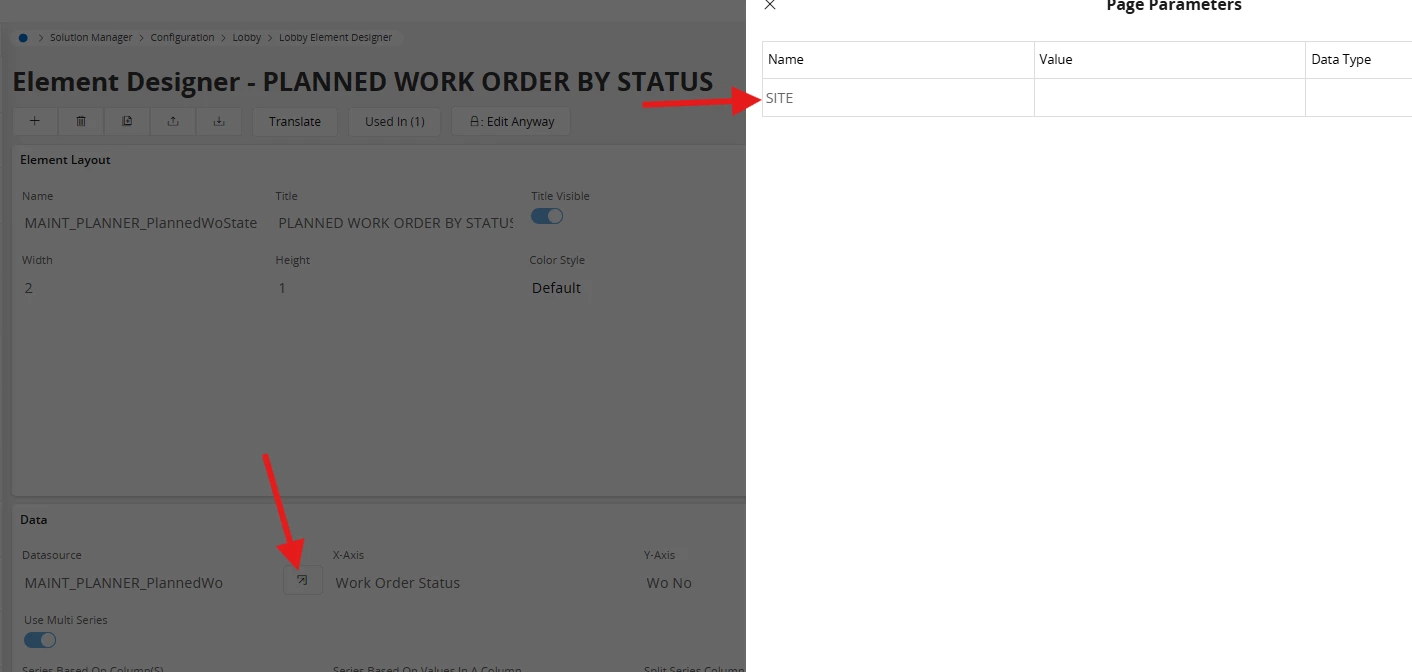
I do not have the same lobby or lobby element in my environment but I always recommend to look into the setup itself. So go to lobby configuration and spot the Lobby element that you need to check on. Check the datasource that the lobby element is retrieving its data from. If the datasource does not take the “Planning horizon” parameter it will not change the lobby element either. 
 

For some lobby elements it is not wanted (or it does not make sense) that they are updated by a parameter on the lobby. Not all parameters are used for each lobby elements. You need to chack on this for each and single on. If only one lobby element uses the “PLanning horizon” effectivly it will be displayed on the lobby. You do  not see from a first catch which parameter is used by which element. This always requires a deep dive.

Hope this helps