Question

Maintenance Change Request

  • June 18, 2026
  • 3 replies
  • 21 views

Forum|alt.badge.img+3

I am trying to understand the Maintenance Change Request in 25R2. Would appreciate some help in understanding the way of working.


  1. How to use the second step in the assistant? Looks to be reporting fields, are these supposed to be used on the current task or why should I add data in for example “action taken” when I create a new MCR?
  2. As a technician I would like to report that the work report and interval for the job is incorrect, how would I go about to do that?
  3. Without adding any of the toggles in the first page I am not able to create the MCR. I would only like to report duration and work descripton changes, not anything related to material, resources or object. Is this a bug?
  4. Why is the object updates limited to test points and parameters?
 

3 replies

shaflk
Do Gooder (Employee)
Forum|alt.badge.img+5
  • Do Gooder (Employee)
  • June 22, 2026

Hi,

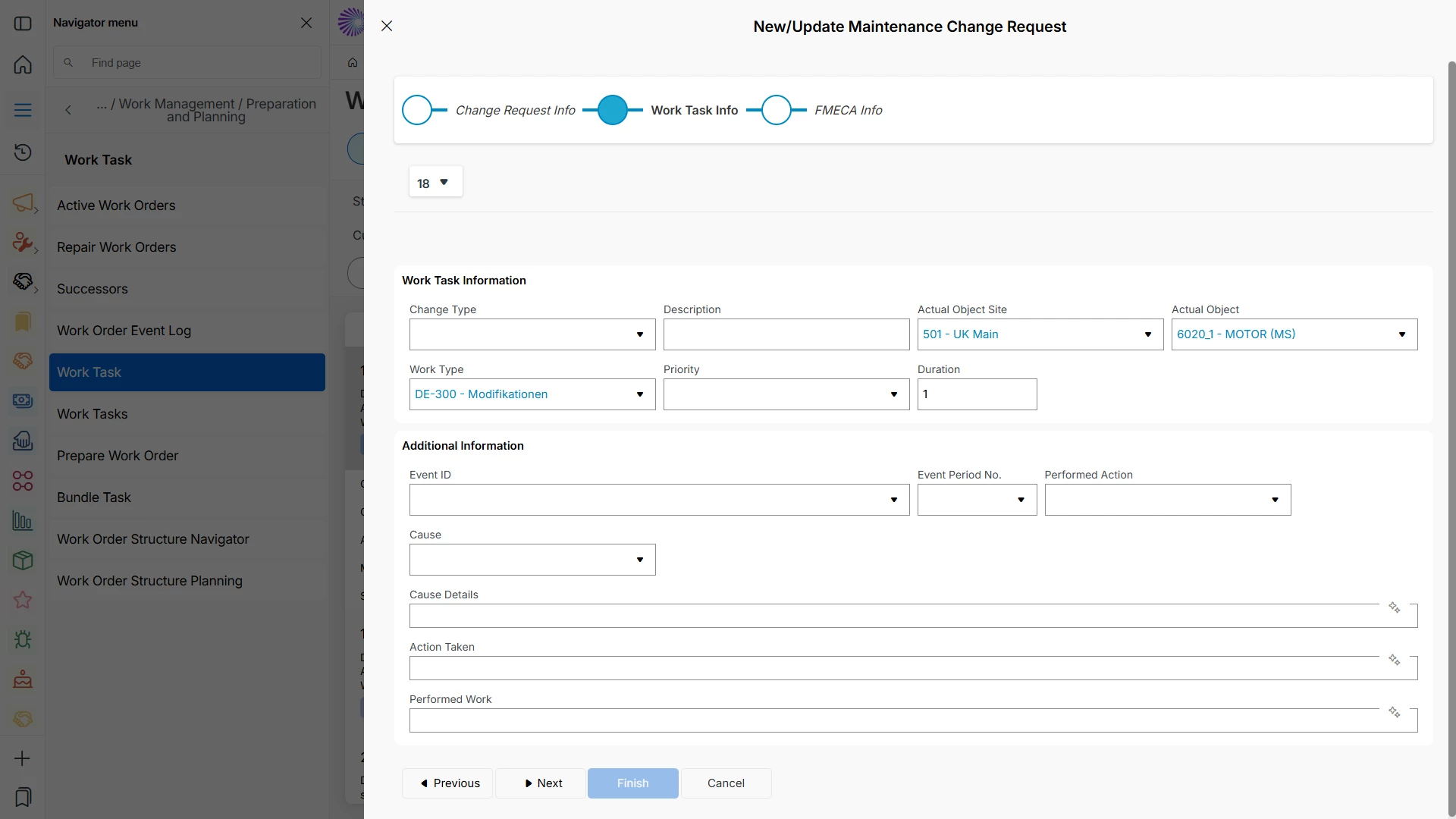
When raising MCR, we are trying to capture any FMECA related information as well, so if no toggles selected Finish enables on the third step of the assistant.

But yes, if no FMECA Feedback on the MCR needed it’s good to have Finish enabled in the second step as well, will fix it in master track via an internal defect.

The purpose of having these additional fields on the Maintenance Change Request (MCR) is to allow maintenance personnel to propose additional work, improvements, or new maintenance actions based on observations made while performing the work. The Duration field can be used to indicate that the reported work duration or maintenance interval is inaccurate and should be reviewed.

In the initial design, object-related updates are limited to Test Points and Parameters, as MCRs can currently only be raised from Work Tasks and FMECA. Further enhancements will be evaluated when MCRs can be raised directly from the Equipment itself, enabling a broader range of equipment-level maintenance improvement suggestions.

Best Regards,

Shamila 


Forum|alt.badge.img+3
  • Author
  • Do Gooder (Customer)
  • June 22, 2026

Thanks for reply.

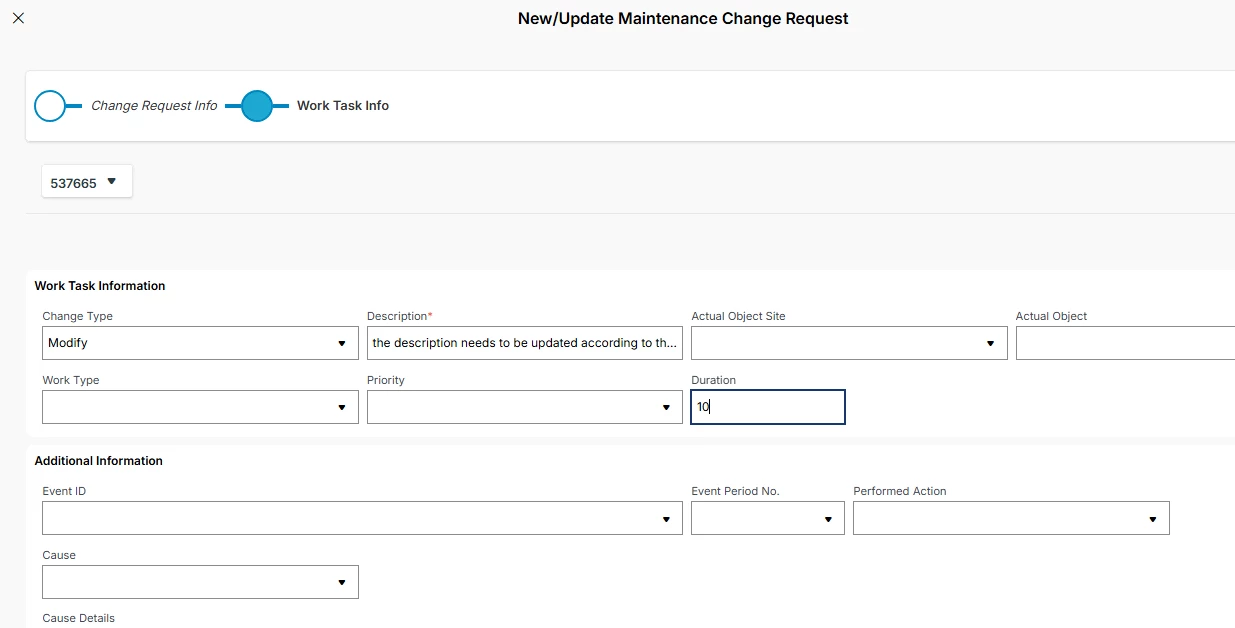
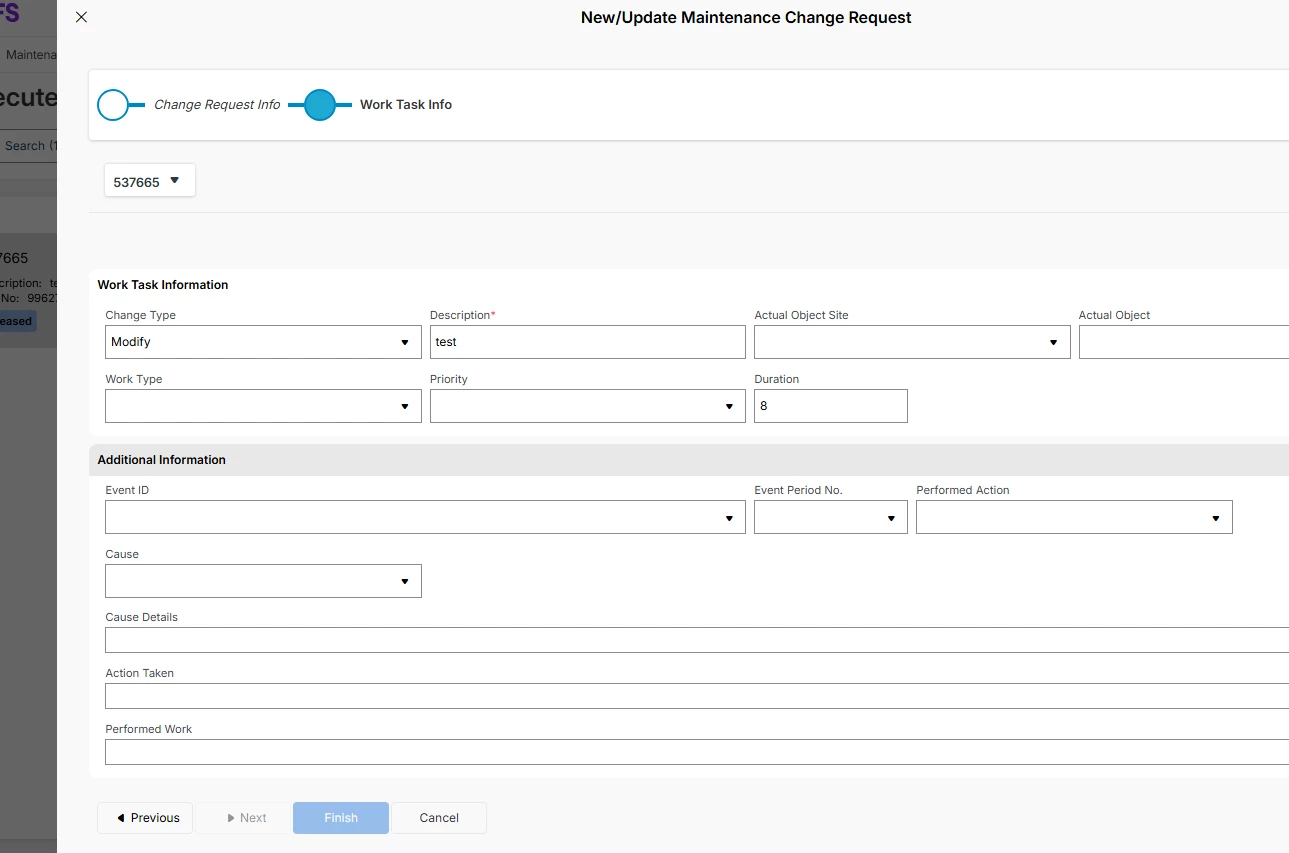
What you are saying is that the fields inside the assistant is only for the MCR, not for reporting on the Work Task? So if I add data in the Cause Details and Performed Work fields, that are purely for updating purposes and not for Work Task reporting?

I don’t have a third step called FMECA.


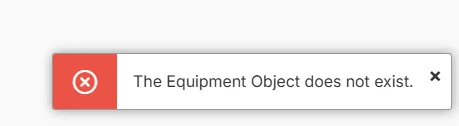
And when I use one of the toggles I get an error message


Is Equipment a mandatory field to be able to create an MCR?


shaflk
Do Gooder (Employee)
Forum|alt.badge.img+5
  • Do Gooder (Employee)
  • June 22, 2026

Thanks, this is definitely a defect. I think when FMECA module not installed, this raised.

Will correct this internally.