


Hi,
Two questions about the Part No. field for functional objects:
If I set the Part No. on the Functional Object card, it doesn’t affect the Object Description, which works as expected.
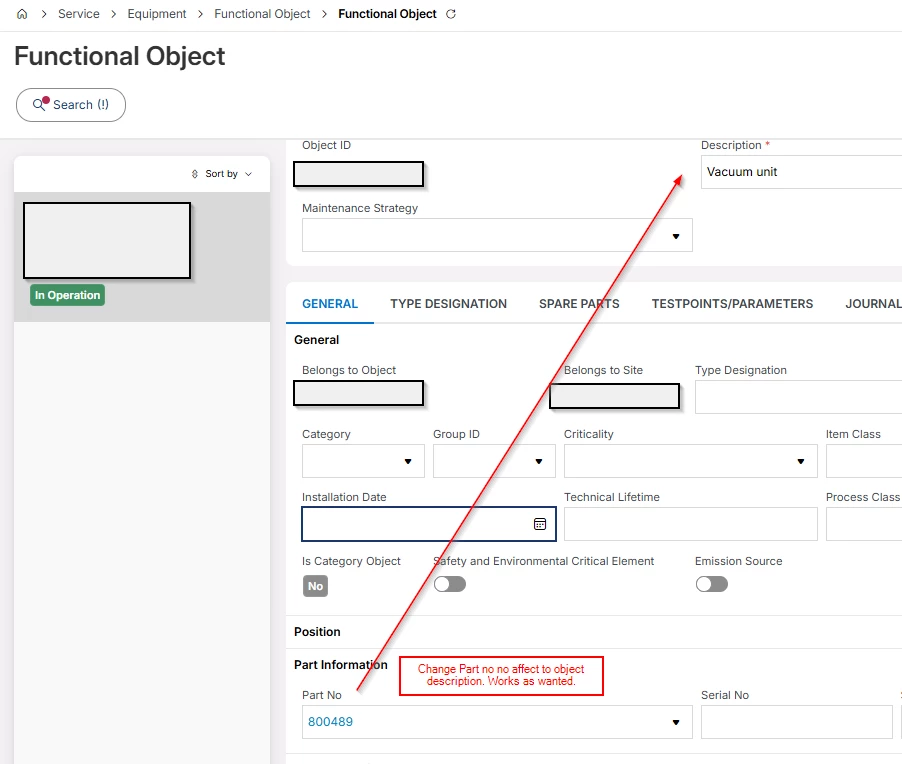
However, if I set the Part No. in the “Objects” edit view, the Object Description changes to the name associated with that Part No. Or if I remove the Part No., the Object Description is cleared as well. (Service-Equipment-Object-Objects ).
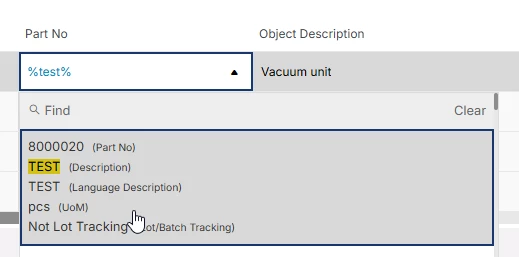
Select part → name changes to part name.

Is this a bug, or is there a setting to disable this behavior? The Objects screen is very useful for making mass changes without migration, so a solution would be highly beneficial. And yes, with excel migration filling part no works also as wanted, just with the “objects” screen it does that.
This works like this in 26R1 also.
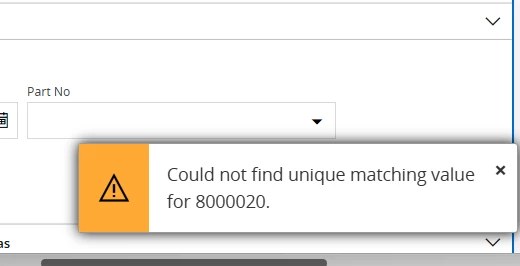
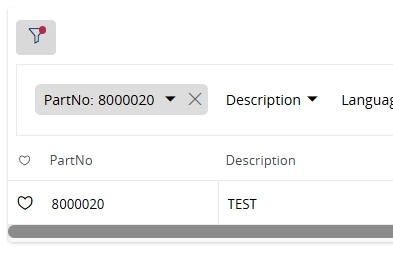
Another issue occurs when setting the part number from the Equipment Object Navigator without opening the individual object card. The Part No. search does not return any results. I can click Find and search for the same part there, after which it is accepted, but this is an unnecessary extra step when handling many objects. If I remember correctly, the Part No. field is not shown by default in the Navigator view; we have made it visible ourselves. But still, it should work.
BR,
Ville