Question

Barcode Scan in Aurena

  • November 26, 2025
  • 9 replies
  • 86 views

Forum|alt.badge.img+7

We are in IFS Version 10

We have user’s that are receiving shipped parts in the field.  We would like an Aurena screen that the user can go to a scan a barcode to look up the part and mark it received.

Can this be done on an Aurena screen?

Can we use the Scan It application via web browser in chrome or edge?

 

9 replies

Forum|alt.badge.img+7
  • Author
  • Do Gooder (Customer)
  • December 8, 2025

We really want to know if we can use an Aurena Screen combined with a USB Barcode Scanner connected via USB to search for parts.


Marcel.Ausan
Ultimate Hero (Partner)
Forum|alt.badge.img+22
  • Ultimate Hero (Partner)
  • December 8, 2025

@clint1028 yes, you can use Scan IT to register arrivals. For that you need to configure the wadaca process for register arrivals.


Forum|alt.badge.img+7
  • Author
  • Do Gooder (Customer)
  • December 8, 2025

Scan It from the surface looks like it is only for Mobile (Apple or Andriod)

I do see info on Aurena Native Scan it but can’t find good documentation on it for IFS 10.

Do you happen to know where I could find that documentation or example?


Marcel.Ausan
Ultimate Hero (Partner)
Forum|alt.badge.img+22
  • Ultimate Hero (Partner)
  • December 9, 2025

@clint1028 sorry, I just re-read your post.

IFS Scan IT app can run on Android / iOS / Windows. So, if your technician can’t use the app on Android / iOS, they can even install IFS Scan IT on their Windows computer → this way they could do register arrivals.

Or, if they have the right permission configured, they should be able to use the Aurena client to Register Arrivals directly.


Forum|alt.badge.img+7
  • Author
  • Do Gooder (Customer)
  • December 9, 2025

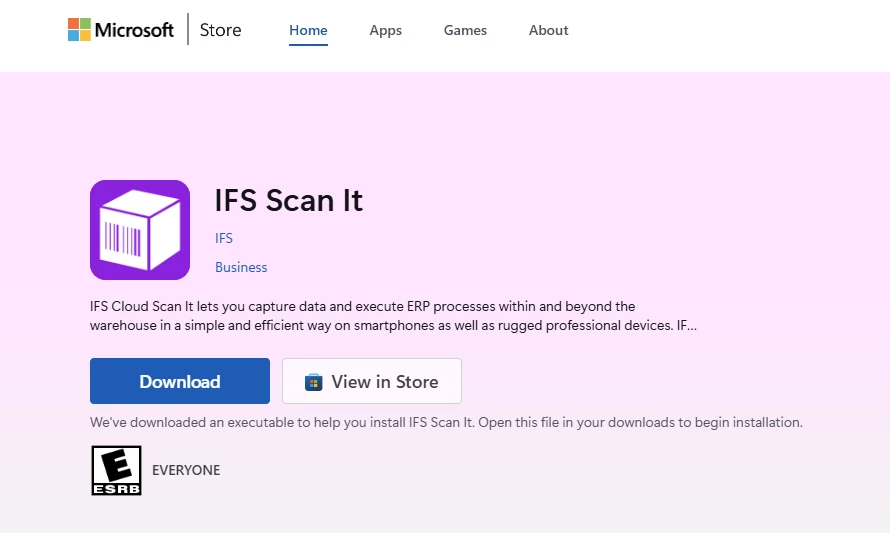
Sure enough it is right there in the Microsoft Store:


Forum|alt.badge.img+7
  • Author
  • Do Gooder (Customer)
  • December 9, 2025

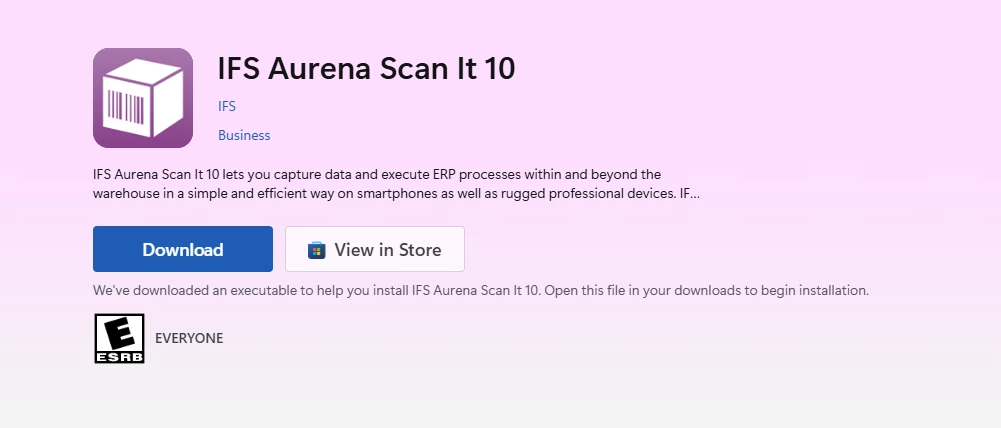
Ok so since I need IFS Aurena Scan it to work on IFS 10.  I need IFS Aurena Scan It 10 which is also available on the windows App store:


Marcel.Ausan
Ultimate Hero (Partner)
Forum|alt.badge.img+22
  • Ultimate Hero (Partner)
  • December 10, 2025

Hi ​@clint1028 , yes for Apps10 you’ll need to use IFS Aurena Scan It 10.

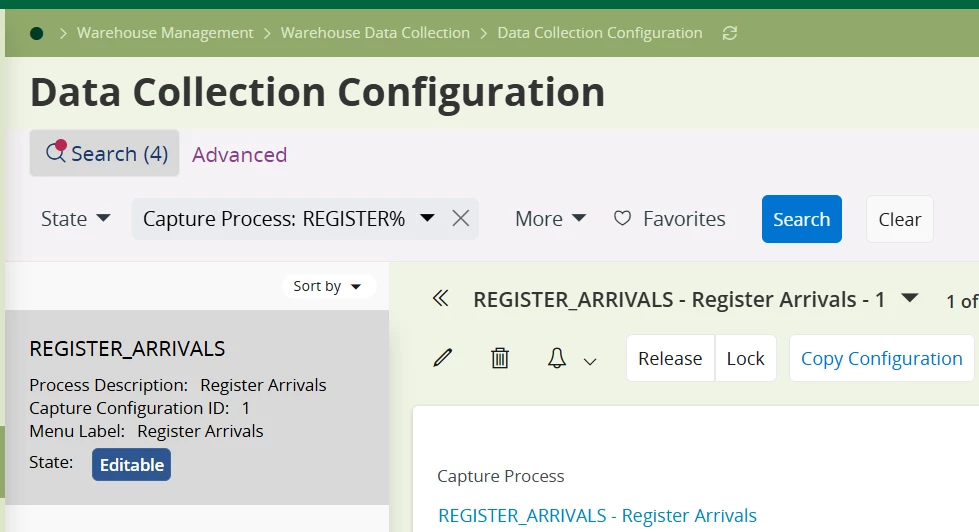
Just make sure you have configured the REGISTER_ARRIVALS WaDaCo process:


Forum|alt.badge.img+1
  • Do Gooder (Customer)
  • April 13, 2026

Hello Clint, Have you had success with this? We have been working on deploying this on IOS and I’m currently trying to learn how to make the system auto advance to the next parameter after doing a scan to eliminate the need to press the save button on mobile devices. Any tips or feedback would be appreciated as the documentation is not as clear and concise as I would like.


Forum|alt.badge.img+17
  • Hero (Employee)
  • April 28, 2026

Seems like I have missed this older post. 

First of all you could use a USB/Blue tooth scanner connected to your PC and any client both IEE or Aurena to scan barcode into a field. You don’t need Scan-It for that.


Also if you have any questions about Scan-It feel free to ask them in the special section for Warehouse Data Collection (WaDaCo).


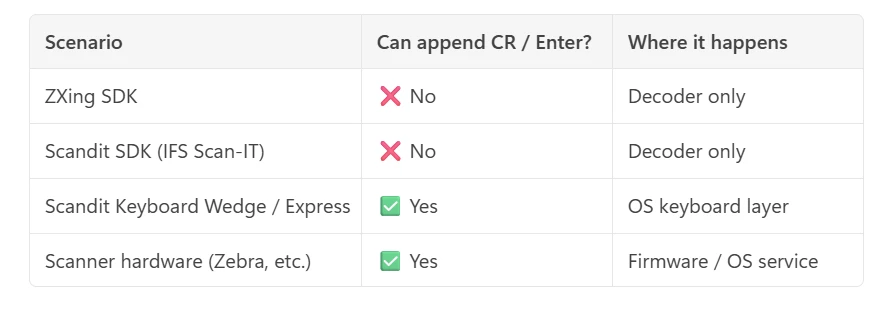
@GoryCox22 what you need is to have something send in the carriage return character from/with the barcode scanner/string  in the end of the barcode string so it will trigger an auto save in the Scan-IT client.

There is different ways to handle this, in most scanners you can change some settings to do that so it always append a character of your choice in the end of the barcode string, or you add the character to the barcode string itself when the barcode is created, if your device is missing this type of setting options I also think there is some 3d party apps/tools that can do this for you.

Since you are using iOS I’m guessing you are probably using the camera function rather than a proper built-in scanner, there I’m not sure if there is any settings to control this, plus it might be different depending on which 3d party camera scanning tool that is used (like ZXing SDK or Scandit SDK). I got this answer from copilot when I asked about these settings: