

The core issue is the failure of IFS Cloud to communicate with the Aurena Agent, resulting in errors such as "This operation requires the AurenaAgent to be enabled." The problem appears linked to environment-specific OS or configuration differences rather than a product defect.
When the customer is trying to export a document in the window below (custom page), the following error will pop up. This Aurena agent is installed on only 2 machines. One is working (though it sometimes doesn't work), and the other is completely not working.
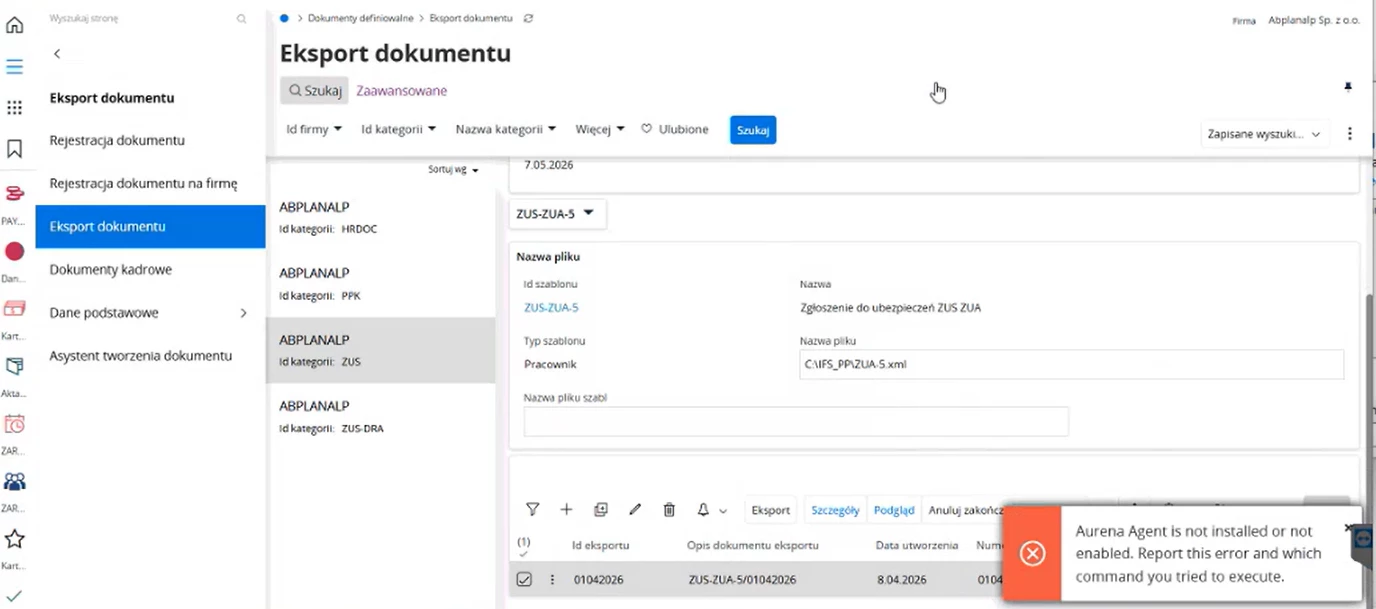
Investigations done so far.
- Reinstalled the aurena agent a few times. Still getting an error as below.
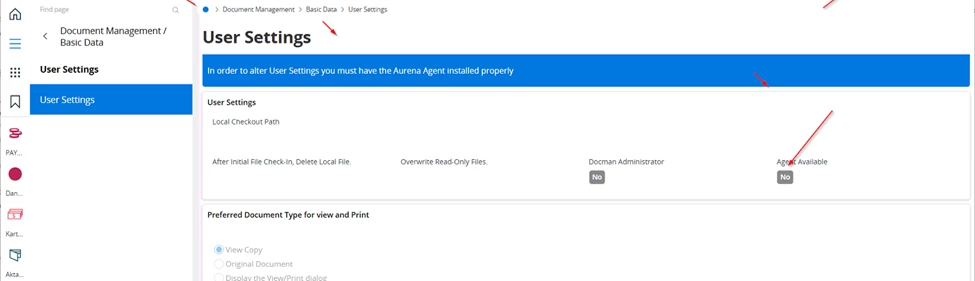
- Checked Anti-virus software like ESET blocks this Aurena Agent installation and followed the below article: https://community.ifs.com/framework-and-experience-101/error-from-aurena-agent-security-error-reque
- Customer hasn’t performed an update to the SSL/TLS certificate on this environment recently.
- Disabled the antivirus and installed the Aurena agent again
- Follow the KB article below related to changing the allowed_hosts file and SSL certificate mismatch.
- Analyzed the Event Viewer logs for any issues while Aurena Agent msi installing. found nothing.
- Install the Aurena agent with a super user – Informed the customer’s IT department to remotely install the Aurena Agent and try.
- Silent installation using the MSI - Perform a silent installation of the IFS Aurena Agent by running the MSI installer from the command prompt, passing the environment URL parameter.
Run the following command as an administrator or directly in the user context:
"SetupAurenaAgent.msi /quiet HOST=https://<IFS_ENVIRONMENT_URL> " - Installing Aurena silently from an elevated prompt installs Aurena in local administrator user's folder and it is completely unavailable to the user. So this method does not help.
- Ran the following test to verify if the server is consistently presenting the exact same certificate thumbprint; the output is correct.
1..5 | ForEach-Object {
$req = [Net.HttpWebRequest]::Create("<your-customer-subdomain>")
try { $req.GetResponse() } catch {}
Write-Host "Run $_`: $($req.ServicePoint.Certificate.GetCertHashString())"
Start-Sleep -Seconds 2
}
- Suggested disabling SSL inspection for ifs.cloud use this as a workaround (Customer hasn’t done this yet)
- No errors in IFSAurenaAgent.log
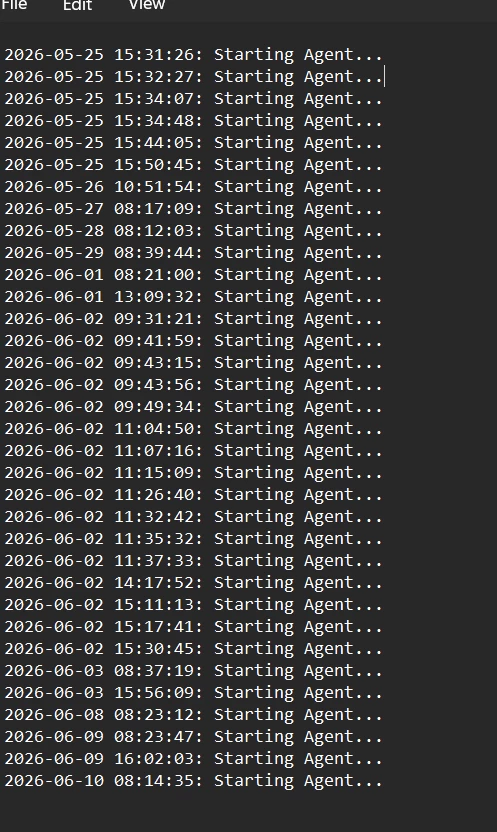
We would appreciate your ideas to resolve this issue.
Thank you

