
The newly introduced AI answers in the IFS Community is an AI powered search that surfaces quick and conversational answers pulled from community posts and other community related sources.
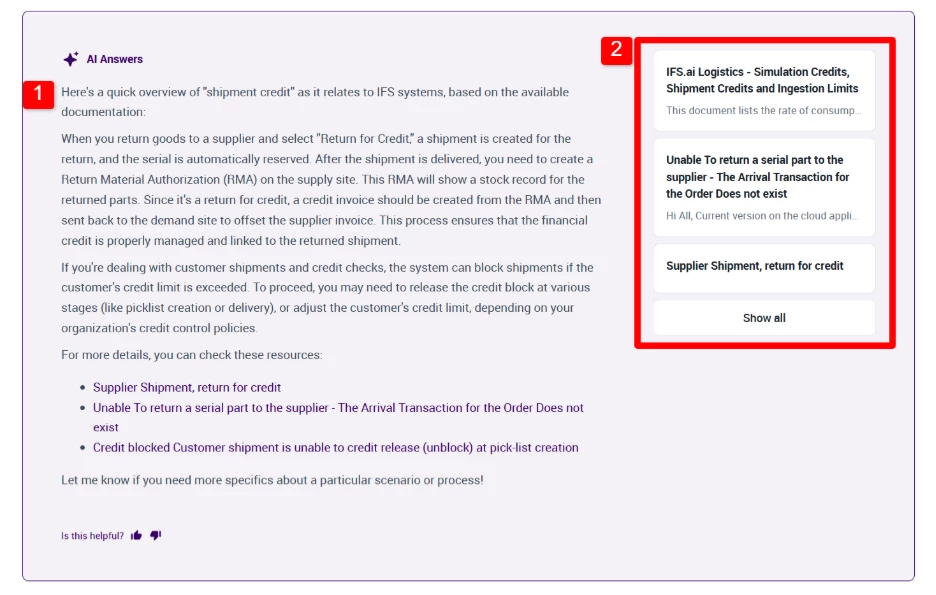
You can now input query into the search text field on the Community and click Generate to view AI summary/answers.
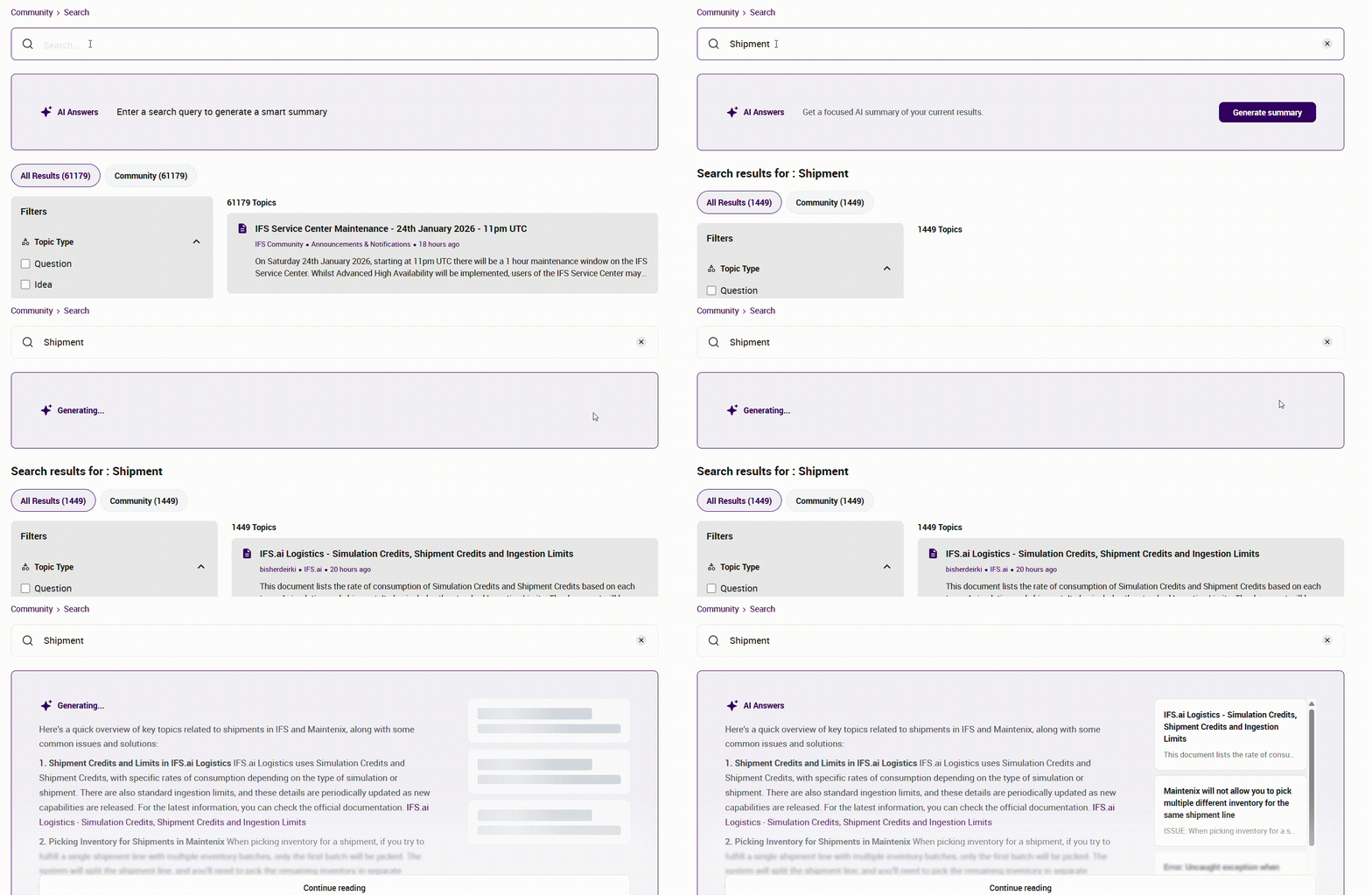
The answer panel has two key elements -
-
AI Answer panel: Answer to your question based on community posts. It is a summarized conversational response generated from community posts.
-
Source Snippets: Additional context or relevant sources. Each snippet includes a short excerpt from original content.
How to get the best results from AI Answers
Below are best practices to get accurate and relevant answers when using AI Answers:
-
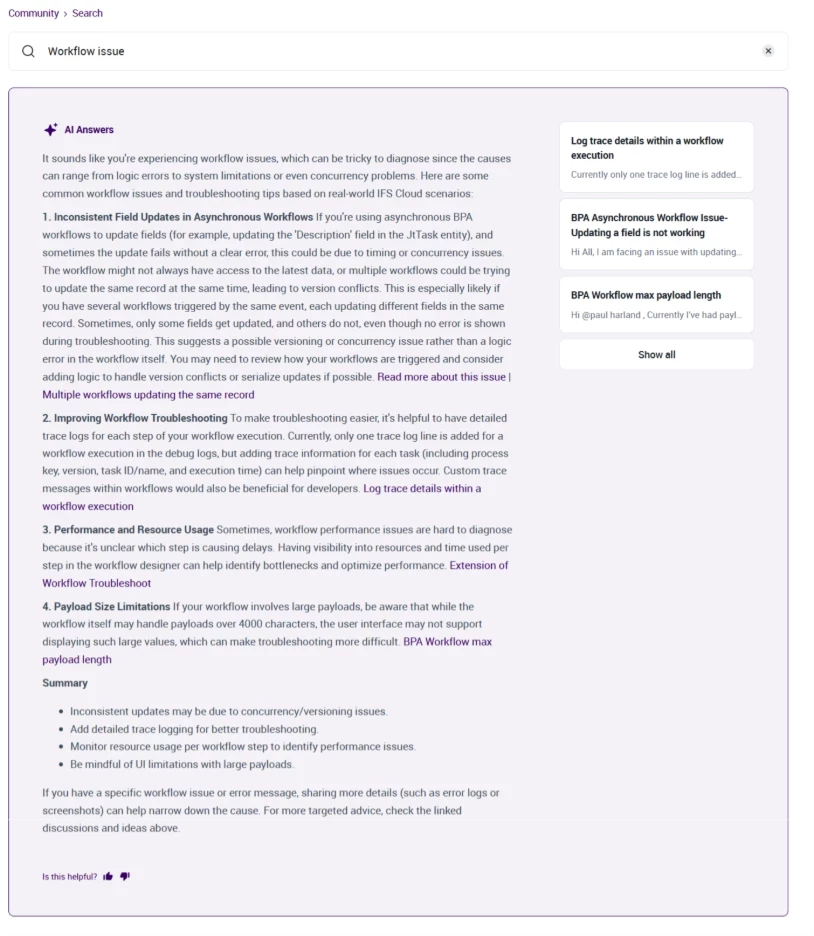
Be specific with your search/question
Avoid broad or one-word searches. The feature performs best when queries include meaningful detail.
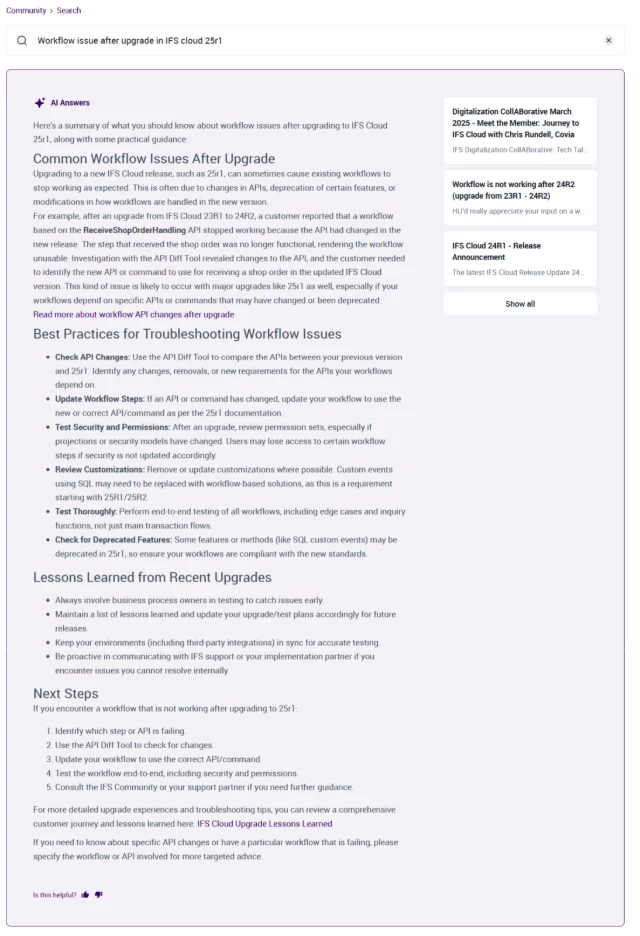
For example: A more structured query like shown below allows AI answers to generate a focused summary and surface topics such as related common issues, troubleshooting steps, and more.
-
Treat the responses as guidance
The feature is intended to provide a summarized view of relevant information. The answers for the same query may differ based on interpretation and availability of information. It should be used as a starting point rather than a definitive solution, and it's best to review linked sources before applying any recommendations.
-
Verify information using source snippets
Before taking any action, validate the information provided in the summary. You can utilize source snippets and review original content to confirm that the details align with your specific use case.
-
Refine search query
If the initial answer/summary does not meet your expectations, refine search with more details. An integrative approach to adding and refining keywords can produce more targeted results.