Users are not able to install Astea Mobile application on Android version 14.
Getting message that it was made for older version on Android.
screenshot attached.
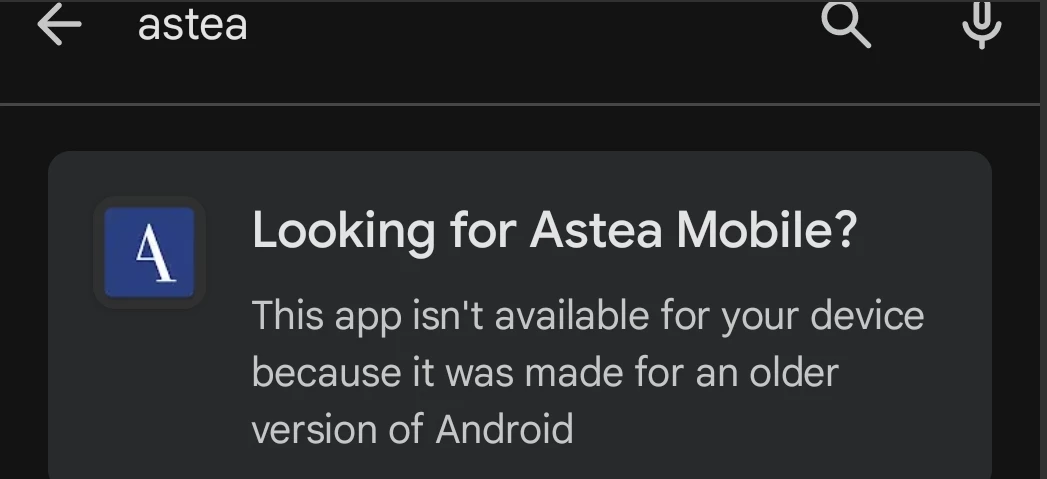
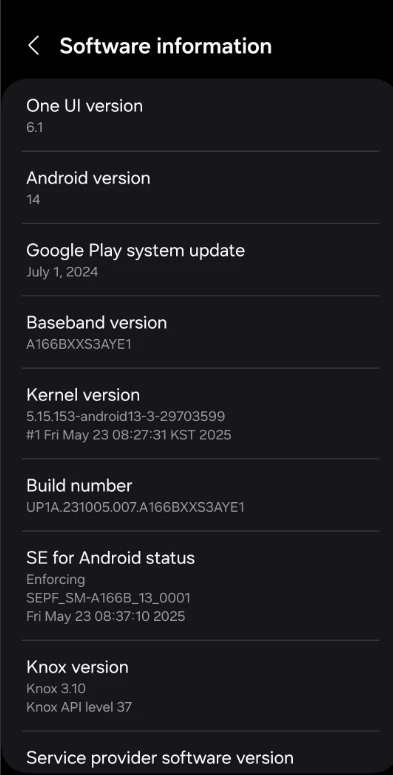
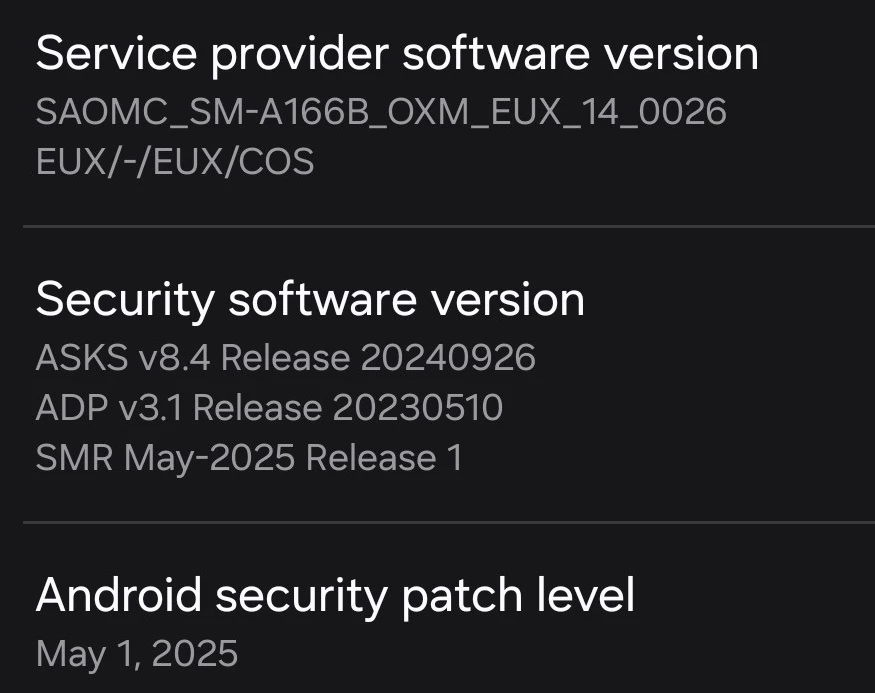
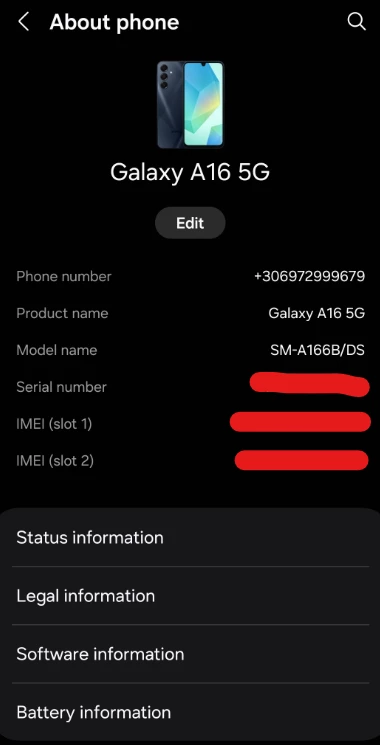

Users are not able to install Astea Mobile application on Android version 14.
Getting message that it was made for older version on Android.
screenshot attached.
Best answer by Reid Gilbert
You can side-load the app in the following manner (if you don’t have any MDM software installed/configured on the device):
To do this, open up the Google Chrome app on the mobile device and browse to the following URL:
https://qac.astea.com/AsteaMobileEdge/install.html
Click on the "Android Client" link on that screen.
You may get a "File might be harmful. Do you want to download AsteaMobile.apk anyway?" message.
If so, click on "Download anyway".
Wait a couple of seconds for the download to complete.
If you get a Chrome popup window that says "For your security, your phone currently isn't allowed to install unknown apps from this source. You can change this in Settings." Click on the Settings button and enable the "Allow from this source" toggle temporarily.
When you see the screen that says "Astea Mobile - Do you want to install this app?" click on Install.
Wait for the installation to complete, then launch the app and you'll be taken to the Enter Server Address screen as normal.
Thanks,
Reid
Enter your E-mail address. We'll send you an e-mail with instructions to reset your password.