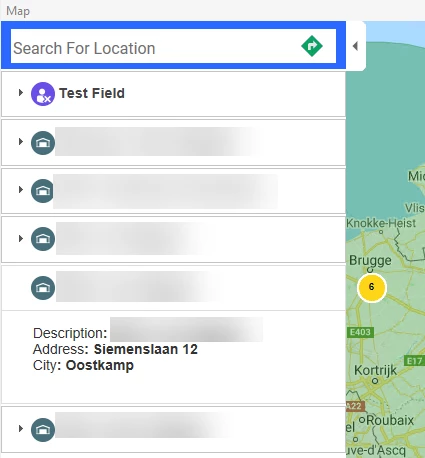
Question came up; Why do I see the street address and not the city when I am viewing the list of nearest warehouses in the Dispatch Console? It would be easier if the City was also displayed in the address description.
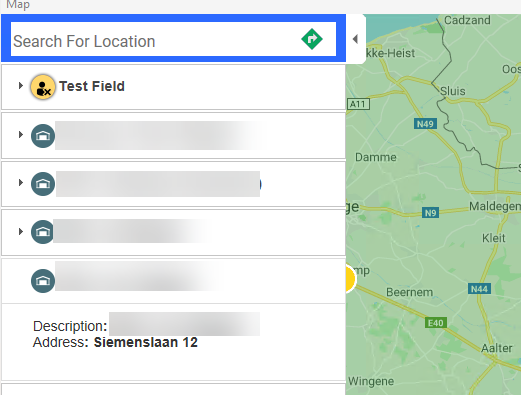
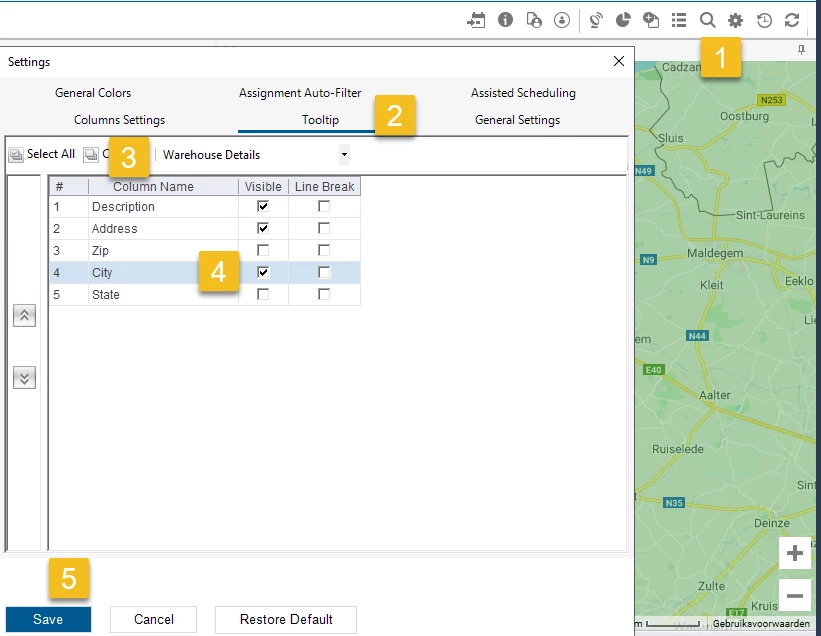
Answer was there are options to define which fields will appear in the tooltips for the Dispatch Console.
- Open the Settings for the Dispatch Console (gear icon)
- Select the Tooltip tab
- Select the Tooltip dropdown selector choosing Warehouse Details
- Enable City as Visible
- Save
Now when you view the warehouses, you will see the City: