Question

How to Export/Import checklist from a dev environment to a PRO env ?

  • June 10, 2025
  • 4 replies
  • 47 views

Forum|alt.badge.img+10

Hello,

Before creating new checklists in the production environment, we tested and created different 'sophisticated' checklists in a development environment.

What is the best practice for exporting them to PROD, without having to recreate them from scratch?

Thank you.


ALLAINCE v15.4 SU7

4 replies

Phil Seifert
Ultimate Hero (Employee)
Forum|alt.badge.img+24
  • Ultimate Hero (Employee)
  • June 10, 2025

HI Laurence,

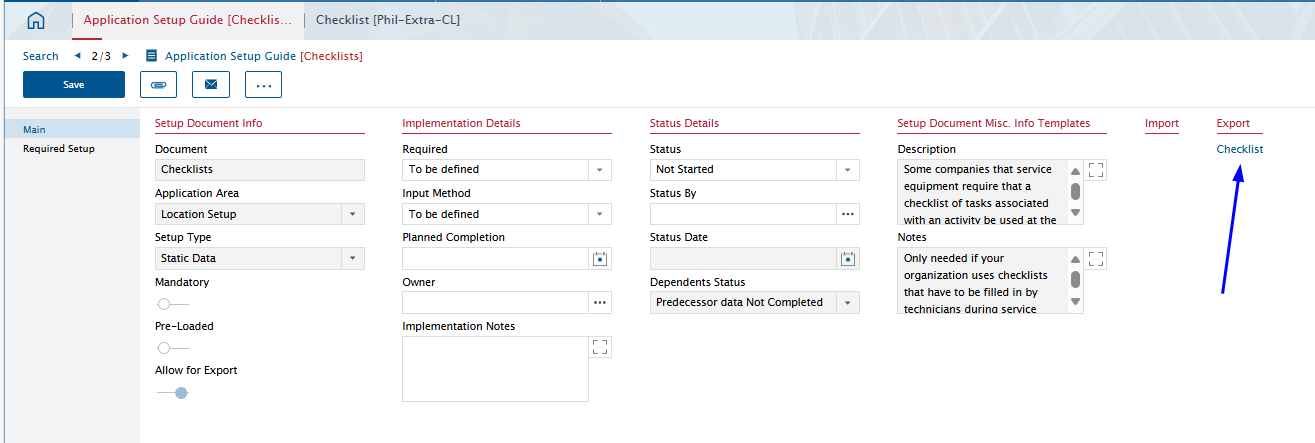
Please see if you can use the Application Setup Guide from your UAT to export the checklists.


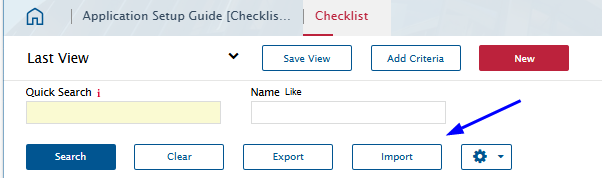
Then on your production system, use the import button.


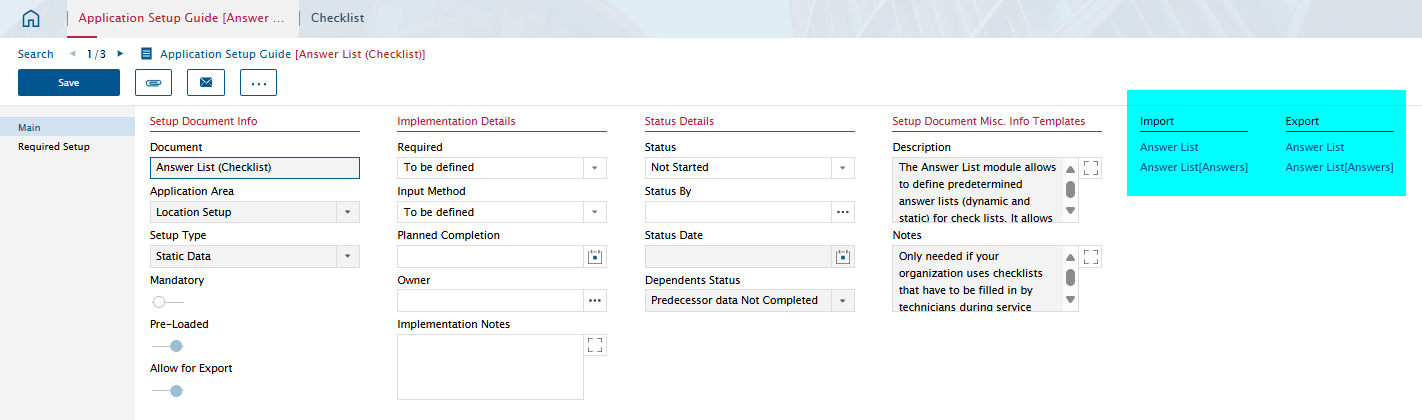
If you are using answer lists, this may also be exported/imported.


Hopefully this will accomplish what you are attempting.


Forum|alt.badge.img+10
  • Author
  • Sidekick (Partner)
  • June 10, 2025

Hi Phil,


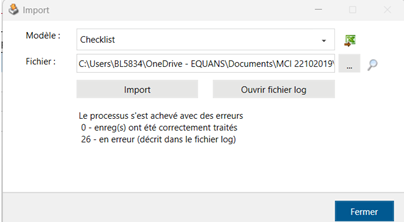
Actually, setting is OK. Then on the checklist list, we click “Export”. On the New env, we click Import, choose the file and then we have this error message : 

 with log as : 


Phil Seifert
Ultimate Hero (Employee)
Forum|alt.badge.img+24
  • Ultimate Hero (Employee)
  • June 10, 2025

HI Laurence,

I thought that would work based on the naming… might have to look at using export template wizard to create the Excel files and then import that instead.


Forum|alt.badge.img+10
  • Author
  • Sidekick (Partner)
  • June 10, 2025

We need to check that. Any advice would be appreciated.

It used to work in V15.1