



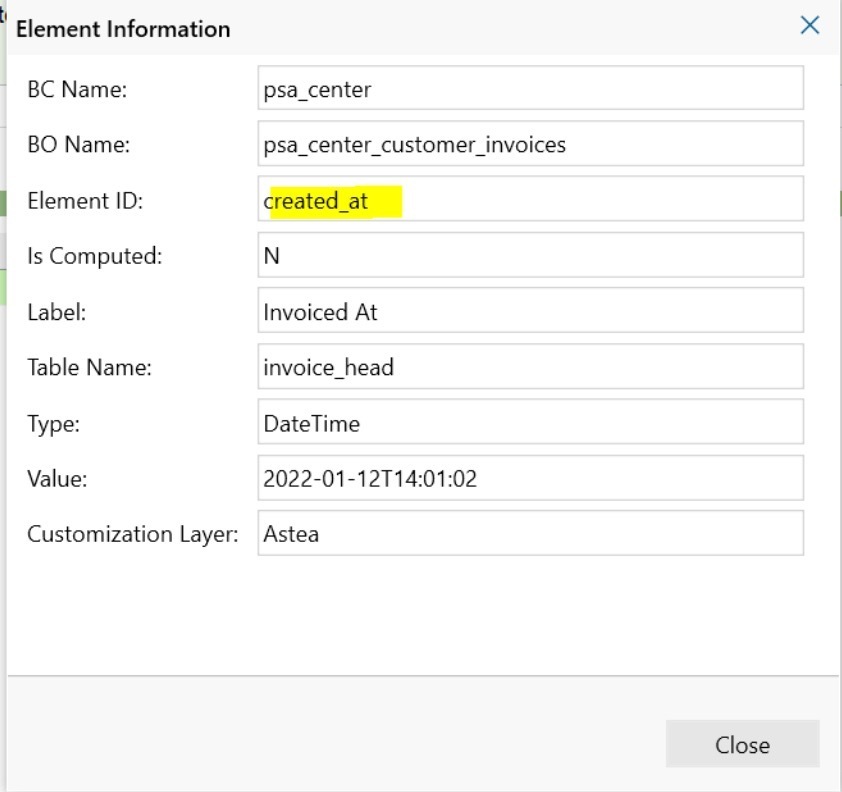
When using the Astea Browser, it is also possible to find the Element ID needed for security setup by focusing on the field in question. Pressing CTRL-SHFT-F1 will give you a screen like the example below:
Further, if you have your IE settings to allow Status Bar changes via script enabled, elements you click on will usually show the Element ID in the status bar. This is covered in the IFS Community question within this link: